


Chrome VPN extensions are easy to use, making them a great starting point for VPN newcomers. We've listed the best picks in this guide so you can boost your online security from within your Chrome browser.
We think ExpressVPN is the best option for Chrome users, thanks to its seamless setup process. PIA and Windscribe aren't far behind, however.
The TechRadar team has 12 years of experience testing and writing about today's best VPNs, and we've personally vetted each of the VPNs (and their Chrome extensions) in this guide. Keep reading, and we'll cover the features, speed, and price of all our picks.
The best 5 Chrome VPN extensions


The best Chrome VPN extensions
Why you can trust TechRadar We spend hours testing every product or service we review, so you can be sure you're buying the best. Find out more about how we test.
The best Chrome VPN extension overall
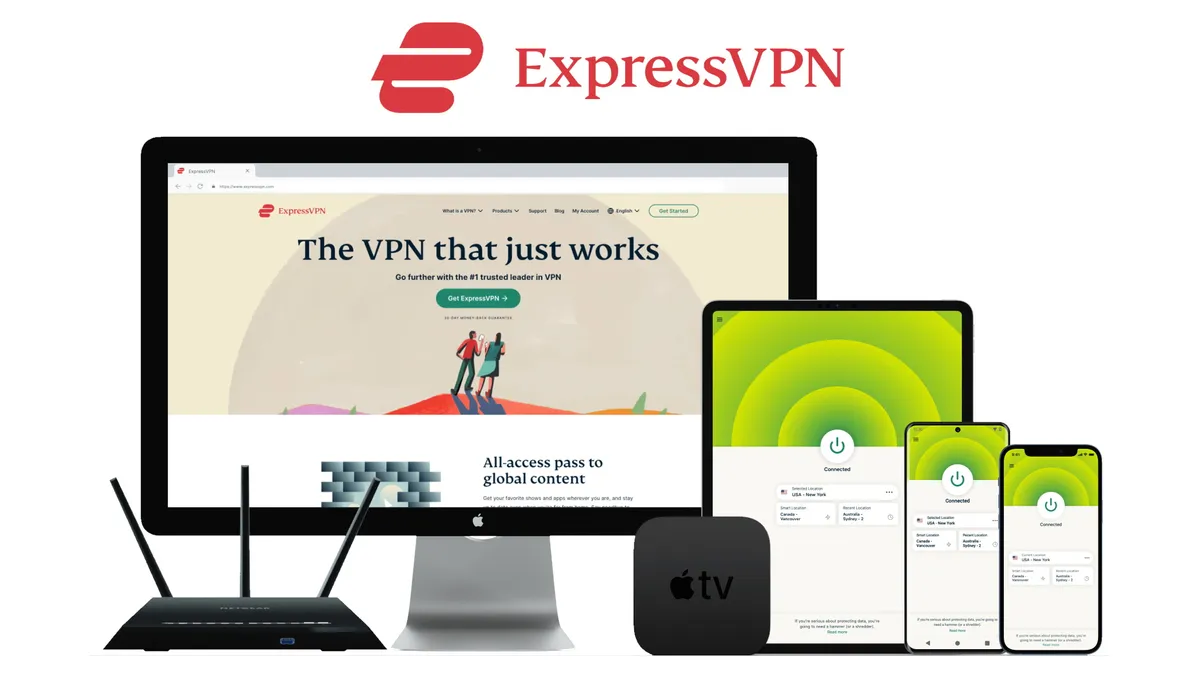
All ExpressVPN apps are a delight to use. They look great, features are exactly where you'd expect them to be, and you don't have to be a VPN veteran to get set up. The Chrome VPN extension is no exception. In fact, it's a full-blown extension rather than just a proxy, which sets it apart from most other Chrome options.
Right from the get-go, you can tell that the Chrome extension has all the usability and smarts you'd expect from ExpressVPN's Windows and Mac clients. So, you can immediately connect to a server, change your location, and alter settings in the extension itself. That's a nice quality-of-life feature that makes navigating the app much easier.
ExpressVPN's security offering is top-notch. The service sticks to a strict no-logs policy and isn't interested in keeping tabs on what you get up to online – which is exactly what we like to see. What's more, the ExpressVPN browser extension has undergone rigorous security audits by Cure53, a distinguished cybersecurity company.
ExpressVPN is virtually unbeaten when it comes to unblocking international streaming content, thanks to a network of 3,000+ servers in a massive 160+ locations worldwide. So, if the main reason for kitting your Chrome browser out with a VPN is to see what's available on different global Netflix libraries, then you're in luck. ExpressVPN works like a charm with Netflix, BBC iPlayer, Amazon Prime Video, and Disney+, as well as smaller regional services.
There are a few things to keep in mind if you're planning on committing to an ExpressVPN subscription, though – and price is one of them. ExpressVPN has slashed its pricing and introduced a more flexible tier system, similar to that offered by NordVPN, but paying for a multi-year plan up front can still be a hefty investment. Also, you can't use the ExpressVPN browser extension without having the appropriate ExpressVPN desktop app installed. If this is a red flag, then there are standalone Chrome extensions that can be used instead. However, activating ExpressVPN in-browser will protect your whole device – not just your browser traffic.
Overall, ExpressVPN is the full package. It manages to combine lightning-fast speeds with easy-to-use security tools, and a real Chrome extension that's more than a proxy. So, if you're intrigued, you can check it out today, risk-free, with a 30-day money-back guarantee.
The best cheap Chrome VPN extension
Private Internet Access (PIA) is a veteran of the industry and one of the most secure VPNs we've tested. The quality of its Chrome extension is apparent right away, with a whole host of tools to dive into, and the overall value for money here is fantastic, too. In fact, PIA often ranks highly in our list of the best budget VPNs on the market.
The extension looks similar to the apps, and connecting to the closest server is as straightforward as hitting the big 'Connect' button. Plus, with over 20,000 servers spread across 84 countries, PIA offers a rich spread of connection points that won't leave you wanting for more.
PIA's Chrome app has awesome security tools, including a feature that prevents the sites you visit from accessing your location, camera, and microphone. The VPN also puts a stop to WebRTC leaks that would otherwise leave an identifiable trail across the net. What's more, PIA's MACE feature blocks ads, trackers, and malware. That's impressive stuff, especially when you consider that most extensions are merely stripped-back versions of their full-fat counterparts.
Trustworthy VPNs aren't always easy to find – not when the market is flooded with duds that don't value your privacy. PIA is different, however, and packs rock-solid encryption that'll keep prying eyes at bay. We also like that PIA's apps are all open-source. That means you can check out the code yourself if you're in the mood to spot vulnerabilities and see whether the provider is sticking to its security claims.
However, you'll need to keep in mind that the PIA extension only covers Chrome browser traffic. Outside of Chrome, it just isn't as fleshed out as ExpressVPN in terms of versatile tools – but the fact that PIA is an audited no-logs provider shouldn't be understated. Plus, it has proven its no-logs policy in court, twice.
There's better news when it comes to streaming, especially if you're looking for a reliable Netflix VPN that can also access BBC iPlayer, Amazon Prime Video, Disney+, and more. PIA is one of just a handful of services that unblocked everything we tested in every region. Essentially, you'll never run out of shows and movies to watch (or old favorites to revisit).
All in all, PIA is a top choice for those looking for a budget-friendly Chrome VPN extension that doesn't scrimp on security or unblocking. It's also our go-to service for protecting an unlimited number of devices on a single subscription. You can put it to the test without risking a single penny, thanks to a 30-day money-back guarantee.
The best free Chrome VPN extension

Some VPN providers are a little shaky when it comes to browser extensions – but not Windscribe. It's in its element, and a fabulous 4.7/5 Chrome Web Store rating is proof of that. The service takes the 'freemium model' to its Chrome extension, which is great news, as it means there's a solid free VPN on offer that you can install in just a few seconds (literally).
We were also impressed by how many server locations Windscribe offers to its free users. You'll get 11 choices (including the US, UK, Canada, and Germany), making it an awesome streaming VPN that can also unblock social media platforms and news outlets.
Windscribe doesn't make it mandatory to install the VPN app on your PC to get the extension working. This is good news for folks who have a work laptop they can't (or don't want to) install a VPN app on.
Free users get a 2 GB monthly data cap, but you can increase this to 10 GB if you're happy to hand over your email address. That's pretty generous and becomes even more impressive when you pair it with Windscribe's blistering speeds. The VPN managed to max out our testing line with top speeds of over 910 Mbps – and it's a proactive service that's keen to keep improving its performance, too.
There are some pretty nifty security tools included in the Windscribe Chrome VPN offering. One of our favorites is the ad and malware-blocking. These are must-have features for any browser VPN, seeing as the internet is stuffed with threats, and Windscribe's tools go the extra mile by keeping trackers, first and third-party cookies, web workers, fake news, adult content, and even social media and website notifications at bay.
To conclude, Windscribe is, quite simply, the best free Chrome VPN you can get right now, but its paid plan has never been so ready to compete with the top dogs. You don't have to dive headfirst, thanks to a 7-day money-back guarantee.
The best multi-platform Chrome VPN extension
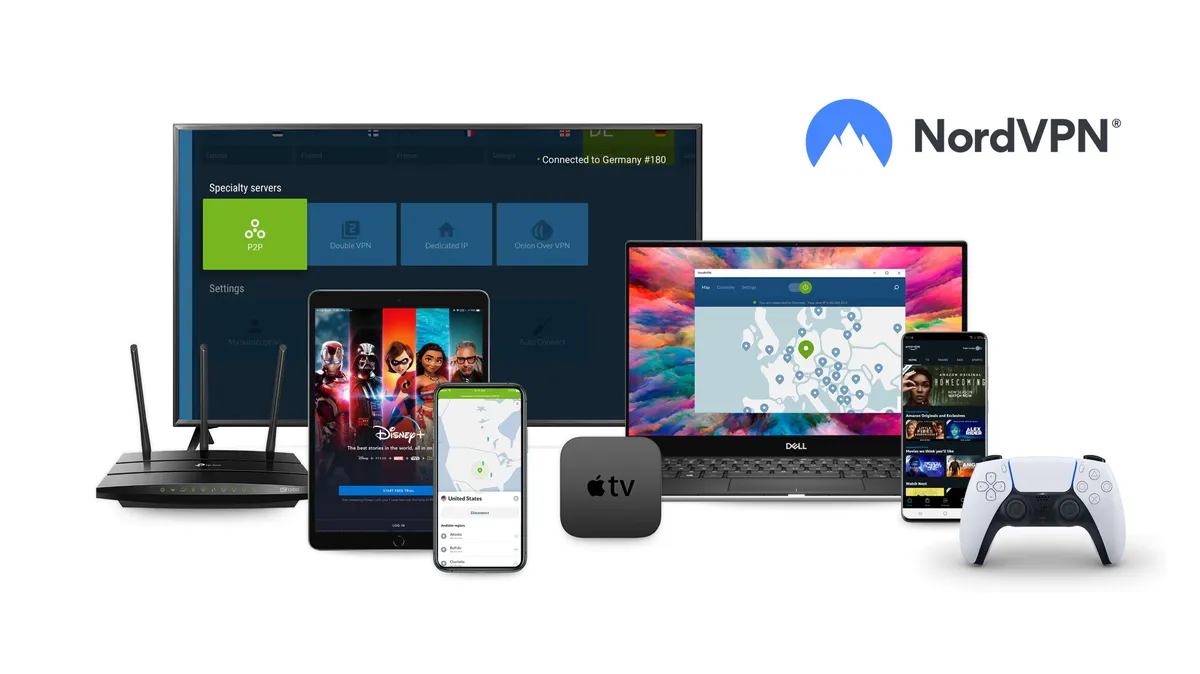
NordVPN has carved out a stellar reputation in the VPN sphere thanks to its super-speedy and security-conscious service, and the same goes for its Chrome extension. We particularly like that the Chrome app is lightweight and easy to install. So, if you're new to the world of VPNs, you might want to take your first steps with NordVPN.
Tap the NordVPN icon, and you can connect to recent locations or choose one from the full location list. There are over 7,000 servers on offer, which are neatly spread across 127 countries – one of the biggest server networks we've seen.
NordVPN is one of the fastest VPNs we've ever used. During our most recent round of testing, the provider hit speeds of over 1250 Mbps with a WireGuard connection, making it more than quick enough to handle data-intensive tasks. So, whether you want to stream in HD, hop into video calls, or do a spot of torrenting, NordVPN won't slow you down.
We had no trouble unblocking streaming services with NordVPN, too, and it's a particularly good pick for fans of Netflix. You'll be able to browse through the full catalog of international libraries just by switching servers, which comes in handy if you want to keep up with local favorites when traveling overseas. NordVPN also accesses BBC iPlayer, Amazon Prime Video, Hulu, and smaller regional services without any hassle.
Pivoting to some of the downsides, NordVPN's Chrome app is a proxy (and we'd recommend sticking to ExpressVPN if you want a fully baked extension). Moreover, even though the service boasts an impressive 4.2/5 rating on the Chrome Web Store, we found some users complaining that it sometimes refuses to work until they reinstall. However, the good news is that NordVPN has stellar customer support that's more than happy to help you troubleshoot issues.
To wrap it up, NordVPN offers a quality browser extension with a lot of useful extra features to improve your browsing experience. It's also very reasonably priced (cheaper than ExpressVPN), and you'll also get a 30-day money-back guarantee to test it out first-hand.
The best free alternative

Something that immediately impressed us about Hotspot Shield is the sheer number of tools available on offer, even for folks using the VPN as a Chrome extension. For example, if you add sites to the Auto Protect list, Hotspot Shield will automatically connect you to a server whenever you access them. We were also glad to see that the Chrome extension includes split tunneling – a must-have if you plan to use Hotspot Shield as a torrenting VPN.
In addition to industry-standard AES-256 encryption, Chrome users also get access to ad, cookie, tracker, malware, and WebRTC blockers, which can help boost your overall digital security, no matter where you end up on the internet. At the time of writing, Hotspot Shield has over 1,800 servers in 80 countries, which, although not as awe-inspiring as the competition, is still a decent fleet.
We also like how straightforward the Hotspot Shield Chrome extension is to use. It's basically plug-and-play. With an Elite plan, you'll automatically be connected to the optimal server with the fastest connection speed, so you don't have to scroll through the server list yourself.
Hotspot Shield is a pretty awesome VPN for streaming that can access all sorts of international content libraries without a hitch. In fact, we only found that it failed to unblock the Australian streaming platforms 9Now and 10 Play. So, if they are an important part of your watchlist, you'll be better off with one of the four options above.
As we mentioned earlier, Hotspot Shield takes the cake when it comes to torrenting, too. All of its servers support P2P traffic, similar to torrenting giants ExpressVPN and PIA. So, you'll be able to maximize performance by connecting to a nearby server, and still enjoy secure file sharing (without bandwidth restrictions).
Alternatively, you can check out the free version of Hotspot Shield and put the service to the test without parting with a penny. As is the case with most free services, however, you'll be limited to one measly US server and a 500 MB daily data allowance. If this is too stringent for you, we'd recommend using Windscribe's free browser extension.
It's also worth noting that Hotspot Shield hasn't undertaken any third-party audits, which means there's no credible way to verify that the VPN is sticking to its no-logs claims. If you'd rather not take its word on blind faith, you'll want to stick to ExpressVPN.
How we test Chrome VPN extensions
At TechRadar, a crucial aspect of our VPN review methodology is reviewing the top 30 or so VPNs every six months to stay on top of which services are really the best and which are taking long strides of improvement, based on which we tinker our rankings.
We begin by analyzing the VPN's website, where we carefully go through its support options, privacy policy, and other claims it makes. Then we test the compatibility of its apps on various devices and check if its browser extensions – on Chrome, Firefox, Edge, and more – work as claimed.
We evaluate everything, including essentials such as security features (leak protection, ad, malware, cookie blockers, split tunneling, etc.), ease of use, speeds, server network, and more.
Finally, to test the VPN's unblocking capabilities, we throw at it geo-restricted content from Netflix, Prime Video, Disney+, and BBC iPlayer from various locations around the world.
How to choose a Chrome VPN extension
There are a lot of VPNs out there, and trying to compare them all would probably take more time than anyone has to spare. So, the first thing to consider when picking out a Chrome VPN extension is your own unique use case, i.e., what are you going to be using it for? Beyond that, these are the most important factors to keep in mind:
- Security: a VPN that doesn't have your privacy in mind just isn't worth using. You'll want strong encryption, a clear-cut (and audited) no-logging policy, leak protection, and, if they're available, extra tools like a kill switch, ad, tracker, and malware blockers, which ensure you don't leak any personal information.
- Speed: is there anything more frustrating than a slow internet connection? Top VPNs have a negligible impact on your overall speeds, and you'll want a nimble service that can keep up with any streaming, gaming, or torrenting you plan on doing.
- Server locations: look for a VPN with a vast number of servers around the world. Ideally, you should prioritize providers with servers in your actual physical location and regions you want to connect to, including countries whose content you want to stream.
- Compatibility: needless to say, you'll want a VPN that works, first and foremost, with Chrome, but also your PC or laptop and your mobile devices. This will allow you to use the VPN on all your (and your family's) devices.
- Ease of use: one of the best things about Chrome VPN extensions is that they're so lightweight; all the tools you need are right there in your browser. So, from setup to server swapping, look for a service with a sleek UI.
- Price: some VPNs are more expensive than others, so you'll need to set (and stick to) a budget when weighing your options. There are reliable services available at every price point, and even a few free providers – but remember, these come with serious limitations like data caps and fewer server locations. If you're looking for a bargain, we recommend picking a cheap VPN instead.
Chrome VPN FAQs
What is the best Chrome VPN?
The best Chrome VPN extension is ExpressVPN. It packs a huge amount of functionality into its Chrome extension in terms of privacy, security, and unblocking geo-restricted content. You'll also get access to 24/7 live chat support that's manned by real human beings – and there's also a 30-day money-back guarantee backing you up in case the service isn't for you.
What can a Chrome VPN extension do?
There are a bunch of good reasons to add a VPN to your Chrome browser. For a start, providers like ExpressVPN and NordVPN are that much easier to use within your browser. The best Chrome options have a super straightforward On/Off button and all the basic tools you need for changing servers and avoiding those pesky geo-blocks. You'll also have access to Netflix libraries (and other streaming platforms) from the convenience of the browser you use.
Does Chrome have its own VPN?
No, Google doesn't offer a VPN to its loyal tribe of browser users. Luckily, though, the Chrome Web Store is practically overflowing with VPN providers. Google also allows these third-party extensions and proxies to be added to your browser for quick and easy use. Our top recommendations are ExpressVPN, NordVPN, and Private Internet Access.
Should I install a free Chrome VPN?
You certainly can, but we'd advise against it. Free extensions rarely offer the same level of encryption and overall digital security as their paid brethren. You'll also be faced with some serious limitations: fewer server locations, stingy monthly data caps, etc. Oh, and some free VPNs are absolutely inundated with ads. At their worst, free services are poorly disguised scams designed to collect your sensitive information and pass it on to the highest bidder.
What are Chrome VPN proxies?
A proxy is an intermediary between your device and the web that's used to hide your real IP address and allow you access to geo-blocked content. Some – or rather, most – VPN proxies only work within the Chrome browser itself. For example, Windscribe's free Chrome proxy can hide your IP and unlock streaming content, but lives separately from its 'Pro' VPN tier. The rarer alternative is ExpressVPN, whose Chrome extension acts as a control hub for the core VPN tool that you need to have downloaded to your computer already.
We test and review VPN services in the context of legal recreational uses. For example: 1. Accessing a service from another country (subject to the terms and conditions of that service). 2. Protecting your online security and strengthening your online privacy when abroad. We do not support or condone the illegal or malicious use of VPN services. Consuming pirated content that is paid-for is neither endorsed nor approved by Future Publishing.
