


As you know, Black Friday is the most magical time of the year. For me, it's all about buying belts. Every year, I look for a discounted belt, and every year I buy one and am bitterly disappointed by the quality and longevity of my new purchase. Have I been scammed? No. Does it still feel like it, yes, honestly it does a bit.
But my feelings aside, scams and fraud are a real problem and when there are heightened levels of shopping, the risks are greater.
So ahead of your much-needed and, might I say, well-deserved seasonal shopping extravaganza, I've put together some suggestions that can help keep you safe online and avoid the Black Friday scams.
These are good tips all-year round, but when there's the added time-pressure of a good deal closing soon, we all need to be a little more cautious with our spending.
1. Get yourself a password manager
Passwords protect your accounts, you need to use good passwords but because everything needs an account these days, it's difficult to have good passwords for every site. So get a password manager, and then you can save as many as you need and keep them distinct from each other, and without even having to remember them.
A strong password will always be an important part of security and, as criminals get more sophisticated, and AI tools continue to evolve, the chances of any bad actors defeating a simple password increase exponentially. So, it's all the more important to use the kinds of sophisticated passwords that a password manager allows.
If you've felt like you have heard a lot more about cyber attacks this year, that's because there are more happening than ever. Stronger, longer passwords are hard for computers to guess.
A password manager helps you keep a record of your passwords, so making them longer and potentially harder to remember becomes less of a problem.
The approach recommended by security experts and this XKCD comic is to use a series of words that are unconnected, but can still be remembered, though this is less of a problem with password managers keeping track of everything for you.
For example, if I set my password (often referred to as a passphrase) as "the box contains all my secrets", rather than "XfFF$$%55FF" it's easier to remember, but also much harder for a computer to crack.
Good password practice is always important and it's crucial not to re-use passwords on multiple sites. For testing purposes, have a play with NordPass How Secure is My Password it'll give you a good idea of what is considered a strong password.
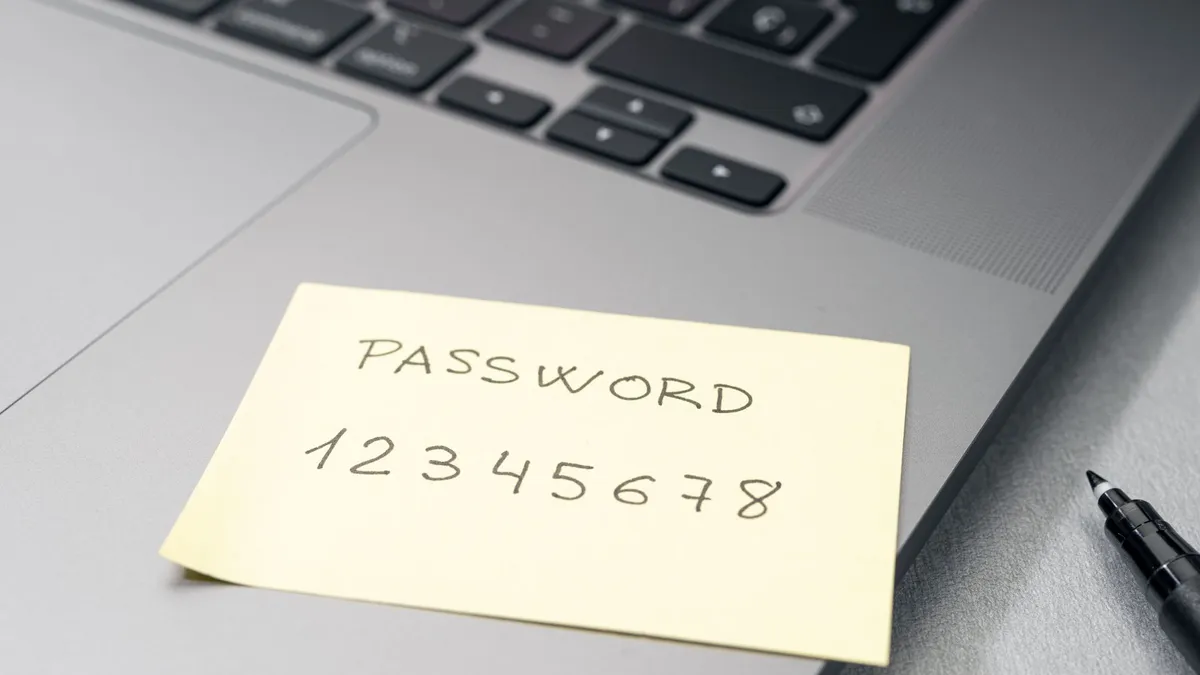
Here's my general advice for a password manager: keep it simple. These days both Android and Apple's iOS have solid password managers built-in. That means you can use them on your phone, your tablet and your computer.
Google's manager works in Chrome, can be accessed via your Google account and will show up in Android too. This is a clear winner if you're someone who uses Google devices and services (along with the rest of the Android ecosystem, like Samsung phones and tablets).
Apple's password manager will sync across your iPhone, iPad and Mac seamlessly so you're probably already using it. If you're like me, and have Windows and an iPhone, the password app works on Windows too, even if it feels a bit barebones.
Password managers sometimes support two-factor authentication, which further improves your online safety.
2. Turn two-factor authentication on to access shopping sites
When you sign in to a website, using two-factor authentication adds an additional layer of security. It's super-important for shopping and bank app logins, but there's good reasons to use it on many more sites.
Often two-factor is called 2FA, or even OTP (one time passcode) online and it works using a secondary code which is only valid for a short period of time. That might be 15 minutes, or it might just be 60 seconds. It depends on the site you're using, and how it's delivered. Sometimes emails take several minutes to arrive, so you'll be given a longer window to use the code.
You shouldn't share 2FA or OTP codes with anyone. Treat them like a password, even though they change very rapidly there is still a small risk that in the wrong hands they can be used to gain access to your account. Paired with a strong password, 2FA is a really good way to protect you online.
Some of your online services will probably already be using it and financial institutions like banks have been using 2FA for some time. You might have been sent a card reader in the past which did a similar job.
Although it's common for 2FA codes to be texted or emailed, that's not the most secure method. And if your phone is stolen, it can be a problem because a criminal would then have easy access to your second factor via your messages and email.
For that reason, when you use a phone it's worth turning on biometric authentication to access apps like email, WhatsApp and text messaging. This will use your face, or fingerprint to authenticate you each time you open the app – which means, if your device does get stolen while unlocked, or someone guesses your passcode, the messages remain locked away – which can prevent those 2FA codes falling into the wrong hands.
So, enable 2FA on all your apps, and enable biometric authentication. It makes sense.

If you're feeling advanced, you can use a specific type of 2FA called TOTP (not the BBC's defunct music show) which keeps the whole process local to your phone or PC.
These generate six-digit codes that change every 60 seconds. Apple's Password app supports this, and Google Authenticator is a cross-platform service that also works well. Amazon and others will offer a QR code that you scan. Head to your account page to set it up.
A lot of sites will let you use these self-generated codes, they are more secure than text messages or emailed codes but they're more complicated to use day-to-day. I use these for specific accounts where it's worth the extra security step – banks, and government sites, etc.
It's well worth ensuring that sites where you store personal data also have 2FA enabled. Shopping sites, especially if you have saved your card details with them, should absolutely have this feature enabled.
Check their 'account security' sections to see if your most commonly used stores have the option to use a 2FA code.
3. Don't store your card details online
Not very long ago UK store Marks & Spencer suffered a cyberattack that revealed some personally identifying information about its customers. It didn't give the attackers access to card details, or their passwords. This is because reputable online retailers will secure data both using strong protection, including encryption, to keep the details safe.
The problem is, not every retailer takes as many precautions as it should.
Some attacks reveal customers' passwords when the company stores them without appropriate security. This is another reason not to use the same passwords on multiple sites, as it opens you up to potentially mountains of problems from hackers using stolen details to try and log in to other sites.
Thankfully, when it comes to storing your card details, most retailers don't save your actual card number (it's called a Primary Account Number or PAN), and CVV (the three digit code on your card) in their systems. Instead, they keep a token that allows you to make purchases, but that can't be stolen and used elsewhere. The Amazon payment token for you only works on Amazon, for example.
But it's hard to know for sure which sites do and don't use advanced security. Companies like Mastercard and Visa are mandating that e-commerce sites move to this tokenization system, but you should absolutely be careful about less reputable sites.

There is one good way to be sure though. If your online shop of choice offers either Apple Pay or Google Pay payments, via your phone or laptop, it's well worth making use of it. My water company, for example, allows it, and generates a kind of QR code that you scan with the phone camera (example above).
Why is this better? Because an Apple or Google Pay transaction never shares any card details with the retailer. All they get is a token that allows the exact amount to be processed. The token can't be used again, or on another site so it's very secure. In-store, contactless payments also use this technology for much safer transactions.
Most web browsers will also save card details. This is encrypted, of course, but, personally, I avoid it, and only save my credentials with reputable retailers. There's no harm in using a guest checkout when you make purchases either. Avoid tying any identifying information to yourself if you can, especially retailers you don't trust.
With all that said, banks are legally required to protect you from fraud. So, do report any issues you have directly, using the phone number on the back of your card or in your banking app (look for "dispute a transaction").
4. Switch on all your bank notifications and use virtual cards
Speaking personally, I hate phone notifications. Almost all of mine are switched off, but the exception I make is for banking apps. Switching on notifications for all your payment methods is a great idea, because it means you'll be informed of transactions processed for your accounts as they happen.
If you spot something that doesn't look right, you can hop into your bank's app and check the details out.
Increasingly, both retailers and banks will share more details of transactions via their app, as well as allow you to start the dispute process for genuinely fraudulent transactions. Most of us have probably got out of the habit of checking through our "statements" each month.
So, keeping an eye on notifications is a really good way to splat any potential fraud early, stop any further fraud taking place and get to the bottom of it fast.
When you're shopping online, it's also worth considering using a virtual card. Not all banks support them, but they are increasingly available from challenger banks like Monzo, Revolut and Starling.
These banks allow you to create a number of additional 'virtual' cards which are tied to specific "pots" in your account. It enables you to manage your spending, and ensure that if a card number did fall into the wrong hands, you can just shut it down entirely.
Obviously, you don't want to use these cards for ongoing transactions, like your Netflix subscription. But when you're using a retailer for the first time, set up a little saving pot with the exact amount you're spending, and assign it a virtual card. Any transactions beyond that will fail, meaning your main account is much safer.

5. Make sure your web browser can spot potential risks
This is evergreen advice, it applies during Black Friday and every other minute of every other day. Ensure you're using the latest version of your web browser (most will tell you when an update is due) and get some extra protection for it via a malicious site monitoring extension. These are little apps for your web browser that allow for extra features, and in this case a bit more security when browsing.
If you're using Chrome, for example, you'll see the little jigsaw puzzle piece icon in the top right of your navigation bar. Click on that to browser the extension store.
Services like MalwareBytes have good browser extensions for monitoring risky sites. You'll also find UBlockOrigin, Ghostery, BitDefender Web Sage all have varying options to keep you safe. BitDefender and MalwareBytes specifically offer scam and fraud detection in their extensions.
These companies all maintain lists of known bad sites. So, if you get sent a link from a friend, and click it, and it's potentially dangerous, the extension will block it and tell you why.
You can also use the MalwareBytes online checker, if you want test a link without clicking on it (a good idea generally, as links can themselves reveal personal information to criminals). Check it out here.

And finally…
There is no better adage to keep in mind as you're engaging in Black Friday deals than "if it seems too good to be true, it probably is".
A lot of scams and fraud start with a really good deal, that seems just about believable but will ultimately leave you hurting.
Keep your wits about you, and remember I'll be doing the same, which I purchase this year's belt. I don't expect to see either of us back here again next year, having learnt nothing.