





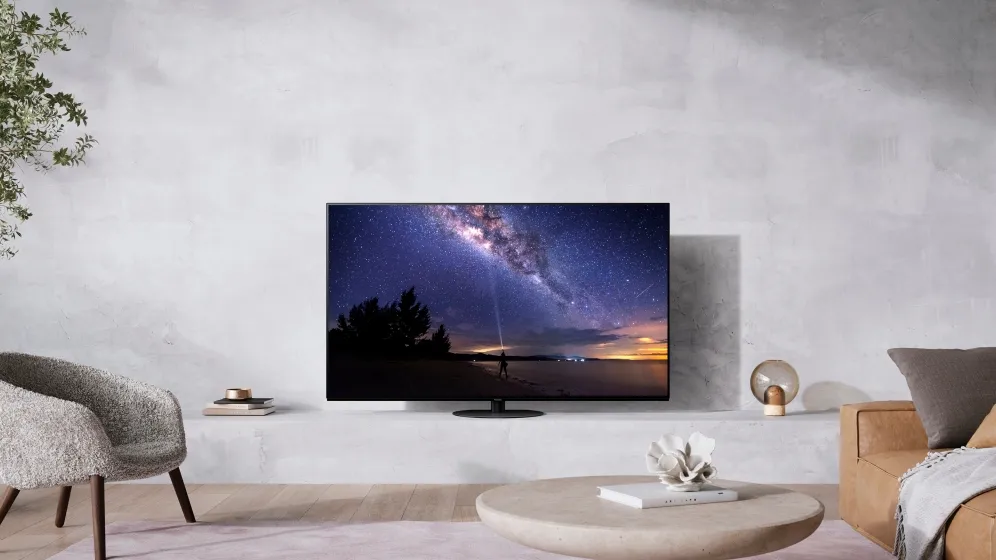
Panasonic has released a wide range of new TVs in 2021, including new OLED TVs and LCD screens. Many of these include new tech, like the new HCX Pro AI chip and custom screens for the entire OLED range – for brighter HDR – while the JZ2000 flagship shakes things up with side-firing speakers to get a better spread of sound around your living room or home cinema.
As ever, you'll take a hit in audio capabilities if you go for one of Panasonic’s more affordable TVs. But a consistent picture quality across most of these screens makes that decision somewhat easier. Those after a bargain can pick up the JZ980, which ditches the swivel stand and motion processing of higher-end sets.
New LCD models are here too, including successors to the HX940 and HX800 – one of our favorite 40-inch TVs you can still buy – with Panasonic’s consistently broad format support across the entirety of the latest range. The belated arrival of Disney Plus, too, has fixed one of the main issues with the Panasonic TV range.
Read our guide below to find out about every Panasonic 2021 TV, including the new technologies that are now supported and which older models these new TVs will have to beat.
- What are the best small TVs?
New Panasonic TVs for 2021
Panasonic OLED TVs
Why you can trust TechRadar We spend hours testing every product or service we review, so you can be sure you're buying the best. Find out more about how we test.
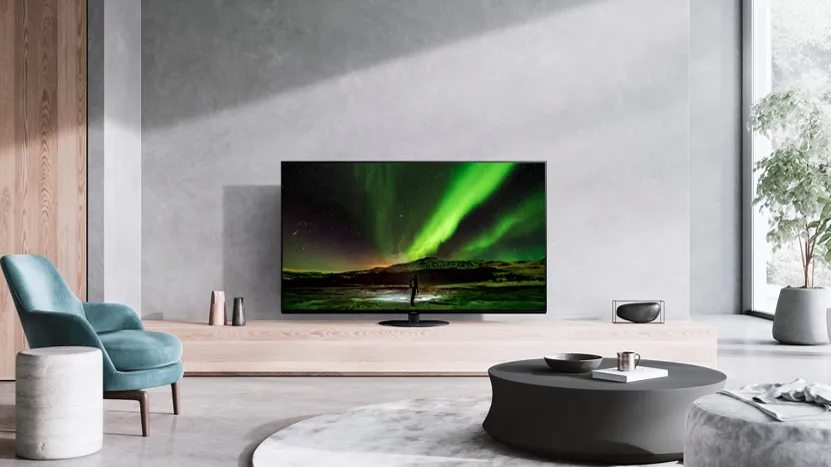
Panasonic JZ2000 (55, 65-inch): The JZ2000 is Panasonic’s flagship TV for 2021, featuring a custom-made OLED panel to increase peak brightness and its high dynamic range. The main difference in this year’s model over the HZ2000 is the introduction of side-firing speakers, adding to existing upward- and front-firing drivers for a truly surround sound experience and 125W total wattage. You're naturally getting the latest HCX Pro AI processor for auto-calibrating settings dependent on the content being shown too.
Read more: Panasonic JZ2000 review
Panasonic JZ1500 (48, 55, 65-inch): The JZ1500 is a step-down OLED TV, though one that still makes use of the custom 'Master HDR OLED' panel usually reserved for Panasonic's flagship. You won't get side-firing audio, but features such as Dolby Vision IQ, Intelligent Sensing, and a swivel stand are all on show here. You can expect around 80W of Dolby Atmos audio, based off last year's HZ1500, as well as two HDMI 2.1 ports and VRR.
Panasonic JZ1000 (48, 55, 65-inch): The JZ1000 is effectively the same as the HZ1500 in all specifications except the audio. You'll be making do with around 30W of Dolby Atmos audio instead of 80W (or 125W, in the case of the flagship JZ2000). But the extensive format support, custom OLED panel, and gamer-centric features such as low input lag are all thrown in.
Read more: Panasonic JZ1000 review
Panasonic JZ980 (48, 55, 65-inch): The 980 series was first introduced in 2020, though it clearly was successful enough to warrant a successor. The JZ980 won't have a custom OLED panel, but you're still getting the deep black and bright highlights of an OLED TV, along with Dolby Atmos audio. The two main sacrifices will be the swivel stand, and a slightly more basic motion processing system, though it will bring the price more in line with other mid-spec OLED TVs.
Panasonic LCD TVs

Panasonic JX940 (49, 55, 65, 75-inch): This top-tier LCD is aimed at sports fans in particular, as well as gamers, with the same advanced HCX Pro AI processor as the OLED models above and Game Mode Extreme for low input lag and VRR support. It comes with a 120Hz panel for smooth motion, and wide viewing angles for gatherings of family and friends. It's the only TV in this guide to come in a 75-inch size, making it the best choice for a big screen too.
Panasonic JX850 (40, 50, 58, 65-inch): We don't have much specific information on the JX850, but it'll sit below the JX940 and above the JX800. It's an LCD set, and the cheapest in this range to feature Dolby Atmos audio, though you won't get Game Mode Extreme or any HDMI 2.1 ports. Dolby Vision, HDR10+, and HLG are all supported though.
Panasonic JX800 (40, 50, 58, 65-inch): Last year's HX800 was an incredible television, offering great mid-spec performance and broad HDR format support at a reasonable price, and we expect the JX800 to do the same. You're making do with a 60Hz panel, and won't be getting HDMI 2.1 ports for those keen on next-gen gaming, but the average television user shouldn't be let down either.
Panasonic TV technology for 2021
What’s new in Panasonic TVs this year?
The main change over previous years is the new HCX Pro AI processor. This was introduced largely to add an AI picture mode that auto-calibrates the TV’s settings depending on what’s being shown on the screen.
However, it also adds support for a number of gamer-centric features such as VRR, low latency, and HDMI 2.1 – meaning you’ll be able to make use of a next-gen gaming console, like the PS5 or Xbox Series X, with any display that has an HCX Pro AI processor.
Game Mode Extreme is Panasonic's take on gamer-friendly features, such as lag reduction and removal of screen tearing (through AMD FreeSync Premium). All 2021 Panasonic TVs down to the JX940 will pack in two HDMI 2.1 ports for 4K/120Hz passthrough from a games console, while VRR (variable refresh rate) capability will keep input lag at 60Hz down to just 2.5ms, compared to 8ms in 2020 sets.
An update in 2021 will bring full VRR capability to 120Hz VRR too, and Panasonic tells us that 4K resolution VRR will be announced at some point down the line.

Panasonic has always been a great TV brand for HDR format support, and we know the JZ2000 will get support for HDR10+ Adaptive, which is a new feature that enhances HDR10+ content by responding to the level of ambient light in the TV’s environment – much like Dolby Vision IQ, which launched in 2019, and is also found on Panasonic TVs.
Dolby Vision, HDR10+ and HLG will all be supported on every set in this guide, down to the JX800, while Dolby Atmos audio will stop at the JX850.
We’re told to expect an overhaul to Panasonic's MyHomeScreen smart TV platform – a straightforward interface that may feel bare-bones to some and beautifully simplified to others – leaving its sixth iteration “much more intuitive and much more usable” than before. There will be support for major voice assistants (presumably Alexa and Google Assistant) baked in too.
The JX800 LCD TV will be the first Panasonic TV to feature the Android TV operating system too, and we wouldn't be surprised for more of its sets to do so in the future.
One exciting new feature is the ability to connect two devices over Bluetooth to the set, meaning you can pair two over-ear headphones, or perhaps a mouse for navigating the screen.
In late 2021, we saw the belated arrival of Disney Plus on Panasonic TVs (2017 models onwards), which has only improved the offering on these screens.
- Check out the best 65-inch TVs and best 75-inch TVs
Panasonic TV 2020 lineup
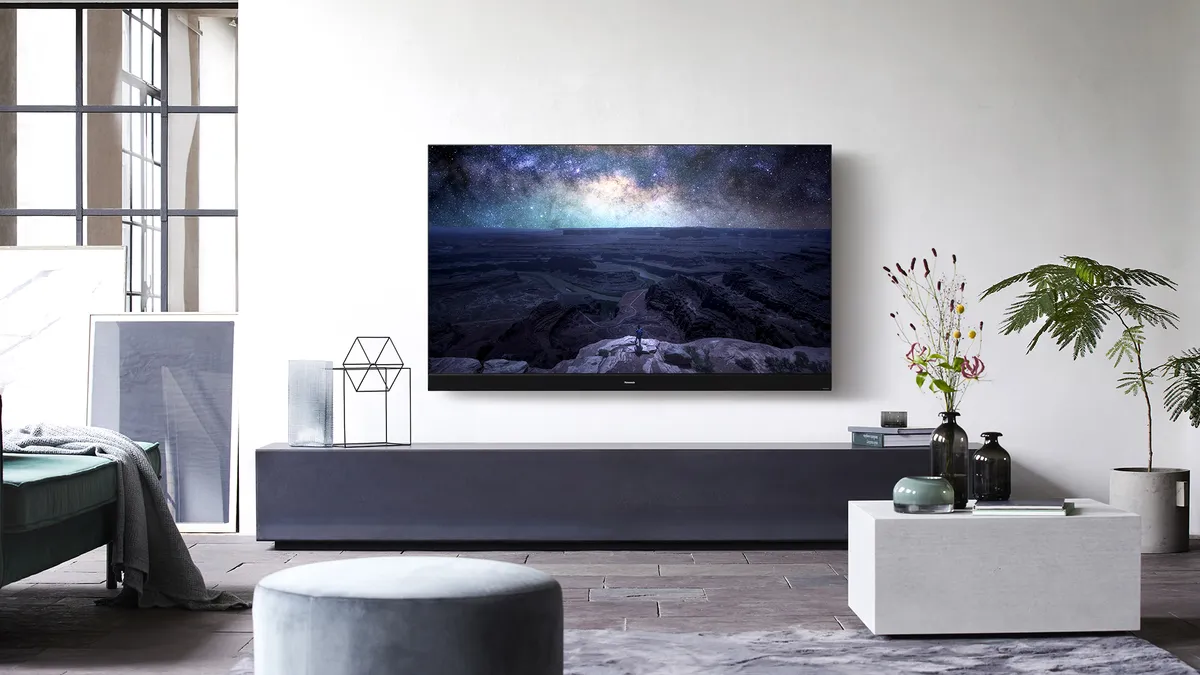
Panasonic HZ2000 4K OLED (55, 65-inch)
The Panasonic HZ2000 OLED is the TV maker’s flagship device for 2020. This model was announced at CES 2020 and is available in 55-inch and 65-inch sizes. It's the successor to last year’s GZ2000, a TV that we gave a full five stars in our review. The newest model features a custom-made OLED panel and broad HDR support, with a few enhancements that could again make this one of the best TVs of the year.
The HZ2000 will make use of the same HCX Pro Intelligent processor as Panasonic’s 2019 OLED lineup, though with a few tweaks to HDR functionality – including Filmmaker Mode. Expect upward-firing Atmos speakers too.
Read our full Panasonic HZ2000 TV review

Panasonic HZ1500 4K OLED (55, 65-inch)
The next step down, the HZ1500 features 80W of audio (rather than 140W) and a regular OLED panel (instead of a custom one).
Like the HZ2000, this model comes with Dolby Vision IQ and Filmmaker Mode, with the HZ1500 featuring upward-firing Dolby Atmos speakers.
Read our full Panasonic HZ1500 TV review
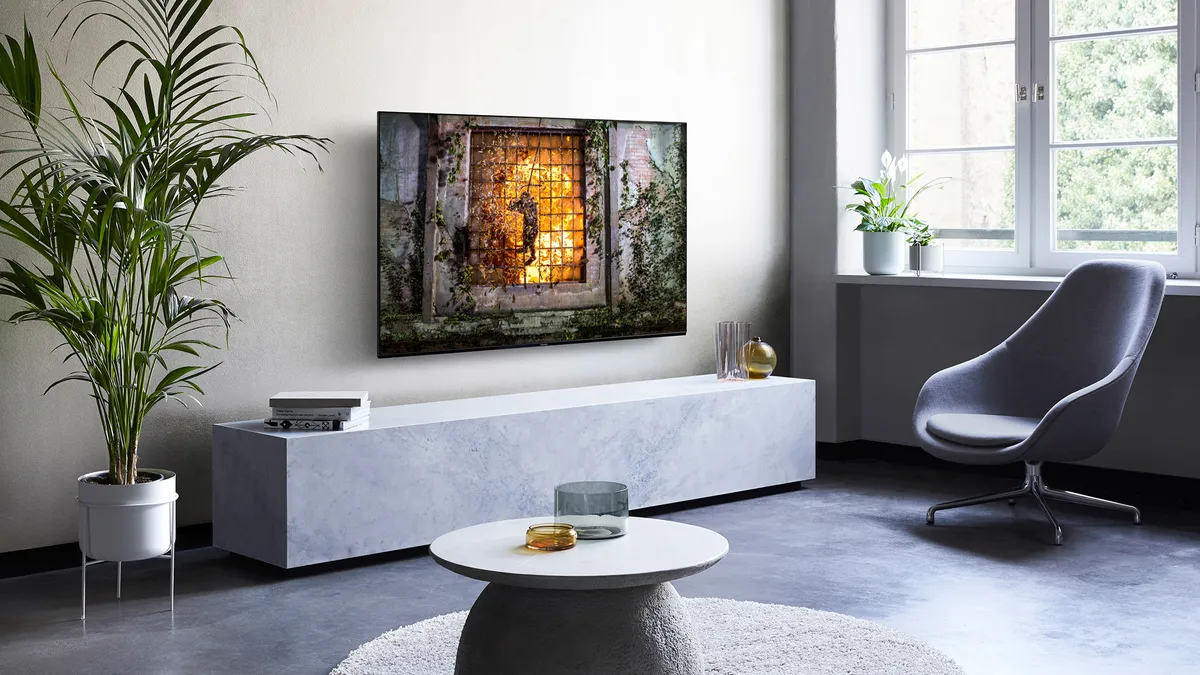
Panasonic HZ1000 4K OLED (55, 65-inch)
The HZ1000 is near identical to the HZ1500, but only with 30W of audio instead of the latter's 80W. Still, you're getting a high-end OLED panel with universal HDR format support, and a swivel stand for angling the TV to wherever you want in the room. Dolby Vision IQ and Filmmaker Mode are present too.
Read the full Panasonic HZ1000 TV review
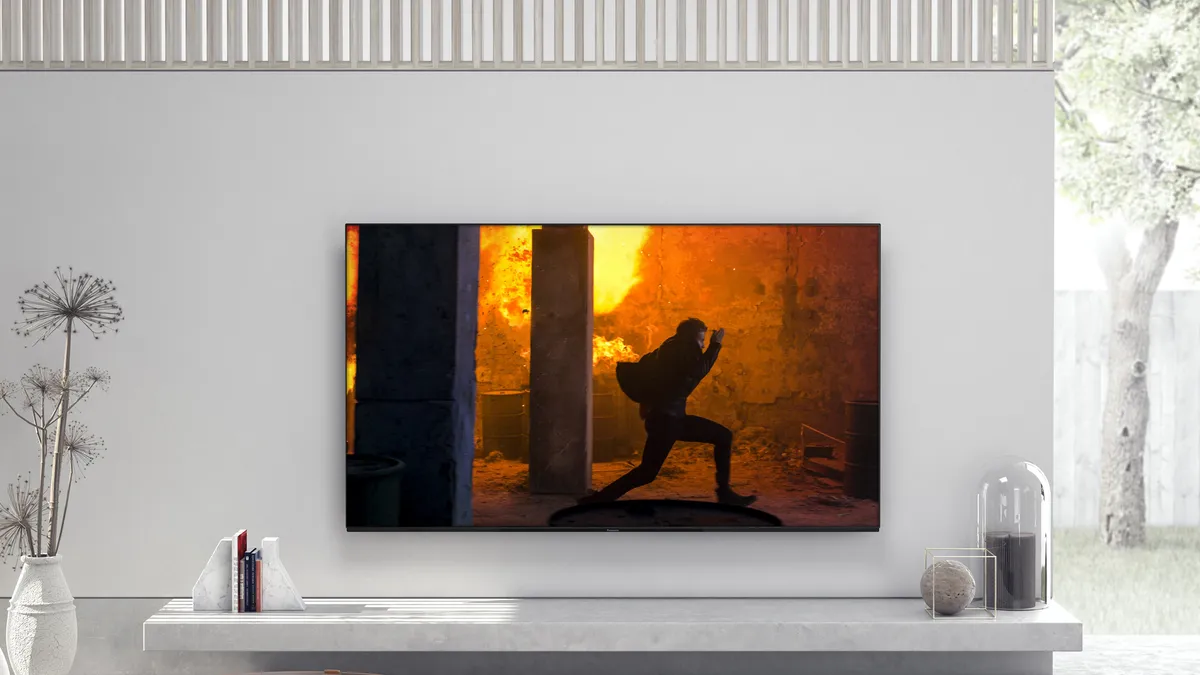
Panasonic HZ980 4K OLED (55, 65-inch)
Panasonic also shook things up by announcing a new OLED model called the HZ980, which is set to be an even more affordable entry-level OLED than the HZ1000, likely to compete with the LG BX and LG B9. It uses lower-spec motion smoothing, and ditches the swivel stand for slightly cheaper assembly parts, but otherwise nothing is different from the HZ1000.
The 55-inch model is now available, with the 65-inch model coming later in the year.
Should I buy the Panasonic HZ980 OLED TV?
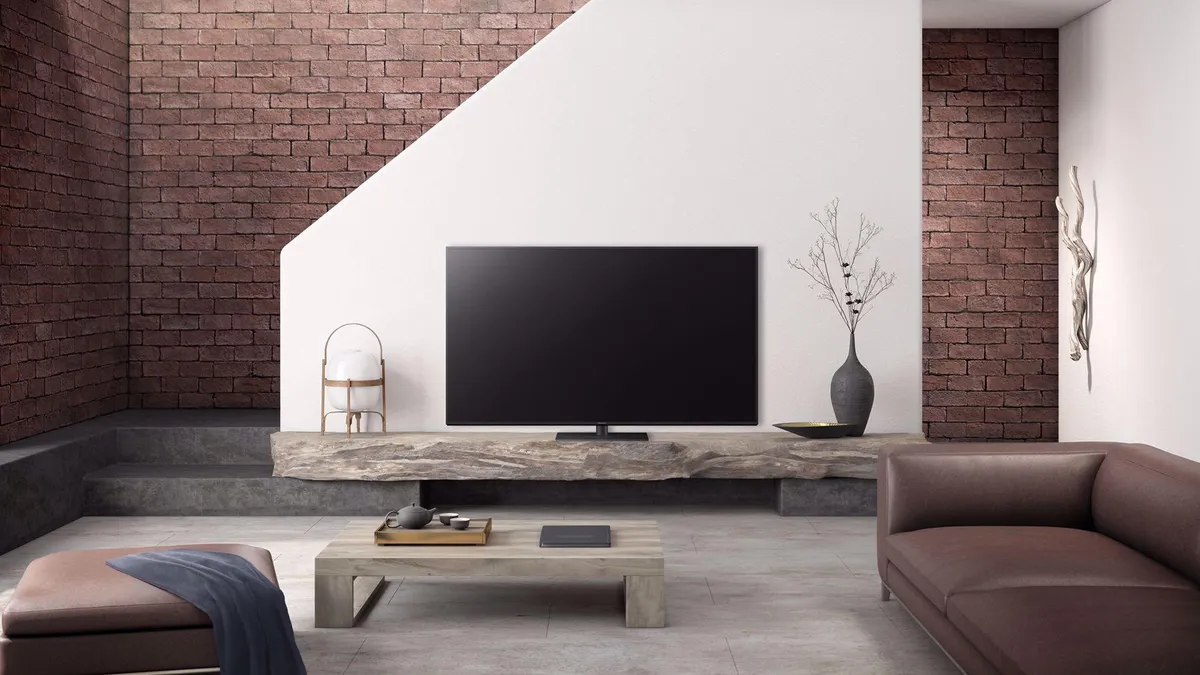
Panasonic HX940 LED TV (43, 65, 75-inch)
Panasonic's flagship LED-LCD TV is the HX940. It has the same HDR support as its OLED siblings – though the 43-inch and 65-inch use an IPS panel rather than the VA panel of the 75-inch. A smart mid-range buy with an innovative backlight system – even if the picture can't compete with OLED.
Read our full Panasonic HX940 TV review
Panasonic HX800 LED TV (40, 50, 58, 65-inch)
The successor to the excellent GX800 (2019) is here, and offers a near-perfect trade-off of price and performance. As a mid-range set with strong pictures, Atmos compatible audio, and universal HDR support – albeit with a HCX chip rather than the HCX Intelligent Pro processor – it's hard to go wrong here.
Read our full Panasonic HX800 TV review
Everything you need to know about the best TVs of 2021:
Best TV 2021: the best flatscreen televisions from the past year
Best smart TV 2021: every smart TV platform and which set does it best
Best 65-inch 4K TVs: the best big screen TVs for any budget
TV stands: finding the best TV stand to suit your living room cinema needs
