





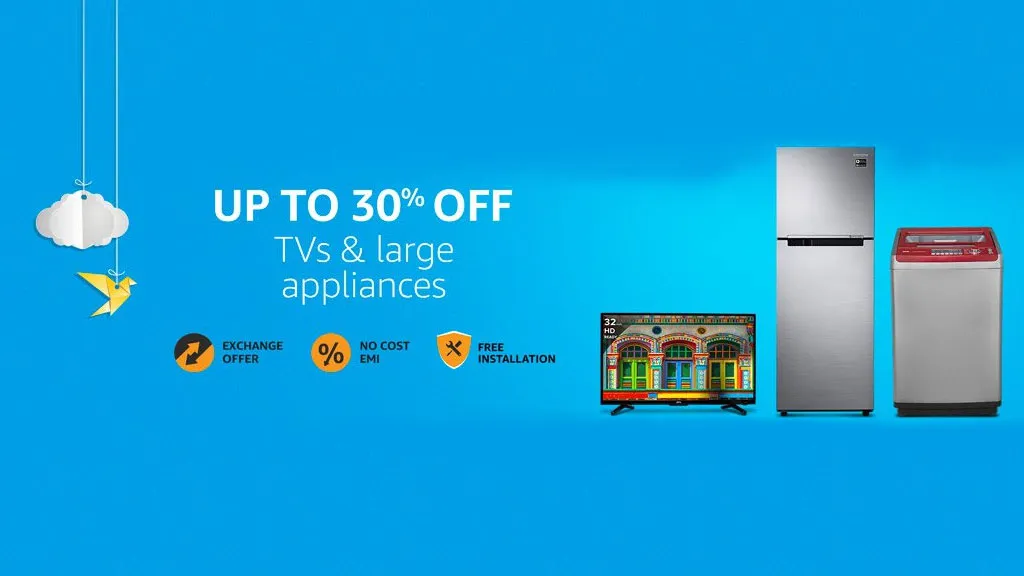
Amazon is organizing its Great Indian Sale from 9th August to 12th August. During the sale, the retailer has discounts across a wide range of categories. From electronics to fashion, thousands of goods are on sale.
After checking on some good deals on smartphones, laptops, TVs, Apple products and more, we’re going to look at deals on home appliances like refrigerators, washing machines and more.
Refrigerators

Haier 247 L 3 Star Frost-Free Double Door Refrigerator at Rs 18,490 @ Amazon (save Rs. 4,510)
Featuring a unique 1 Hour Icing Technology, this Haier refrigerator comes with 360-degree air flow and Vitamin C filter.

Whirlpool 300 L Frost-Free Multi-Door Refrigerator at Rs 33,380 @ Amazon (save Rs 6,720)
This Whirlpool refrigerator comes with Moisture Retention technology to help keep fruits and vegetables fresh. Assisting this tech is a feature called Air Booster and Micro Block.

Haier 320 L 3 Star Frost-Free Double Door Refrigerator at Rs 24,990 @ Amazon (save Rs 8,010)
Featuring a minimalist brushed metal design, this Haier refrigerator also comes with 1 Hour Icing technology and a 2 times bigger vegetable crisper.
Washing Machines

BPL 7.2 kg Fully-Automatic Top Loading Washing Machine at Rs 12,990 @ Amazon (save Rs 4,000)
Featuring a digital display and fuzzy logic, this BPL washing machine is of the top-loading type. It is a fully automatic washing machine and comes with 10 wash programs.

IFB 6.5 kg Fully-Automatic Front Loading Washing Machine at Rs 29,990 @ Amazon (save Rs 4,700)
This IFB washing machine comes with a feature called Aqua energy that converts hard water to soft water so that the clothes are washed better and more effectively. It also features a 7 segment LED display and comes with various wash care programs.

Samsung 6.5 kg Fully-Automatic Top Loading Washing Machine at Rs 15,990 @ Amazon (save Rs 3,000)
The second top-loading machine in this list, this Samsung model comes with an LED display and various features like Diamond Drum, Air Turbo and Eco Tub Clean that help rinse your clothes efficiently.
Air Conditioners

Voltas 1.4 Ton 5 Star Split AC at Rs 26,990 @ Amazon (save Rs 19,000)
Featuring a 5-star rating, this Voltas 1.4-ton AC comes with an aluminium condenser coil. It has different filters like Anti Dust, Active Carbon, Silver Ion and more to help you breathe easy. Voltas rates the noise level at 45dB.

Samsung 1.5 Ton 3 Star Split AC at Rs 26,490 @ Amazon (save Rs 9,710)
This Samsung air conditioner comes with an alloy condenser coil with 5 years warranty on the compressor. A Full HD filter built in helps convert up to 80% of polluted air into clean air. This AC also comes with features like dehumidification and auto clean.

Blue Star BI-5HW12ZCRX Split AC at Rs 27,990 @ Amazon (save Rs 9,110)
Featuring an aluminium condenser coil and a 5-star rating, this Blue Star AC comes with a range of filters to help you breathe clean air. It also comes with a unique feature called iFeel that when turned on, adjusts the temperature of the AC depending on the temperature around you.

LG 1 Ton 3 Star Inverter Split AC at Rs 27,990 @ Amazon (save Rs 9,000)
Featuring an alloy condenser coil, this LG air conditioner comes with a smart inverter for faster cooling and saving energy. An auto-clean feature helps keep the AC clean. It also comes with a 10-year warranty on the compressor.
- Also check out the best deals on TVs, cameras and laptops in Flipkart's The Big Freedom Sale.
