


I love testing new fitness tech. I’m fascinated by data and metrics, from heart rate to stride cadence during runs, to sleep scores and how they’re aggregated. I wouldn’t be in a job testing the best smartwatches and fitness apps if I weren’t interested in how we as athletes measure progress.
For months now, I’ve been making a concerted effort to wind down running (a bit) and increase my strength, testing plenty of gadgets and apps along the way. Whoop’s workout-building software, for example, is exemplary, as is PUSH’s AI-powered plateau-busting workout programming. Thousands of apps and gadgets clamour for space in my inbox, offering to make programming easy or take the load off so I can “focus on what matters”.
The thing is, I never use any of them for very long, at least during gym workouts. Sure, I might hit the “functional strength training” workout profile on my Apple Watch Ultra 3 and use segments to track my rest periods, but when it comes to measuring progress, I never stay with any of the above solutions longer than my required testing period.
What I have been using instead is something decidedly lower-tech. I write down my lifts between sets on a notes app, and pop them in a spreadsheet once I’m done.
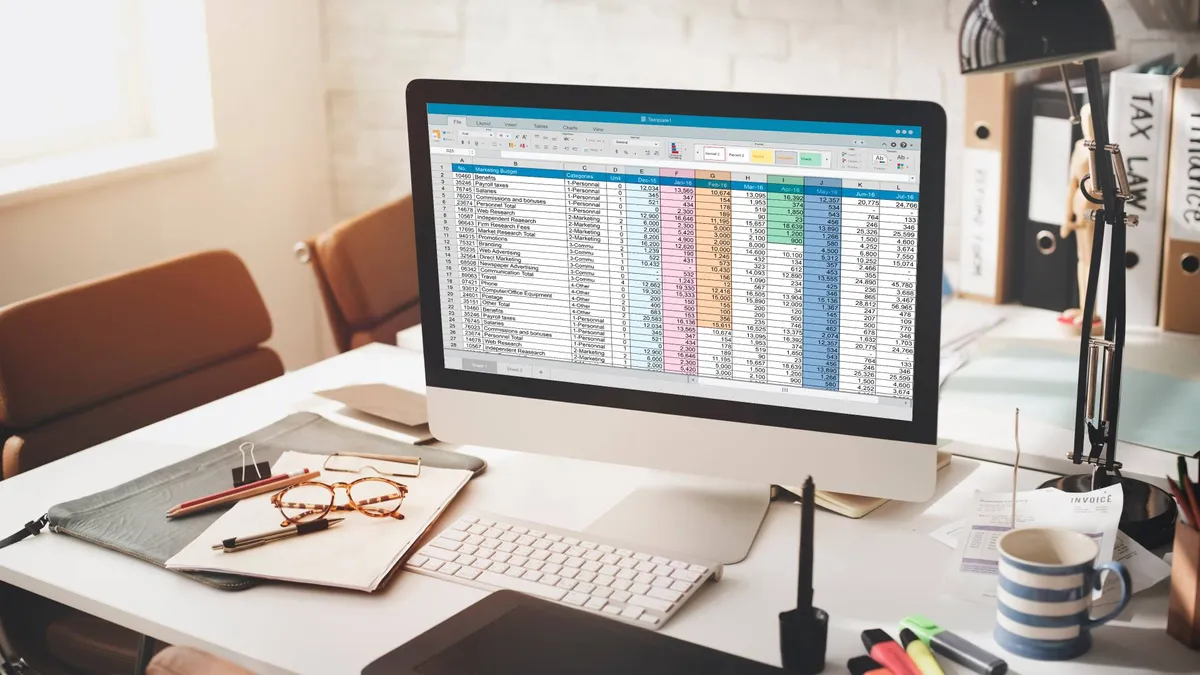
The spreadsheet has several tabs, one for each workout (push, pull, legs, etc.). On the first column, I put the weeks of my program — week 1, week 2, and so on. Across the top, I list movements, from compound (squats, deadlifts, pull-ups, and so on) to isolation (leg curls, bicep curls, etc.). I often switch things up by marking each move (1) or (2), meaning they can be performed on alternate weeks.
In the correct cell of the spreadsheet, I pop the number of kilograms I lifted, times the number of reps, times the number of sets. A cell in my single-arm row column might look like this: “(22kgs x5) x3, (24kgs x5) x2”.
No AI workout platform has come close to the staying power of this method; while wearables can track your cardio load, calories burned, and effort expended with a reasonable degree of accuracy, I’ve never found an interface on my phone that makes inputting weights easier than my current method, and is intuitive to track metrics over time.
Below, I’ll tell you five simple reasons why the master spreadsheet is something I’ll likely continue to keep for the rest of my gym-going career.

1. It's free
No $9.99 / £8.99 / AU$14.99 monthly subscription to power an algorithm, and no ads on a free version. I use Google Sheets, but most laptops and even phones have a pre-loaded spreadsheet application available, whether you use Google, Microsoft, or Apple productivity suites.
2. It's flexible
Gyms are busy places, and even though your app says you need to start with the bench press today, perhaps every station is taken by lifters who show no sign of leaving anytime soon. Do you go into the app and change your program, scroll through the corresponding movement libraries to find something that is available? Do you do a different session, or just swap out your first lift?
Sure, many apps allow you to use a search functionality in an attempt to make things easier, but it’s still wasting time on your phone during workout selection time, and often the moves are named something different, or the app’s library is incomplete.
Without the rigidity of an app’s structure, you’re free to change your workout but still able to log your lifts via the spreadsheet. You’ll naturally end up with a notation form on the sheet that makes the most sense for you: I put several compound lift options into each session.
During push sessions, I can choose to start with either barbell bench press (I've marked it “1” in my "push" workout tab) or barbell overhead press (which I've marked “2”) as my principal compound lift, and if I do the barbell version of one, I follow it up with the dumbbell version of the other. I aim to alternate each week to ensure each muscle group is hit properly, but it offers me pragmatic flexibility.

3. You can tailor it to any program
Found a cool workout program online you want to try? No need to download a proprietary app or ditch your old one. Simply create a new tab, change the header columns and rows to reflect the program you’ve chosen, and away you go.
4. You engage with your workouts in a more intentional way
How do you do, fellow kids — I’m friction-maxxing! The phenomenon known as friction-maxxing is, like all the -maxxing derivations, a new word for an old concept. We have become so easily distracted, bombarded with instant-access, low-quality content and information so readily available, that we’re trying to redevelop our tolerances for minor inconveniences to engage with pastimes in a more intentional way.
The technology industry is awash with solutions without problems, and attempts to move analog hobbies into a digital, algorithmically-controlled space. Sometimes it’s nice to resist. While I jot down notes on my phone during rest periods, making time to open my laptop and log my daily lifts encourages me to engage with and reflect on my results and my exercise without as many notifications or distractions.
This short period of work and reflection helps me to look at my progress (or lack of), and act accordingly. If I’ve consistently marked down some failed sets in my dumbbell flys when I try and increase the weight (which, admittedly, I have), I can take a moment to dive into bodybuilding forums, hobby blogs, or YouTube to see what the community recommends.
5. It's easy to chart your progress
It’s all there for you on your big computer screen: your last eight weeks or whatever of lifting, and that data is all yours.
Have you increased your dumbbell bench press by 5kgs throughout all your sets? You’ll be able to scroll through the entries you wrote for that move and see the numbers go up, be they sets, reps, or weights. You won't get interactive graphs, however, unlike an app (unless you really like plotting your data manually).

Follow TechRadar on Google News and add us as a preferred source to get our expert news, reviews, and opinion in your feeds.
