


Sponsored by

We asked influencers what gadgets they use for on-the-go content creation — here’s what they recommend

Starting as an influencer can be a daunting task, but that’s especially true when it comes to taking content creation on the road.
Whether you’re a style influencer showing off your OOTD on the streets, a vox-pop interviewer, or a tech lover at a conference for some exciting new products, you’ll need a set-up which can mirror the quality you can achieve in your home studio without carrying around an arsenal of wires, tripods, and devices.
So, who better to learn from than those who do it themselves? I spoke with a few friends of TechRadar to find out: Tom Honeyhands (successful tech YouTuber The Tech Chap), Pokémon super fan Rachel Gunn (@pokegirlrach) and Nick Benton (of short form advice channel TA Tech Tips).
Choose your fighter
Short-form content has seen an astronomical rise in watch time, and it’s a great place to start for new creators building their audience. Rachel Gunn (pokegirlrach) is a great example, with 152K Instagram followers (plus tens of thousands across various other social platforms) enjoying her Pokémon-centric reels and snaps.
“It can be a good angle to go into short form to try to garner a following before moving into the more time-consuming angles of content, such as long form or streaming,” she says. “Content creation is a big-time commitment, and it can be expensive. So whilst you’re finding your feet to see if you enjoy it, I’d stick to a simpler setup.
“From an equipment perspective, you really just need a tripod and a phone, but I also use a screen-sharing device so I can use my back camera on my iPhone whilst seeing what’s in frame.”
Along a similar vein, Nick Benton’s (TA TechTips) strategy to keep the content coming for his 3.4 million TikTok followers focuses on “portability, speed, and a little bit of discretion.”
On the latter, Benton says he prizes keeping a low profile to keep content feeling authentic, even when filming in public: “Smaller cameras, phones, and compact lighting allow me to film naturally without people feeling like they’re on a full film set.”
Even with some years under your belt, it’s never quite as simple as grabbing whatever camera or phone is at your disposal. Tom Honeyhands (AKA The Tech Chap, one of the most-subscribed to tech influencers in the UK) has been making content for 11 years, but he “still questions what kit to bring to every shoot.”
His priorities, as he explains, are:
1: Is it long-form or short-form?
2: How much time do I have to shoot/edit?
3: What will allow me to be the most creative?
Beyond the lens
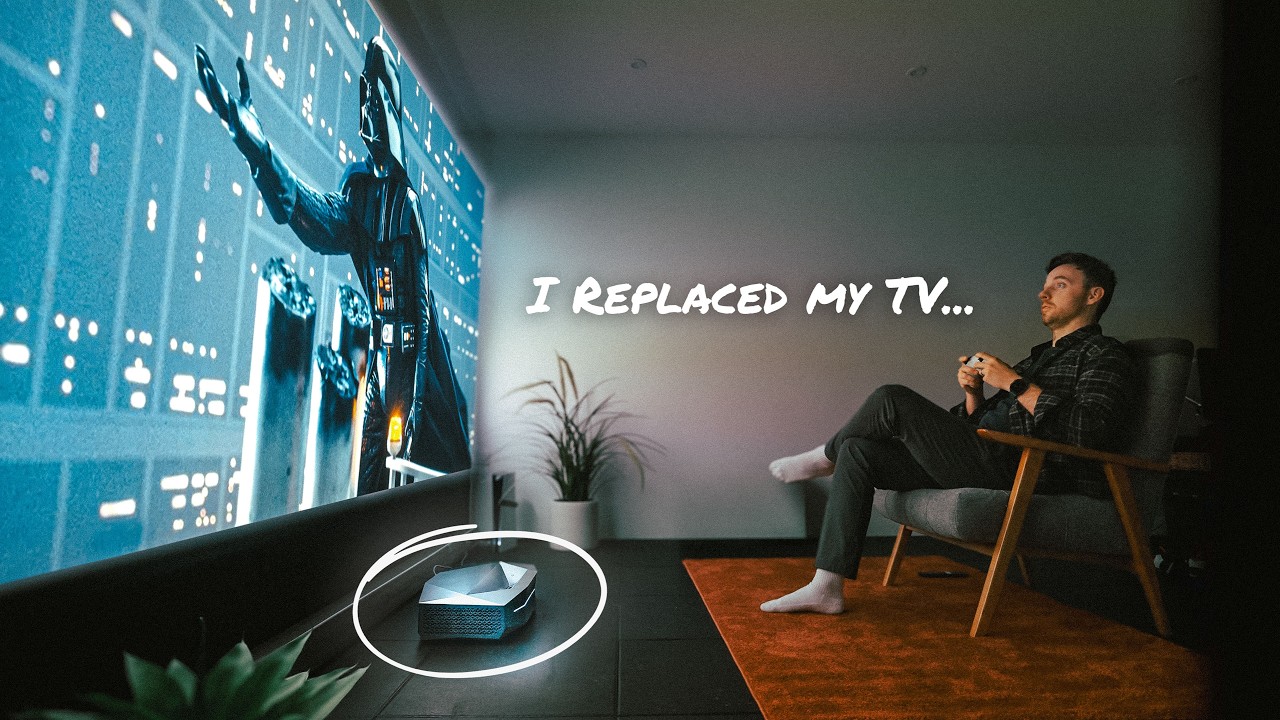
From there, Honeyhands can choose what hardware suits the content; “If I’m making a longform video, I’ll bring the ‘big camera’ (Sony A7SIII, with Sigma 24-70), Phone (iPhone 17 Pro), 360 Cam (Insta360 X5) and 2 mic options (Tascam DR-10L Pro & Hollyland Lark M2). And naturally, you need tripods (Peak Design Tripod, Joby GorillaPod, Neewer Neckband for phone).
“If it’s just shortform - I’ll generally shoot it all on my iPhone (Final Cut Camera app). Then it’s just a GorillaPod, Neckband and maybe a MagSafe LED light.”
Much of what you’ll need beyond a camera or smartphone will ultimately be dictated by your personal style as well as the kind of content you’re making. For Gunn, it’s about setting the tone and attracting the right audience, which is why her backdrop is the one thing she says she can’t create without: “I rely heavily on my Pokémon collection as my backdrop; it kinda screams my content niche in an engaging way and the aim is really to be eye catching enough for people to stop and watch the content!
Benton, on the other hand, prizes equipment that can really make his content sing. “If I had to pick one thing that makes the biggest difference to the quality of my content, it would be lighting.
“Cameras and phones have become pretty solid over the last few years… You can have the best camera in the world, but if the lighting is bad, the video will still look poor. Good lighting instantly elevates the overall production quality. For me, at least!”
The ultimate takeaway was the same for Honeyhands as it is for Gunn and Benton, who both advocated for humble beginnings: “Realistically, all you need to start is your phone, a decent Bluetooth mic, and a light (or use natural lighting). More kit gives you options, but it doesn’t make you a better creator.”
Make your content sing
So, your footage is ready, you’re moving fast to get it live and beat the competition; how are you going to edit your video? While there are ample quick and easy ways to edit content in apps like TikTok and CapCut, this panel of experts recommends learning the ropes on more specialized software if you plan on taking your content creation seriously.
That’s certainly the case for Honeyhands, who says he’s “not a capcut-edit-on-my-phone kind of guy.” Instead, he leverages Apple’s AirDrop feature to share files with his MacBook Pro, open up Premiere Pro and edit/colour correct in there.
Otherwise, he’ll use the Captions app for adding captions for social videos, Lightroom and Photoshop for Thumbnails, and also highly recommends Adobe’s Podcast AI Enhance, too: “That can clean up audio, which is VERY useful if shooting in loud areas.”
For its speed and simplicity, Benton’s go-to app is Adobe Rush: “Short-form content moves fast, and often the difference between a video performing well or getting lost in the algorithm can come down to how quickly you can edit and publish it, especially when you’re out and about.”
Gunn, on the other hand, is currently using PhotoDirector and InShot, but her top tip is to give a variety of tools a try. “A lot of it is practice and the better you get with the tools as you go, she says. “However, there are lots of YouTube tutorials to help with specific ideas or tools.”
As their varying answers show, there’s a lot to content creation that comes down to preference, experience, and budget, but one thing remains the same for all of them: the content itself is what counts. Honeyhands sums it up aptly: “Authenticity is so important. More pixels and more polish don’t get you more views…There’s no ‘right’ way to do it. And spending money on fancier kit doesn’t make you a better creator.”
Follow TechRadar on Google News and add us as a preferred source to get our expert news, reviews, and opinion in your feeds. Make sure to click the Follow button!
And of course, you can also follow TechRadar on YouTube and TikTok for news, reviews, unboxings in video form, and get regular updates from us on WhatsApp too.
