





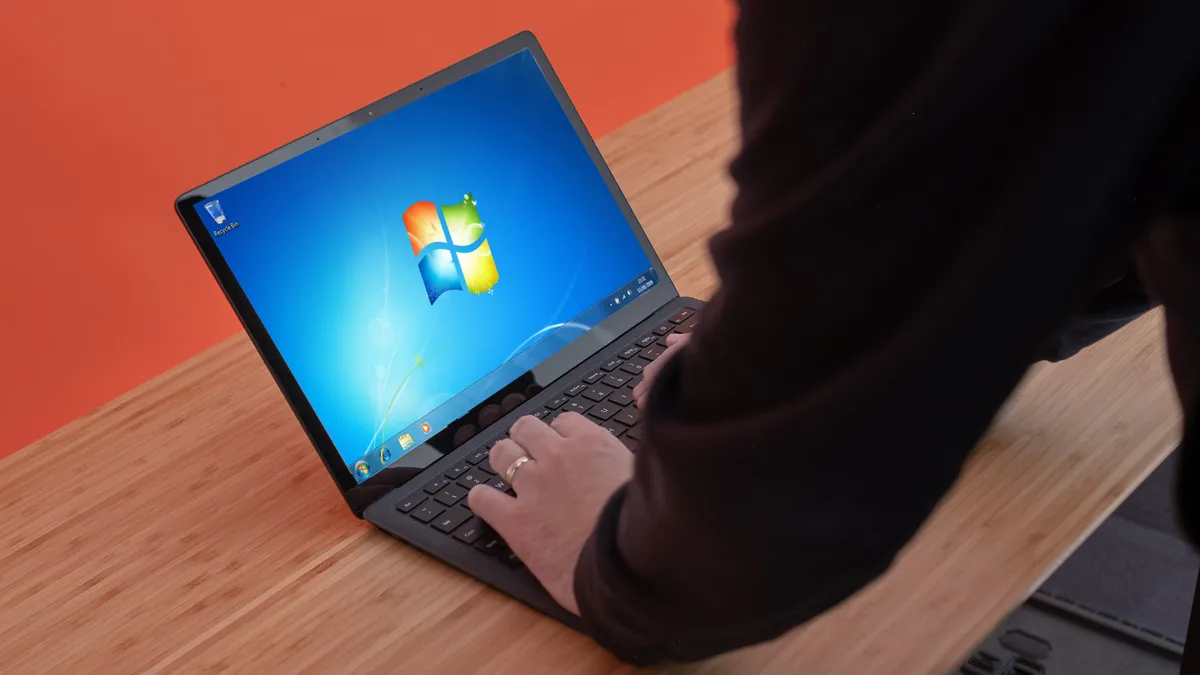
Windows 7 has now entered its End of Life phase, which means that Microsoft will no longer be offering updates of security fixes for the old operating system.
While many people will have upgraded to Windows 10 years ago, there are still millions of PCs out there that are using Windows 7. With Windows 7 now at its End of Life, it means those PCs need to be upgraded or replaced ASAP.
Even if you ditched Windows 7 years ago, you could still be affected by the Windows 7 End of Life. Any company that holds your data, such as doctor’s surgeries, for example, and still use Windows 7 could be putting your privacy at risk if they don’t upgrade.
However, Windows 7’s End of Life is no need for panic, either. PCs running Windows 7 won’t instantly stop working, nor should they become security risks overnight.
So, to put your mind at ease, and to explain what Windows 7 End of Life actually is, we’ve put together this list of the 7 things you need to know about the death of Windows 7.

1. Windows 7 End of Life starts January 14, 2020
Windows 7 will enter its End of Life on Tuesday, January 14, 2020. After that date, Microsoft will no longer offer patches and security updates for Windows 7.
That means that any bugs or problems still found in Windows 7 will never get fixed. Likewise, any security vulnerabilities could also remain in Windows 7, as Microsoft is unlikely to patch those unless they are very severe – more on that in a moment.
However, Windows 7 End of Life won’t be a sudden change, as Microsoft has been reducing its support for Windows 7 for years now.
Microsoft ended mainstream support for Windows 7 back in January 13, 2015, which meant new features stopped being added, and warranty claims were no longer valid.
It then entered its extended support phase, where only necessary patches and fixes were released. That ends on January 14, 2020.

2. You should stop using Windows 7 ASAP
After January 14, 2020, you’ll effectively be using a dead operating system. While your PC will continue to work, you’ll be stuck with an operating system that no longer gets patched. If someone finds a nasty bug or security vulnerability in Windows 7, they could easily take advantage of it, putting you at risk.
It also means new software will likely not work on Windows 7 PCs, which means you’re missing out on new features. Again, if there are bugs and security vulnerabilities in Windows 7 versions of the programs and applications you use, these may never get fixed.
Even ignoring the fact that Windows 7 is now in its End of Life phase, you should stop using such an old operating system, anyway. While Windows 10 isn’t perfect, it introduces features and tools that you’re missing out on by using outdated software.
3. You don’t need to buy a new PC
While you should upgrade from Windows 7 as soon as possible, that doesn’t mean you need to throw out your PC.
You can upgrade your existing PC to Windows 10, and Microsoft has done a good job of ensuring that its new operating system works reasonably well with older hardware.
These are the minimum system requirements of Windows 10:
- Software: Windows 7 SP1
- Processor: 1GHz or faster processor
- RAM: 1GB for 32-bit or 2GB for 64-bit
- Hard disk space: 16GB for 32-bit OS or 20GB for 64-bit OS
- Graphics card: DirectX 9 or later with WDDM 1.0 driver
- Display: 800 x 600 resolution
While your PC might meet those specifications, we’d recommend 4GB of RAM to run Windows 10 remotely well, and you’ll want at least 128GB of hard drive space.
If your PC doesn’t meet those requirements, then you’ll either need to buy a new PC, or upgrade to something other than Windows 10.
That doesn’t have to be a bad thing – you could use Windows 7 End of Life as an excuse to treat yourself. Check out our pick of the best laptops and best desktop PCs for help in choosing a new device.

4. You can still upgrade to Windows 10 for free
Although Microsoft has officially stopped offering a free Windows 10 upgrade to Windows 7 (and Windows 8.1) users, you can still upgrade to Windows 10 for free – and it’s pretty simple.
All you need to do is use the Windows Media Creation Tool and select to upgrade from there. Enter in your Windows 7 (or Windows 8) licence key, and you should soon have a Windows 10 running – for free.
You need to make sure you choose to upgrade your Windows 7 installation, rather than installing a fresh version of Windows 10. If you choose a fresh installation, you’ll need to buy a Windows 10 licence.
If you choose that option, check out our pick of the cheapest Windows 10 prices.
The fact that it is still so easy to upgrade to Windows 10 for free makes us think that Microsoft quietly approves of this unofficial method – and the company is just keen to get as many Windows 7 users to move to Windows 10 as possible.
5. You don’t have to upgrade to Windows 10
While the easiest way to move from Windows 7 is to upgrade to Windows 10, that’s not your only option.
If you’re not keen on Windows 10 (its reputation has suffered lately due to a run of dodgy updates), or your PC doesn’t meet the minimum requirements, then it’s worth looking at alternatives.
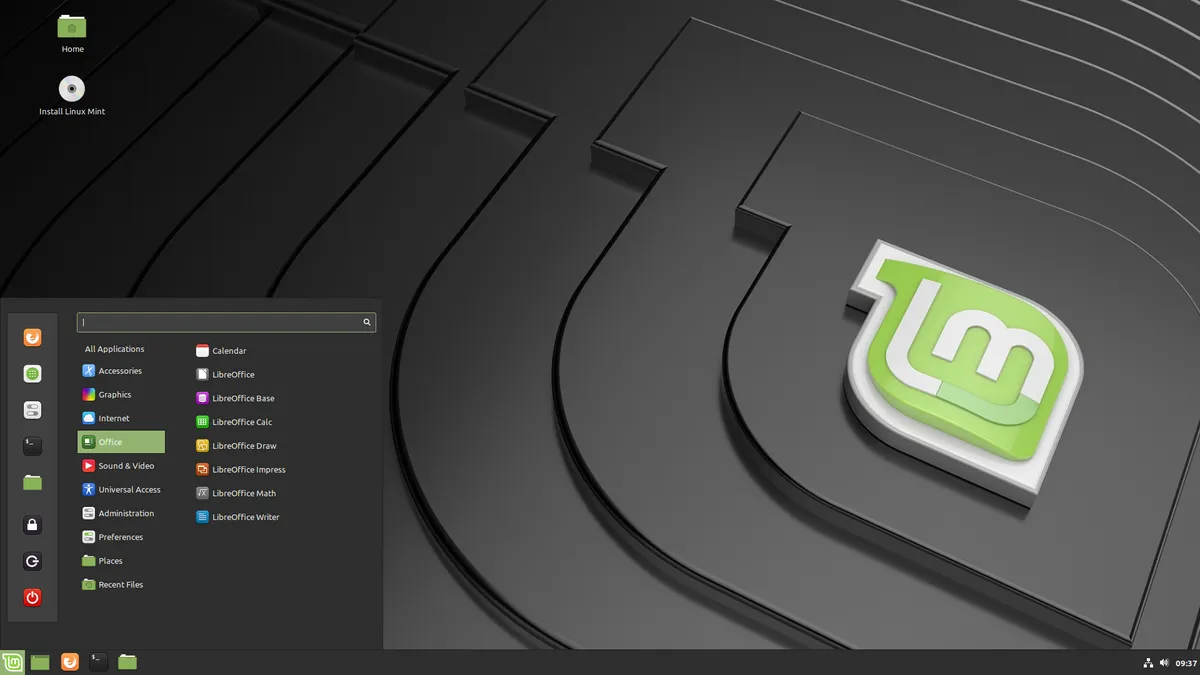
For example, Linux is a great choice. It’s free, and there is a huge variety of different versions – known as distributions or distros – to choose from.
There are Linux distros that are user-friendly, so you can get up and running without having used Linux before, and many have similar user interfaces to Windows 7, making you feel right at home.
Check out our guide to the best Linux distros for more help and advice.

6. What you need to do before upgrading
If you’re upgrading from Windows 7, there are certain things you need to do to make the process as simple as possible.
First of all, make sure you back up all of your important files and folders onto an external hard drive or USB drive. Check out our pick of the best external hard drives for help choosing the right one for your needs.
While you will likely choose to keep all your files and documents when upgrading to Windows 10, you should still back them up, as if anything does go wrong, at least you won’t lose your files.
If you’re moving to a new operating system like Linux, or you’re performing a fresh installation of Windows 10, then your hard drive will be wiped in the process, so make sure all the files you want to keep are safely stored on an external drive.
You’ll then need to make sure you have the installation media for your upgrade. Check out our guide on how to prepare for Windows 7 End of Life for more information.

7. If you do stick with Windows 7, make sure you’re protected
If you’re adamant that you’re sticking with Windows 7, and nothing we can say will convince you to switch, then you can at least make sure you’re protected from security vulnerabilities.
Even after the Windows 7 End of Life phase begins, Microsoft will continue to provide updates for the Microsoft Security Essentials (MSE) app, which is the built-in antivirus program included in Windows 7.
So, by making sure you use Microsoft Security Essentials, you can at least ensure your PC won’t suddenly become at risk to viruses and other online threats after January 14.
For more protection, check out our pick of the best antivirus software.
- Just upgraded? Here’s how to use Windows 10
