- Apple’s Crash Detection feature saved a driver’s life in Wales
- The woman plunged 330ft off a cliff while driving late at night
- Crash Detection automatically calls first responders if you can’t do it
These days, Apple’s best iPhones don’t just enable you to make phone calls and send texts — they could save your life, too. That’s exactly what happened when a woman plunged 330ft off the side of a mountain in her car, but thankfully her iPhone came to the rescue.
As detailed by the BBC, Natalia Sidorska was driving along a mountainside road in Denbighshire, Wales, late one evening to clear her mind. After taking a corner too quickly, she lost control of her vehicle, went off the road, and plummeted 330ft to the ground.
Her car rolled down the mountainside and came to a crashing halt. After opening her eyes, Sidorska realized the vehicle was on fire. After managing to escape and crawl away, she looked around to see her car explode just seconds later.
Unbeknownst to Sidorska, her iPhone had notified first responders and her emergency contacts using its Crash Detection feature, which is automatically activated as soon as it senses a hard impact. Luckily for Sidorska, emergency services arrived 20 minutes later. “I’m grateful to Apple for what the iPhone did,” she stated. “I don’t think that I would have been able to get help that quickly.”
A lifesaving feature
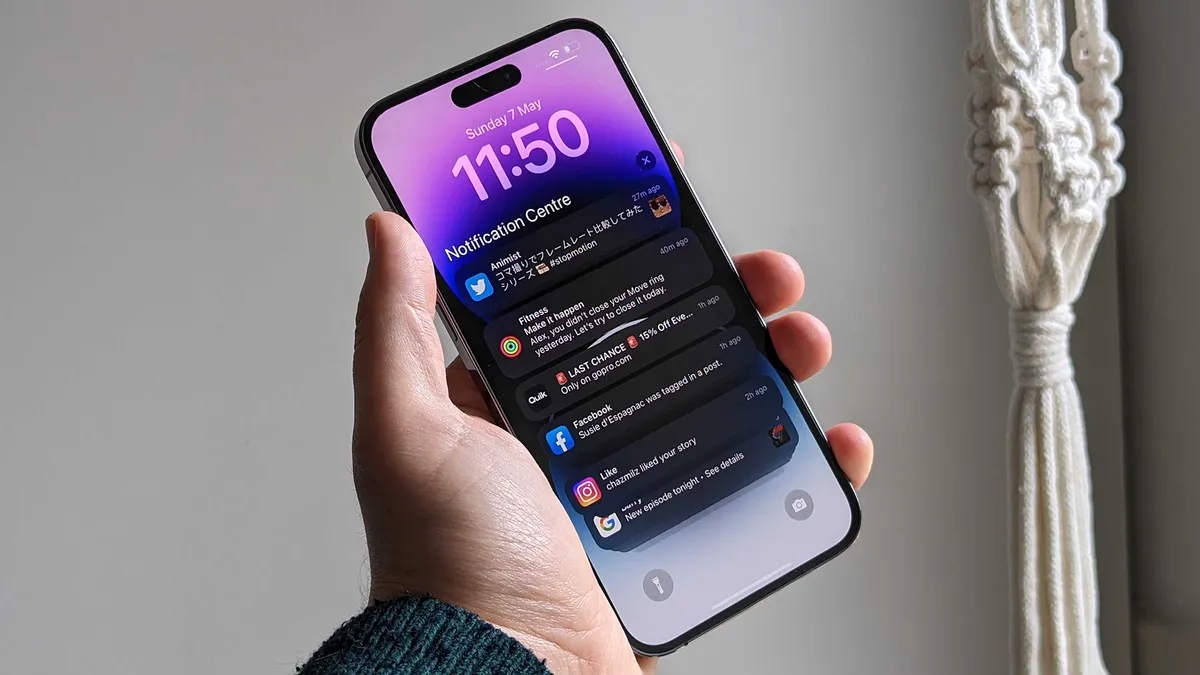
Apple introduced its Crash Detection feature in 2022, and the company has highlighted the many times it has saved people’s lives since then. One of its key strengths is its ability to work automatically. When it detects a crash, it starts a 10-second countdown. If the timer is not dismissed within that timeframe, your iPhone calls emergency services for you, meaning first responders can often be alerted long before you’d be able to do it yourself.
As well as that, Crash Detection can send your exact location to rescuers, helping them quickly find you and offer assistance. It also includes any important medical information contained within your iPhone’s Medical ID (if it’s been set up), which contains data on your allergies, special requirements, and other info that could prove to be vital in an emergency.
Crash Detection is enabled by default on the iPhone 14 onwards, the Apple Watch Series 8 and later, the second-generation Apple Watch SE onwards, and the original Apple Watch Ultra and later. To check it’s switched on for you, open the Settings app on your iPhone and tap Emergency SOS, then make sure the toggle next to Call After Serious Crash is turned on.
You’ll also want to make sure iOS’s Emergency SOS feature can see your location and pass it on to first responders. To do so, go to Settings > Privacy & Security > Location Services > System Services, then switch on Emergency Calls & SOS.
Finally, it’s a good idea to fill out your Medical ID, which contains important medical information and a list of your emergency contacts. Open the Health app on your iPhone and head to the Summary tab, then tap your avatar. Tap Medical ID and fill out all the relevant fields. Also ensure you enable both Show When Locked and Share During Emergency Call to give this medical information to first responders if required.
With that, your iPhone will be ready to step in if you’re involved in a crash. Hopefully you’ll never need it, but once it’s set up properly, Crash Detection could be there to save your life, just like it did for Natalia Sidorska and countless others.

Follow TechRadar on Google News and add us as a preferred source to get our expert news, reviews, and opinion in your feeds.