- Samsung seems to be adding AirDrop to older Galaxy devices
- It follows AirDrop coming to the Samsung Galaxy S26 series
- The feature lets Android users share files to and from iOS products
Apple is well-known for locking down key features of its iOS operating system and preventing them from spreading to rival devices, but recently cracks have begun to appear. Although this could mean easier file sharing for certain Android users, there’s a significant catch to be aware of.
First, Google announced that it had got Apple’s AirDrop sharing feature working on Android. Then, earlier in March, the news broke that Samsung was adding AirDrop compatibility to its Galaxy S26 series. Now, that’s extended to more Samsung devices, including the Galaxy Z Fold 7, Galaxy S22, Galaxy S23, Galaxy S24 and Galaxy S25.
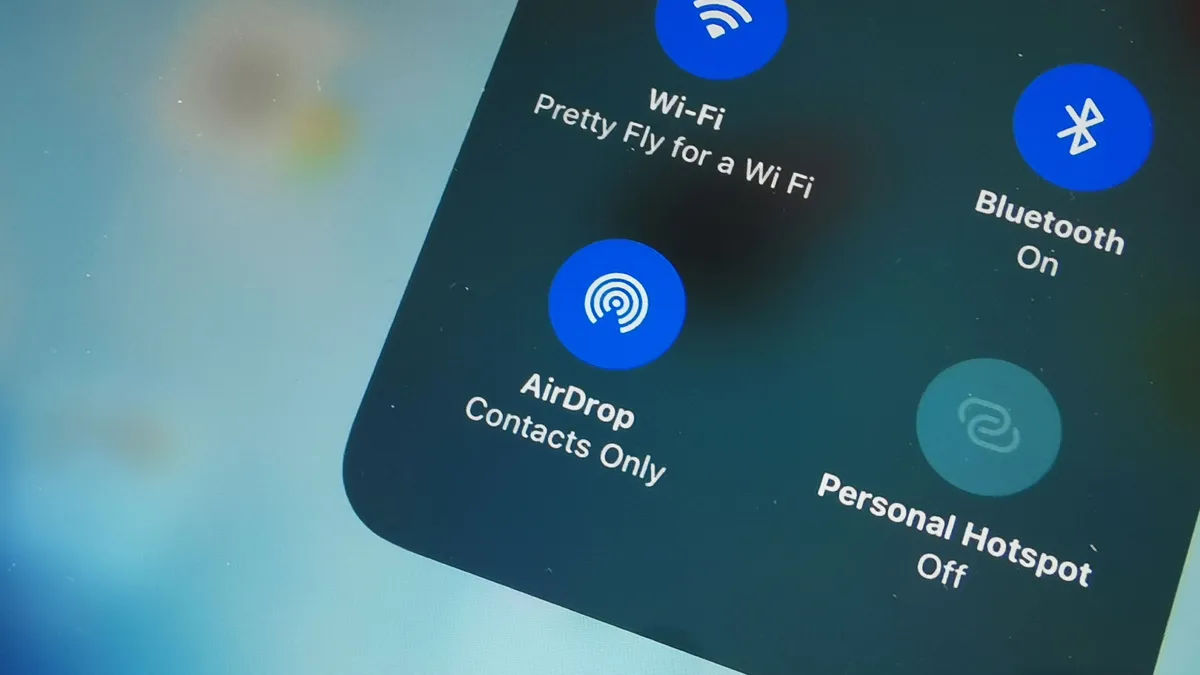
In case you’re not aware, Apple’s AirDrop tool lets you quickly and securely share files between two Apple devices. You can share from one iPhone to another, between an iPad and a Mac, or any combination thereof. There’s no file compression and you can lock it down to just people in your contacts, preventing unwanted file sharing.
For years, AirDrop has been an Apple exclusive. That all changed in late 2025, however, when Google revealed it had brought AirDrop to Android — presumably without Apple’s express permission, given how protective Apple is over its features and how the company did not make a joint announcement with Google. While that may have led some observers to question how long AirDrop would remain on Android, it seems that it’s actually expanding — at least for the time being.
Yet instead of being a like-for-like AirDrop add-on for all the best Android phones, Samsung’s implementation works as an extension to the existing Quick Share feature. That means the option to share items with iPhone users appears within Quick Share, not as a separate tool or app. That helps keep things simple while adding cross-platform compatibility.
What’s the catch?
But before you get too excited at the new feature on your Android phone, there’s a slight hitch: the feature might not be fully operational yet.
For example, in a Samsung community support thread and underneath a post by Android pundit Tarun Vats on X, several users claimed that although they saw an option to use AirDrop on their Samsung phones, the feature did not actually work.
Other users said the option to send files to iPhone users via AirDrop was absent from their devices, even after installing the Quick Share update. That’s reminiscent of Google’s AirDrop implementation, which was similarly buggy.
However, not everyone is struggling. Over on Reddit, plenty of people stated that the feature had appeared and that it was working for them after testing. It therefore appears that there’s a strong element of luck deciding whether or not you see the feature, and if you do, whether or not it actually works for you.
That suggests that Samsung is still ironing out the creases in its AirDrop implementation. We’ll have to see whether it gets fixed — and whether it spreads to other Android devices before too long.
Follow TechRadar on Google News and add us as a preferred source to get our expert news, reviews, and opinion in your feeds. Make sure to click the Follow button!
And of course you can also follow TechRadar on TikTok for news, reviews, unboxings in video form, and get regular updates from us on WhatsApp too.