





- Windows 11 updates are being improved to stop installation failures
- An update that would previously have fallen over will now receive extra attention in the form of automatic attempts to recover
- This means the update process will take longer, but will hopefully be successful in the end where it would have failed in the past
Microsoft has been doing a lot of work to Windows 11 updates lately, and there's another move afoot that should hopefully cut down on annoying installation failures.
Windows Latest reports that if you notice a monthly update is taking a long time to apply, and the installation process (shown by a spinning circle with a percentage progress indicator) seems to be going on for a long time, you don't have to worry unduly that Windows 11 might have crashed.
In fact, this could be a good sign, as Microsoft explains in a recent post on Windows Update improvements: "We are ensuring devices stay secure by default through automatic recovery for update failures – taking additional steps in the background to help the update complete successfully without user intervention.
"This means your device will automatically attempt to recover from installation failures in real time – causing some updates to take longer to complete, but ensuring they have a higher success rate."
What this means is that before Microsoft made this change, an update that went down this path would simply have failed. With the new way of working, Windows 11 notices the point of failure, and then goes back to try and fix whatever the problem is.
This is why you could be waiting a fair old while, but hopefully for a positive result in the end — a successful update, rather than being dumped back to the desktop with a 'failed to install' message pinned to the latest patch in Windows Update.
Analysis: putting a stop to the stop codes
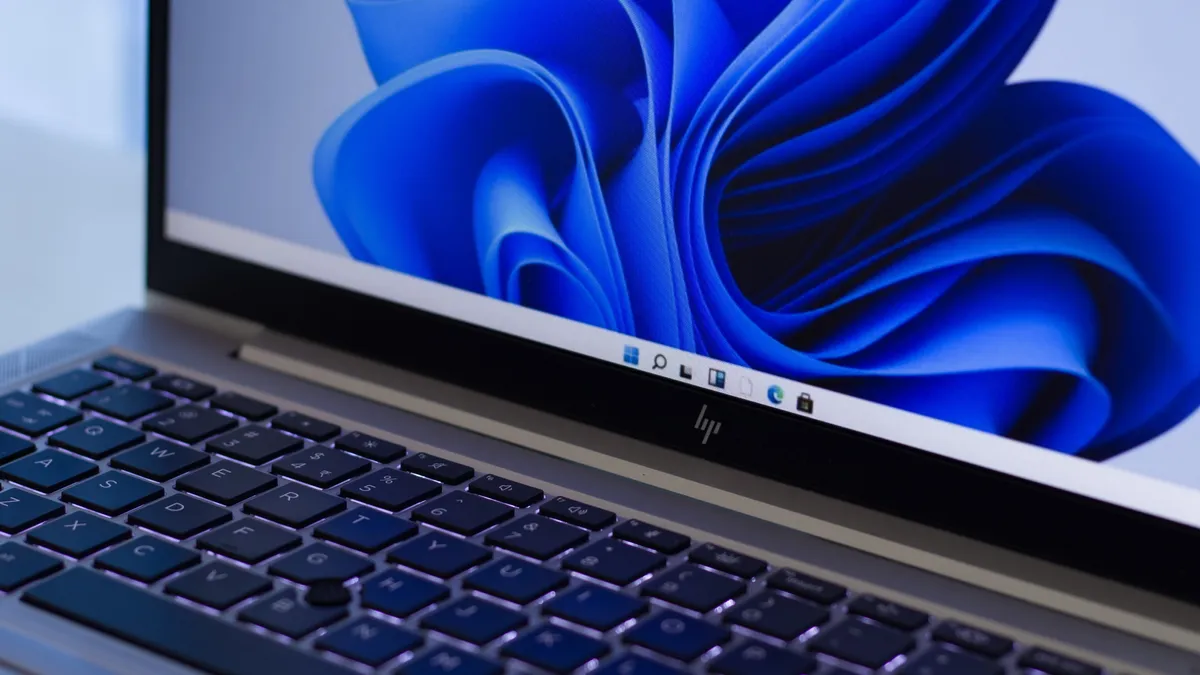
This is another useful move for Windows 11 updates, and it'll hopefully mean an end to what has been one of the most long-running bugbears for Windows 11 updates, and it's something that's been a persistent thorn in the side of Windows 10 users, too.
We've regularly seen a rash of installation failures with certain updates ever since Windows 10 first arrived back in 2015. This has been a problem that just keeps popping up, where there are many reports of an update falling over (often with a weird and meaningless 'stop code' error), and with any luck, going forward we won't see this nearly as much.
It's important to note that Microsoft also says it has "made steady progress in reducing the download and overall time it takes to apply a Windows update" and is working on getting this time down ever further over the course of 2026. So, while some updates may take longer, this is only under the circumstances in which they would otherwise have completely failed. (As an aside, it's also worth remembering that currently, you may experience a lengthy update, with multiple reboots, for a specific reason pertaining to the Secure Boot feature).
Microsoft's other important changes for Windows 11 updates recently include providing a facility I've personally wanted for a long time, namely the option to delay a patch indefinitely (or for as long as it takes until a bug you're concerned about is fully fixed). The controls for when updates are installed have also been refined, and unexpected sudden reboots for upgrades should be a thing of the past before long. On top of that, you can now skip applying updates in the Windows 11 setup process, should you wish.
To be fair to Microsoft, it's solving pretty much all the major issues around Windows 11 updates.

➡️ Read our full guide to the best laptops
1. Best overall:
Apple MacBook Air 13-inch M5
2. Best budget:
Apple MacBook Neo
3. Best Windows 11 laptop
Microsoft Surface Laptop 13-inch
4. Best thin and light:
Lenovo Yoga Slim 9i
5. Best Ultrabook
Asus Zenbook S 16

Follow TechRadar on Google News and add us as a preferred source to get our expert news, reviews, and opinion in your feeds.