
 Become a TechRadar Insider





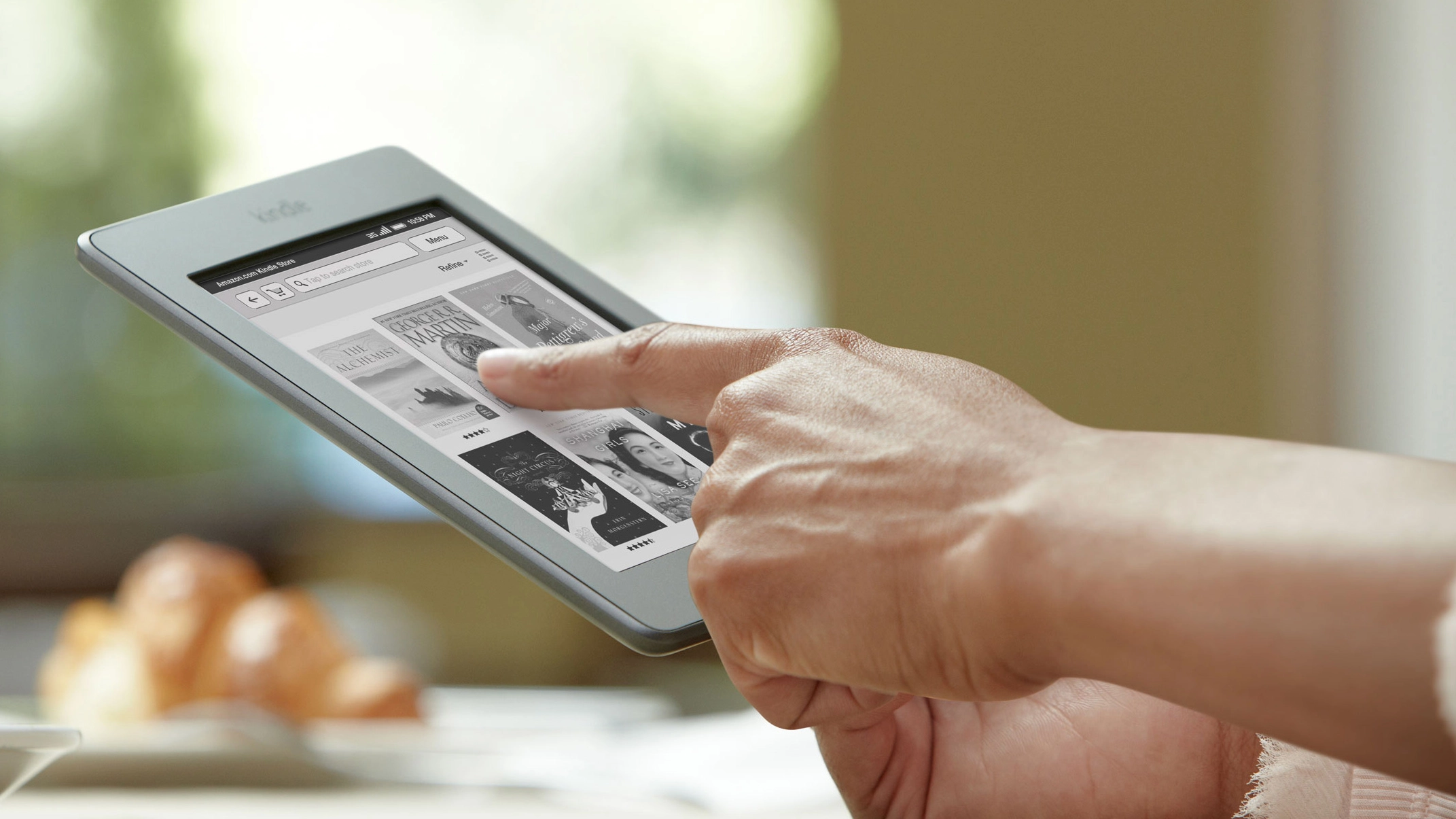
The Amazon Kindle is coming to a high street near you. Book chain Waterstones has announced it'll sell the ebook reader alongside its old-fashioned paper books, as well as let you browse ebooks in-store.
The news comes a few months after James Daunt, managing director at Waterstones, said the bookseller would launch its own rival to the Kindle.
Back in September, he told BBC Radio 4's You and Yours programme: "We in Waterstones need to offer you a digital reader which is at least as good, and preferably substantially better, than that of our internet rival. And you will have a much better buying experience purchasing your books through us."

Kindle family
The chain's ebook reader project was "well down the planning line" according to Daunt, who'd been at the helm only a few months at the time.
Now, hastily backtracking, Daunt said in a statement: "The best digital readers, the Kindle family, will be married to the singular pleasures of browsing a curated bookshop."
While Jeff Bezos, Amazon chief executive, added: "Waterstones is the premier High Street bookseller and is passionate about books and readers - a dedication that we share deeply."
Amazon has delayed launching some varieties of its Kindle ebook readers in the UK, with the Kindle Touch only reaching these shores last month. And we're still waiting for the Kindle Fire, Amazon's Android-powered tablet.
The announcement to sell the Kindle ties in with a store refurbishment scheme for Waterstones, which includes dedicated areas for digital books, free Wi-Fi, and coffee shops.
Via: BBC
