Become a TechRadar Insider


Why you can trust TechRadar We spend hours testing every product or service we review, so you can be sure you're buying the best. Find out more about how we test.
The Toshiba AT200 allows you to record full HD video via the 5MP camera on the back.
Video recording is accessed through the camera app – there is a simple toggle on the right of the screen to switch between camera and video modes.

The zoom function found in camera mode is sadly disabled for video recording; however the LED backlight can be used if you need to film in dark places.

You need to turn the LED light on before pressing record though, as it cannot be toggled on or off while filming.

There are a few settings which can be tweaked including video quality (low, high – 720p or Full HD – 1080p) and colour effects (sepia, negative and aqua).

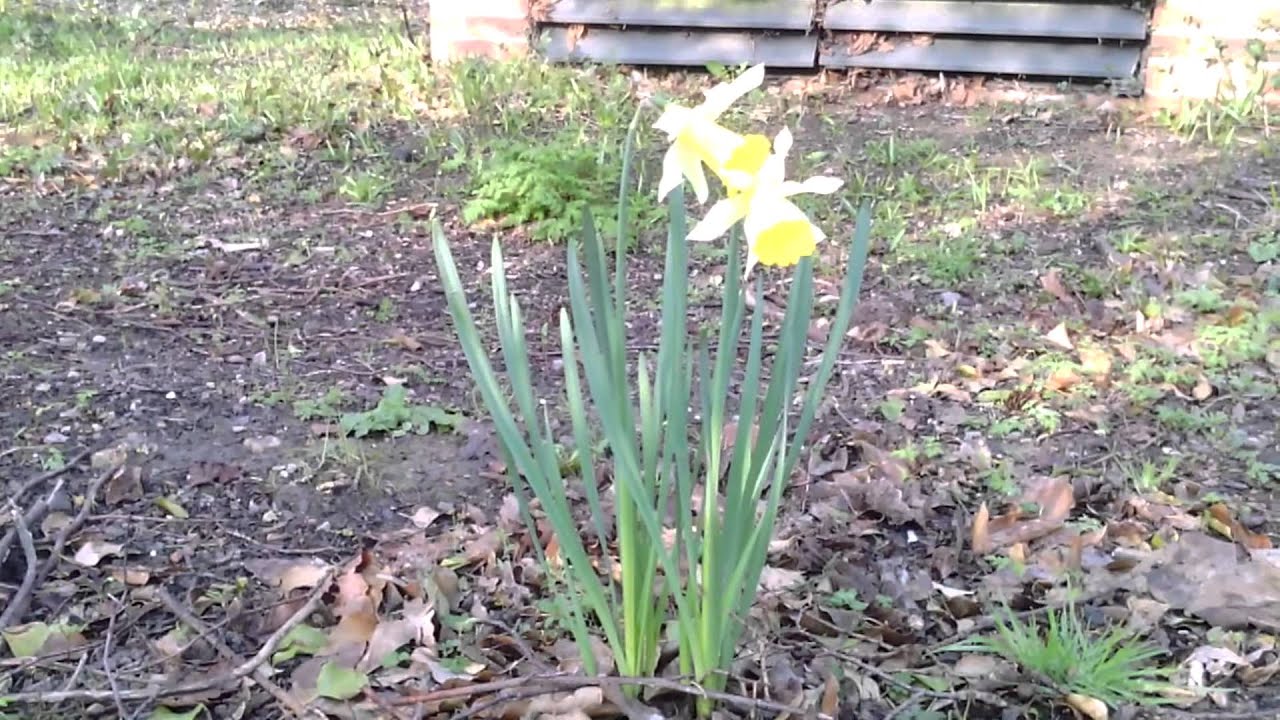
In our test the Toshiba AT200 produces decent quality video and was able to cope reasonably well with moving objects. Take a look at our HD video sample below.