





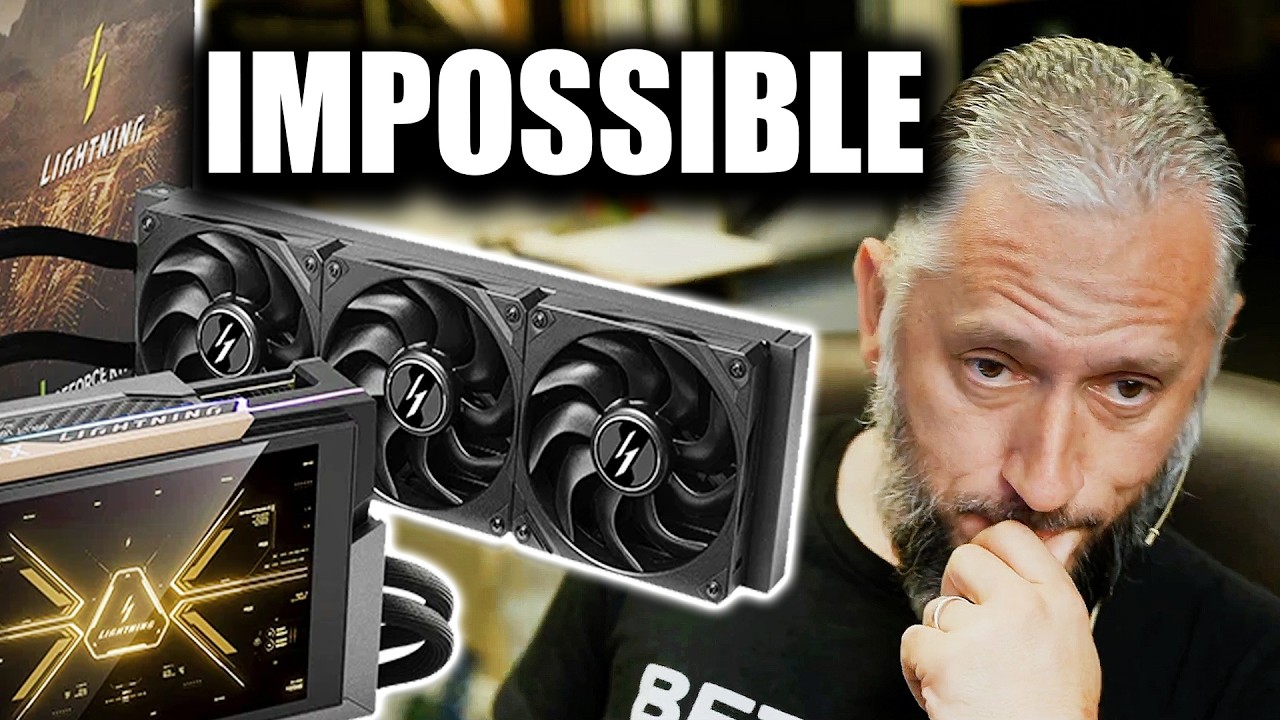
- Someone bought an MSI RTX 5090 Lightning Z, which is a $5,000 GPU
- They then practiced their soldering skills on the board, and broke the graphics card
- Why? It's surely because they wanted to implement a hardware mod that allows for an extreme BIOS to be run on the GPU
MSI's RTX 5090 Lightning Z is a rare limited-edition graphics card that costs $5,000 (or thereabouts) in the US, so what better way to practice your soldering than to test out your skills with the iron on said board?
Reckless? Well, that doesn't even begin to cover it really, but VideoCardz spotted this improbable-sounding tale of GPU foolishness, which was posted on YouTube by NorthridgeFix, a California-based hardware repair shop.
The broken card was sent into the repair outlet with an issue description which revealed the owner wanted to "learn how to solder tiny 0402 resistors" and that they were "practicing" on their pricey GPU.
"He tried to 'learn soldering' on an extremely rare MSI 5090 Lightning Z GPU of which only 1,300 units were ever made worldwide," NorthridgeFix observes in its YouTube blurb, adding: "I'm speechless."
Me too.
Predictably enough, the soldering lesson went badly wrong and ended up ripping one of the resistor pads, rendering the RTX 5090 non-functional, and requiring a delicate repair.
The repair isn't actually fully completed in the video clip, as it still needed further testing, but it seems like NorthridgeFix was successful in rescuing the expensive graphics card.
Analysis: solder to cry on
Why was the RTX 5090 owner even thinking about playing around with soldering resistors in this way with such a pricey piece of hardware? It's presumably because they were trying to get the MSI XOC ('extreme performance') BIOS to work so they could engage in some extreme overclocking.
That BIOS was seemingly limited in distribution and only given to pro overclockers, and MSI RTX 5090 Lightning Z graphics cards bought at retail can't be flashed with it. However, the BIOS was leaked, and what's happened is that some folks have found a way around this restriction, with adding an extra resistor seemingly allowing the XOC BIOS to be used. And apparently this is what the owner of the GPU was trying to do.
There is a reason, of course, why MSI hasn't freely released the XOC BIOS: namely, because if it did, there'd likely be a fair few destroyed RTX 5090 GPUs (and warranty claims). Remember, this extreme take on the BIOS is designed to allow for 2500W of power, a truly ridiculous amount (intended for the likes of liquid nitrogen-driven world record overclocking attempts).
At any rate, extreme BIOS aside, and to state the obvious: if you're a newcomer to soldering, don't start your journey on any functional graphics card, let alone a cutting-edge flagship model – and a limited-edition effort at that. The mind boggles with this case, frankly.

➡️ Read our full guide to the best graphics card
1. Best overall:
AMD Radeon RX 9070 XT
2. Best budget:
Intel Arc B580
3. Best Nvidia:
Nvidia RTX 5070 Ti
4. Best AMD:
AMD Radeon RX 7900 XTX
Follow TechRadar on Google News and add us as a preferred source to get our expert news, reviews, and opinion in your feeds. Make sure to click the Follow button!
And of course, you can also follow TechRadar on YouTube and TikTok for news, reviews, unboxings in video form, and get regular updates from us on WhatsApp too.