
 Become a TechRadar Insider





Updated: now read our full Windows 7 review and our full Snow Leopard review.
Two companies, two rival platforms, two often rabidly loyal groups of fans and two brand new operating systems. Apple's Snow Leopard will be thunking onto doorsteps from today, while Windows 7 hits the shops in a matter of weeks.
Now, we like Snow Leopard, and we like Windows 7 - but which is better? There's only one way to… actually, it's a bit more complicated than that. Both products are significant upgrades, but they're coming from very different perspectives.

Interface
Both operating systems have improved the user experience, and which one you prefer is largely a matter of taste. There's no doubt that Windows 7 is the prettiest Windows yet, but to our eyes Apple still has the more refined appearance while the redesigned Windows Taskbar is, well, a bit minging.

SERVICES MENU: OS X's Services menu is handy, but it gets awfully cluttered. Hurrah, then, for the new context-sensitive version. Snow Leopard is all about simple but useful UI tweaks like this
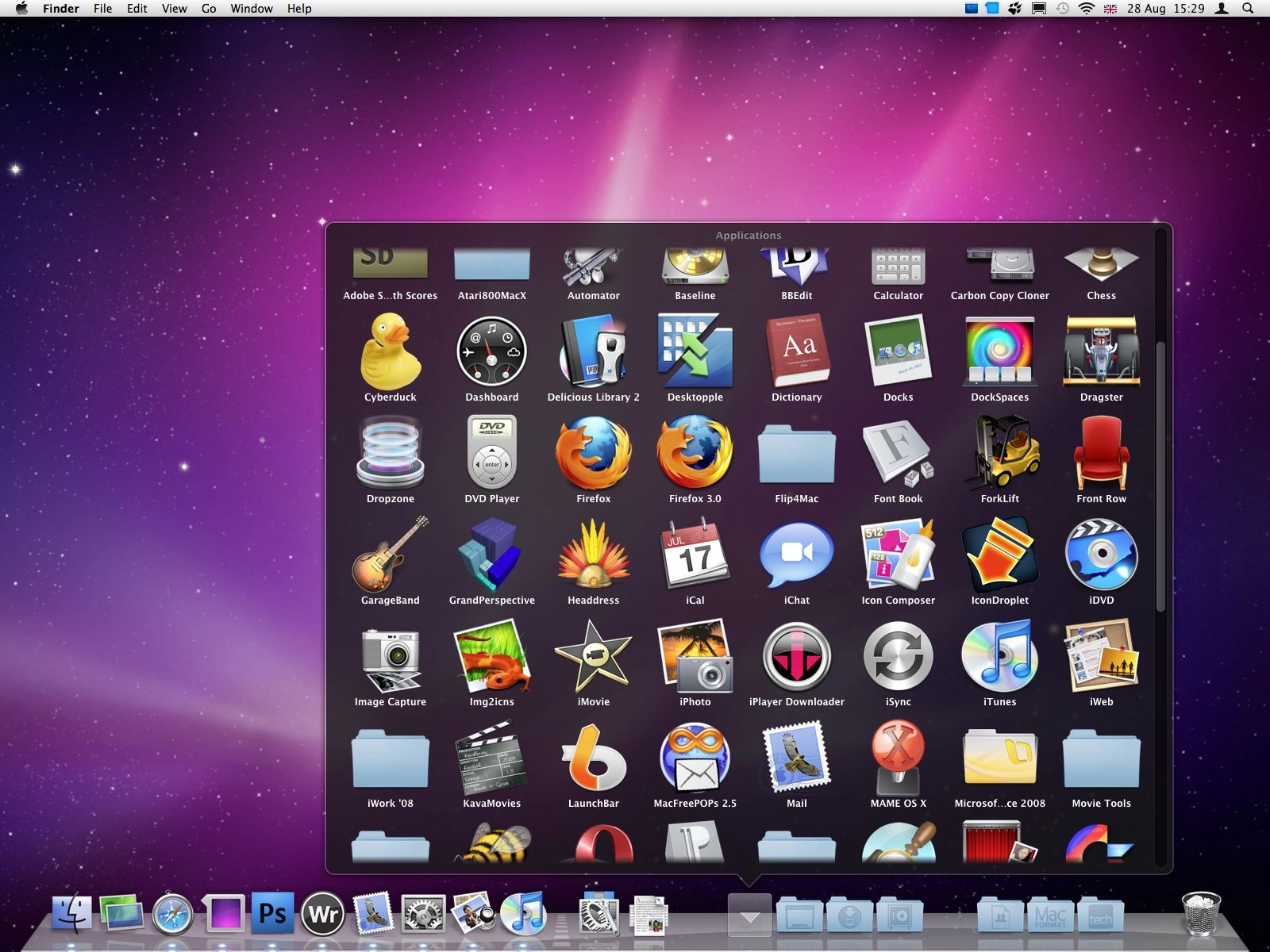
Snow Leopard includes lots of welcome interface changes, including a context sensitive Services menu, a QuickTime interface that isn't utterly hideous, a redesigned Exposé that's now integrated into the Dock, scrollable Stacks and the latest Safari, which brings iTunes-style Cover Flow browsing to your favourite sites and browser history.

STACK IT UP: Snow Leopard refines rather than reinvents a lot of features, so for example Stacks are now scrollable for easy navigation
Windows 7 gets Taskbar icon thumbnail previews and the fun Aero Shake, which enables you to hide everything but the current window by giving it a wiggle. Jump lists make Taskbar icons more useful, the streamlined Notification Area is considerably less annoying than before and you now get an OS X-style pop-up preview that enables you to listen to MP3s without opening Windows Media Player.

PREVIEW IT: Thumbnail previews are little things that make a huge difference, and they're among several useful UI improvements in Windows 7
In interface terms, then, Windows 7 is Vista with knobs on and Snow Leopard is Leopard given a bit of polish. The difference between Vista and Windows 7 is much more dramatic than the difference between Leopard and Snow Leopard, but both make your computer a nicer place to be.
Performance
Both operating systems promise improved performance and smaller footprints, with Apple suggesting that you'll free up 7GB of hard disk space by upgrading. Microsoft is rather coy on this one, but if we look at the recommended system requirements Windows 7 wants 16GB free disk space for 32-bit and 20GB for 64-bit. Snow Leopard wants 5GB.
Windows and Snow Leopard have a number of performance features, but some of them are very hardware-dependent - so for example Snow Leopard's hardware acceleration for QuickTime only works on Macs with an Nvidia 9400M graphics processor.
Similarly OpenCL, which uses the graphics chip for additional processing muscle, only works on specific Nvidia and AMD graphics chips, while the 64-bit processing naturally requires a 64-bit processor. If you do have all the right bits you should notice a dramatic difference in system performance, but even if you don't Snow Leopard boasts faster waking, a faster Finder, speedier Time Machine backup and Safari, which is positively rocket-powered compared to Windows' Internet Explorer 8.
However, to make all of this possible Apple has decided that it needs to make a sacrifice: Snow Leopard doesn't support PowerPC Macs, so if you've got an ageing PowerBook kicking around you won't be able to upgrade from Tiger or Leopard.

QUICK TIME: Bye-bye horrible old QuickTime interface; hello minimalist new UI, hardware acceleration and iPhone-style editing
Windows is noticeably quicker too. As we discovered when we benchmarked the RTM version Windows 7 is significantly quicker to boot, to sleep and wake, to shut down and to copy files than Vista, and it feels much snappier too.
Like Snow Leopard it enables programs to take advantage of the graphics processor for additional horsepower, although like Snow Leopard you need specific hardware to get the benefit: in the case of Windows 7, that means DirectX 11-compatible graphics kit.
Windows 7 has tweaked its multi-core support, although if you install the 32-bit version you won't be able to take advantage of 64-bit processing. We'd recommend installing 64-bit Windows unless you're running peripherals whose manufacturers can't be bothered making 64-bit drivers; thankfully such firms are becoming increasingly rare.
In both cases the real performance increases will turn up in the longer term, when application developers take advantage of OpenCL and Grand Central Dispatch in Snow Leopard and DirectX 11 in Windows 7.
