


- Motorola's Smart Feed app appears to be adding affiliate codes to purchases through the Amazon app
- This means Motorola, or whoever the code is linked to, would get a kickback for your purchases
- But there's evidence that this behavior might not have been intended
Something very strange — and sketchy — seems to be happening on some Motorola phones, as devices appear to have been caught adding affiliate codes to orders placed through the Amazon app.
The behavior was first spotted by a Reddit user with a Motorola Razr Ultra (2025), with Motorola’s pre-installed Smart Feed app appearing to be the culprit. 9to5Google has since replicated the behavior using a Razr Fold, and the site also claims that this oddity doesn’t happen on older versions of Motorola’s Smart Feed app, so it has only started with the latest update.
It also didn’t occur when 9to5Google used a Moto G Stylus (2026) running the latest version of Smart Feed, so seemingly, only certain phones are affected.
But it’s troubling behavior regardless, as this basically means that any time you order something from the Amazon app, Motorola will quietly get an affiliate fee, despite having nothing to do with you placing the order.
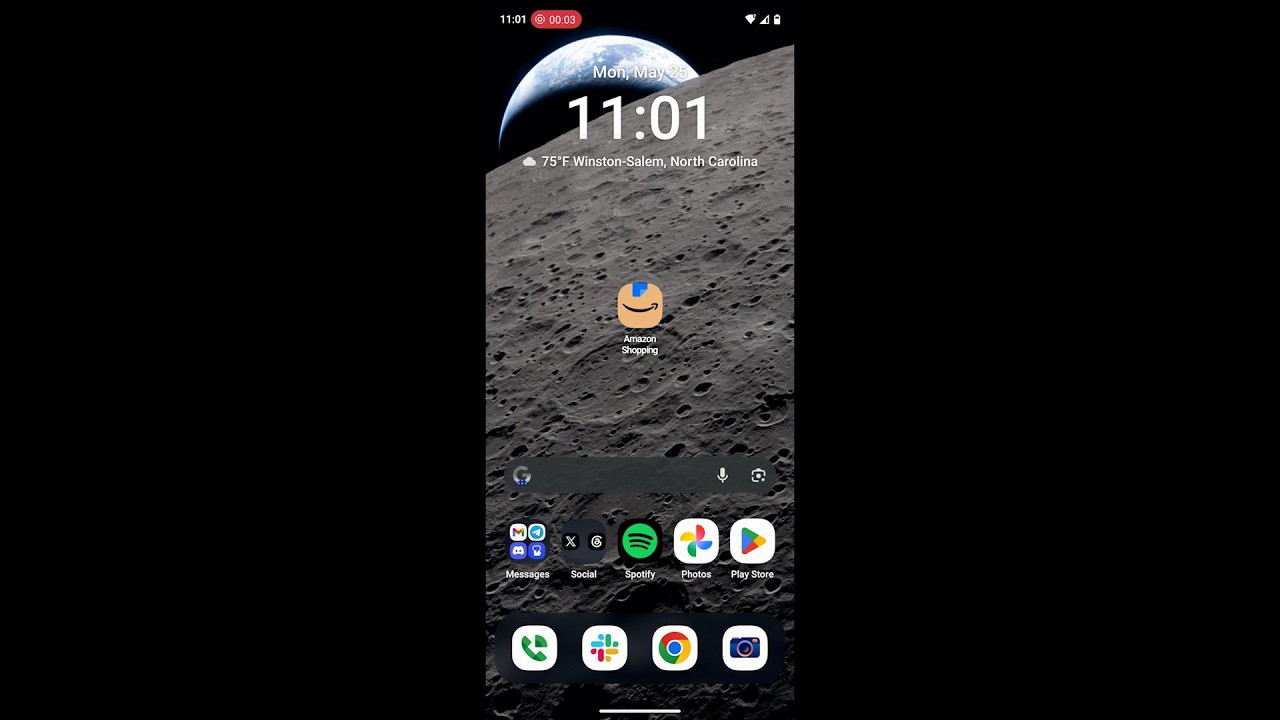
Oddly, this seems to only happen if you open the Amazon app from the app drawer, rather than from its home screen icon, but you can see evidence of it happening because the Chrome browser will flash up for a split second to inject the affiliate link.
You can see this happening in 9to5Google’s video below, which first shows the Amazon app being opened from the home screen and then from the app drawer.
This is reminiscent of the scandal previously faced by Honey — PayPal’s Chrome extension that promised to automatically apply the best discount codes to online purchases, but which would also attach its own referral links to the purchase to get a kickback, even removing other referral links that you might have attempted to use.
It gets weirder
But in Motorola’s case, things appear weirder than the company simply trying to take a cut of your Amazon purchases, because 9to5Google also found that the Chrome site that flashes up when you launch Amazon is ‘kira-abboud.com,’ which seems to be a reference to fashion influencer Kira Abboud.
But why on Earth would Motorola use an affiliate link tied to a fashion influencer? And on top of that, the actual affiliate code that’s generated doesn’t appear to match up with any that have been shared by Abboud. So it may well be that this wasn’t an intentional act by either Motorola or Abboud.
Regardless, Motorola users understandably aren’t happy, taking to Reddit to say things like “this is really sketchy” and describing this quirk as “outright malware”.
Hopefully, Motorola will clear things up soon, but in the meantime, you can disable Smart Feed to prevent this behavior. To do so, head to Settings > Apps, then search for Smart Feed and tap ‘Disable’.

Follow TechRadar on Google News and add us as a preferred source to get our expert news, reviews, and opinion in your feeds. Make sure to click the Follow button!
And of course you can also follow TechRadar on TikTok for news, reviews, unboxings in video form, and get regular updates from us on WhatsApp too.