
 Become a TechRadar Insider





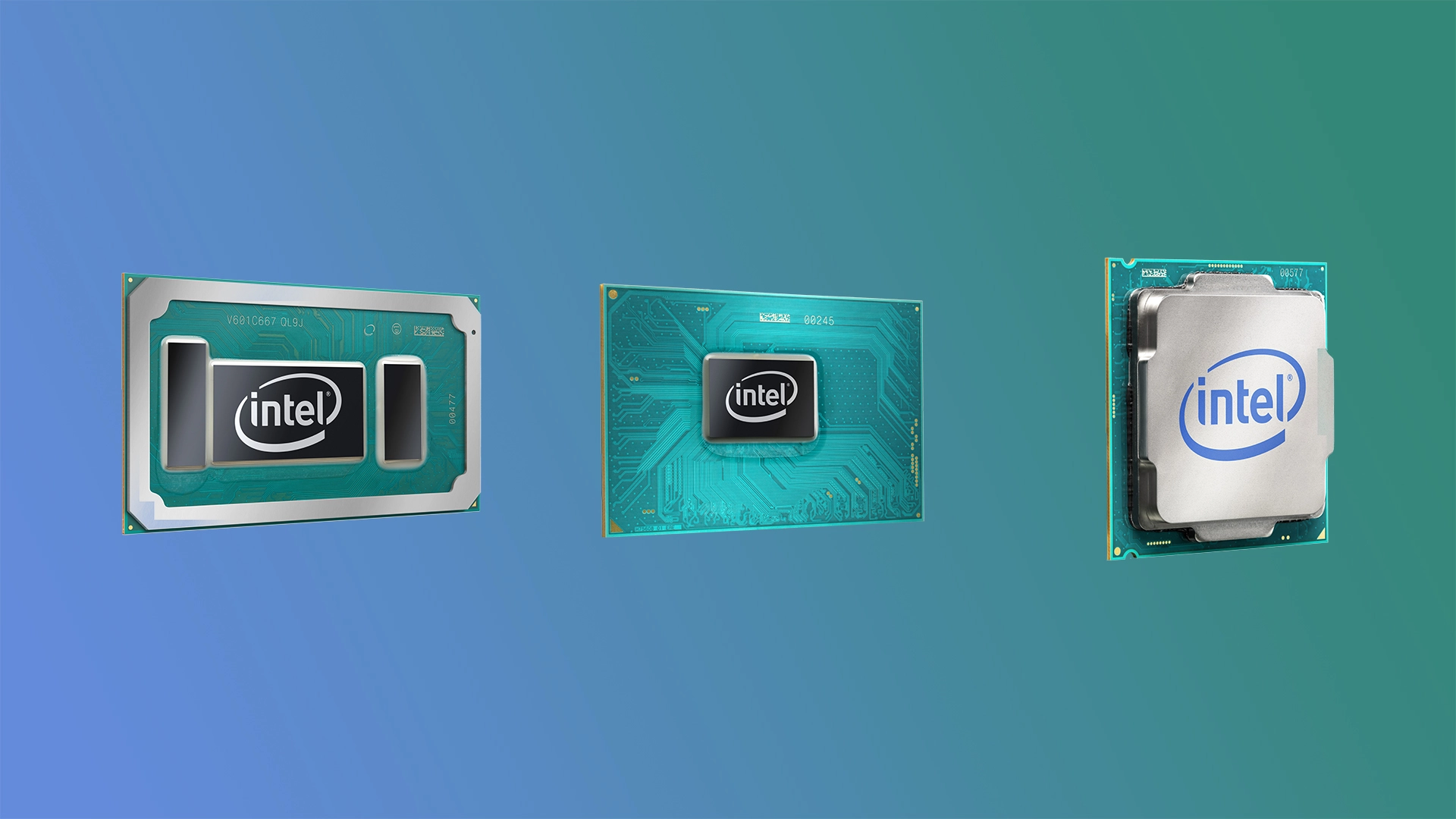
Earlier last summer, Intel introduced a few 7th generation processors destined for Ultrabooks and 2-in-1 devices, and now it’s filling out the rest of its Kaby Lake lineup with some new tech to boot.
The most prominent advancement is Intel’s new Optane memory, which promises to give your hard drive a turbo boost for SSD-like speed. The chip maker explains the new form of memory effectively removes the delay of spinning hard drives for a snappier response time while accelerating everyday applications.
If the claims prove to be true, we’ll never have to cry over the price of a high-capacity SSD and get back to more affordable spinning disks.

Now as for what actually gets Optane memory support? Literally any processor that supports Iris Plus graphics. Intel has also said Optane memory will be available to Intel Core i3 and above chips designed for the 200-series chipset (i.e. the new Q250, H270 and Z270 chipset).
There will also be Optane memory ready chips that don’t necessarily come with it on the chip, but rather will allow users to upgrade their system afterwards assuming they have a compatible motherboard and a requisite m.2 flash storage connector.
Putting the Plus in Iris graphics
Although we’ve already seen a few U-series chips come to Ultrabooks like the Razer Blade Stealth, Intel held back on introducing its next generation Iris Plus graphics found on an even higher-end set of U-series processors.
Intel claims its latest integrated graphics technology affords users with 65% higher 3D graphics performance and the ability to create videos 40% faster.
You might think that’s a comparison with last generation Skylake chip, however, Intel is actually showing the difference between the new Core i7-7567U chip and its previously best Core i7-7500U mobile processor.
Intel’s new U-series (15W) lineup is as follows:
- 2.2Ghz Intel i5-7260U (dual-core, 4MB cache, up to 3.4GHz, Intel Iris Plus Graphics 640)
- 2.3Ghz Intel i5-7360U (dual-core, 4MB cache, up to 3.6GHz, Intel Iris Plus Graphics 640)
- 2.4Ghz Intel i7-7560U (dual-core, 4MB cache, up to 3.7GHz, Intel Iris Plus Graphics 640)
- 2.5GHz Intel i7-7567U (dual-core, 4MB cache, up to 3.8GHz, Intel Iris Plus Graphics 640)
Intel’s new U-series (28W) lineup is as follows:
- 2.8GHz Intel Core i3-7167U (dual-core, 3MB cache, up to 2.8GHz, Intel Iris Plus Graphics 650)
- 3.1GHz Intel Core i5-7267U (dual-core, 4MB cache, up to 3.5GHz, Intel Iris Plus Graphics 650)
- 3.3GHz Intel Core i5-7287U (dual-core, 4MB cache, up to 3.7GHz, Intel Iris Plus Graphics 650)
- 3.5GHz Intel Core i7-7567U (dual-core, 4MB cache, up to 3.9GHz, Intel Iris Plus Graphics 650)
Heavy metal tasking
Of course, Intel has new H- and K-series processors for serious gamers and content producers. This time around we’ve been promised an astonishing jump forward in performance including 20% faster productivity and 65% faster creation of 4K 360-degree videos.
Additionally, Intel claims we’ll be able to play games like Overwatch at 4K while on the go. We’ll have to see it to believe it of course.
7th generation Intel Kaby Lake H-series (45W) processors:
- 3.0GHz Intel Core i3-7100H (dual-core, 3MB cache, Intel HD Graphics 630)
- 2.5GHz Intel Core i5-7300HQ (quad-core, 6MB cache, up to 3.1Ghz, Intel HD Graphics 630)
- 2.8GHz Intel Core i5-7440HQ (quad-core, 6MB cache, up to 3.4Ghz, Intel HD Graphics 630)
- 2.8GHz Intel Core i7-7700HQ (quad-core, 6MB cache, up to 3.4Ghz, Intel HD Graphics 630)
- 2.9GHz Intel Core i7-7820HQ (quad-core, 8MB cache, up to 3.5Ghz, Intel HD Graphics 630)
- 2.9GHz Intel Core i7-7820HK (quad-core, 8MB cache, up to 3.5Ghz, Intel HD Graphics 630)
- 3.1GHz Intel Core i7-7920HQ (quad-core, 8MB cache, up to 3.7Ghz, Intel HD Graphics 630)
Intel’s other desktop parts
Last but not least Intel has updated its S-series lineup destined for All-in-One PCs and mini systems like NUCs. Oddly, Intel makes its meekest claim here, noting the new processors will leaps in performance compared to a three-year old PC.
When compared to a Haswell Intel Core i7-4770K processor, a newer Intel Core i7-7700K chip offers 25% faster productivity while being 35% faster at creating and stitching together 4K 360-degree videos.

- AMD also has plenty in store for us at CES 2017
