
 Become a TechRadar Insider





10 really useful free Windows system tools
Essential free programs for your Windows XP or Vista toolkit
When compiling your essential Windows XP or Vista toolkit, it makes sense to source as many free tools as you possibly can.
But sometimes you don't know that you need a tool until you're presented with it
So check out this list of ten of our favourite free system tools and plug some gaps in your software collection.

Prefer other apps? List your favourite system tools in the comments.
1. IZArc
Not everyone distributes compressed files in the zip format - thankfully IZArc can read dozens of formats (including zip, of course). It's also handy at creating customised archives, with support for 256-bit encryption, self-extraction and splitting large archives for distribution in manageable chunks.
2. File Shredder
Sign up for breaking news, reviews, opinion, top tech deals, and more.
Securely delete files from your hard drive, and cover your tracks by shredding the free space too with File Shredder, a simple, yet effective, data destruction tool.
3. EASUS Partition Master Home Edition
EASUS Partition Master Home Edition is a freebie which enables you to not only partition without data loss within Windows, it also boasts partition and disk copy wizards too, making it easy to clone hard drives or quickly back them up.
4. Autoruns
Windows' built-in msconfig tool is all well and good, but if you want complete control over what starts with your PC, then Autoruns, a free tool from The Artists Formerly Known As SysInternals, is an essential addition to your toolkit. You can delete as well as disable start-up items, plus access other start-up zones too.
5. ISO Recorder
ISO Recorder is a fabulous tool which makes it easy to burn discs from ISO images downloaded from the internet (such as Linux distributions), but it's also able to back up uncopy protected CDs and DVDs to ISO format too.
6. DAEMON Tools Lite
Tired of constant disc-swapping or hunting for lost DVDs? DAEMON Tools Lite creates up to four virtual CD/DVD drives that can access disc image files (including ISO and IMG) as if you'd inserted the discs themselves. Oh, and it's quicker than accessing the real thing too.
7. CCleaner
There's only so much crap that Windows' own Disk Cleanup tool can handle - if you want a tool that does a more thorough job, CCleaner is that program. Use its Registry cleaning tool with care, though.
8. Free Registry Defrag
You can't rely on Registry cleaners to always get it right when cleaning out your Registry. Deleting so-called "problem" entries is only half the job anyway - Free Registry Defrag won't delete anything from your Registry, but it will compact and defragment the contents of your Registry files so they perform quicker. There's an element of risk with any Registry cleaning exercise - visit www.support-pcs.co.uk/quicklinx/regrecovery.html before you begin, just in case.
9. Defraggler
Most defrag tools will only let you defrag entire partitions or drives; Defraggler lets you analyse your drive and then pick individual files and folders to defragment - perfect if you're running on a tight schedule.
10. Ultimate Windows Tweaker
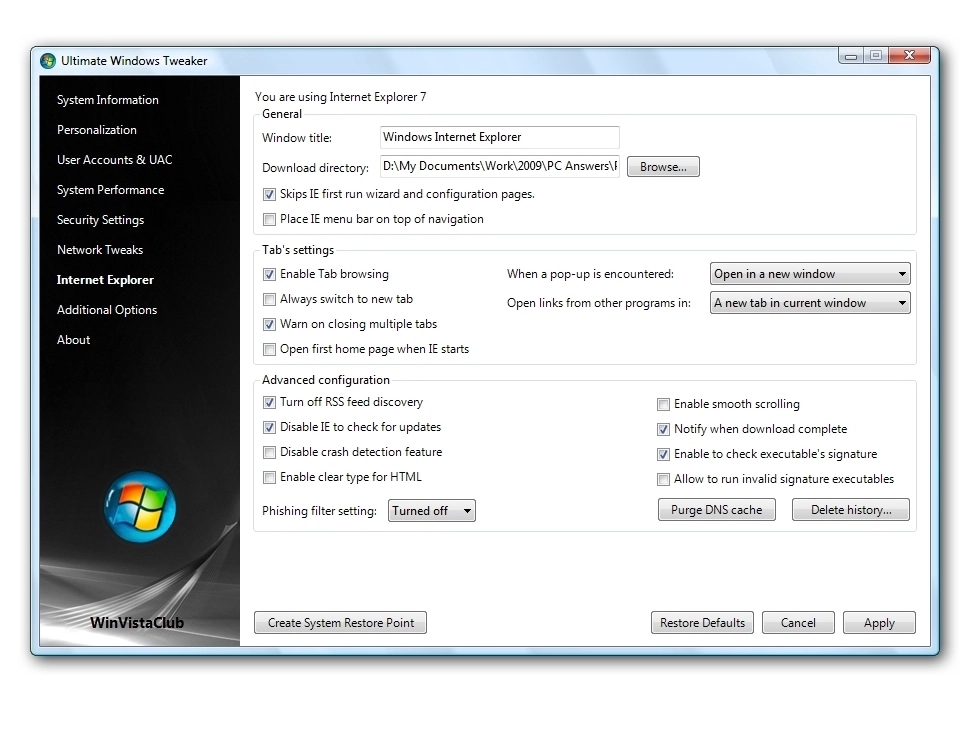
Vista users casting a jealous glance at XP's TweakUI PowerToy can stop being envious: the recently released free app Ultimate Windows Tweaker packs in over 130 tweaks into a single 380KB executable file - no installation necessary.
-------------------------------------------------------------------------------------------------------