




If you’ve been weighing up whether to spend a small fortune on the iPhone Duo, you’re probably already aware of the software-related criticism surrounding it.
At the time of writing, several high-profile non-Apple apps (including LinkedIn, Google Calendar, and Duolingo) still haven’t been optimized to take advantage of the Duo’s dual-screen form factor (read: they look awful). Still, less has been written about the apps and games that have received a Duo-specific facelift.
I’ve been using the Duo for a few weeks now, and in this guide, I’ve highlighted seven fully optimized (and free) apps whose slick performance bodes well for the future of Apple’s first foldable.
PianoFold


PianoFold is, hands down, my favorite iPhone Duo game so far. It’s basically Guitar Hero, but for the piano — musical tiles glide down from the top of the screen, and you have to tap the appropriate tile as it reaches the bottom of the screen to play the correct melody.
PianoFold works in every iPhone Duo orientation. If you fold it like a laptop, the notes fall from the upright half and strike just below the hinge. If you hold it open flat, the notes strike halfway down the screen. And if you use the Duo closed, the game functions as it would on any single-screen iPhone.
I prefer to play in the unfolded landscape mode, but the half-folded mode looks exceptionally cool if you enable ‘Room view’, which uses the Duo’s camera to make the notes appear as if they’re floating through your surroundings.
The full version of PianoFold costs money, but the free version is great in its own right. You get access to seven classical songs — including “Ode to Joy” (easy), “The Entertainer” (hard), and “Can-Can” (impossible) — but once you clear the first five, one song from the full game is made free each day until midnight.
Battlefleet Duo


Battlefleet Duo reinvents the classic two-player strategy game, Battleship, for the 21st-century iPhone Duo-owning consumer.
Tabletop mode lets your Duo double as the traditional Battleship box — your fleet on one side, your enemy’s (hidden) fleet on the other — while unfolded mode fills the screen with enhanced 3D graphics; fires rage, ships sink, and the weather changes on a dime. There’s even a Classic mode, which switches out these modern frills for the game’s original plastic board, ships, and pegs.
As with PianoFold, Battlefleet Duo is only partially free, but the unpaid version gives you two free games per day against the AI, a friend, or online players. And if you have the patience to play more than two games of Battleship per day, more power to you.
Art of Flora


Art of Flora is as simple as iPhone games come: you piece together puzzles depicting botanical illustrations, and you’re rewarded with a description of the plant in question.
This slower-paced game is designed to relax and educate, and the iPhone Duo-specific version supports big-screen puzzle-completing in both landscape and portrait orientations.
The first 10 puzzles in Art of Flora are free — the other 100 can be purchased via packs and bundles — but in my experience, that’s enough to see you through a train journey or kill some time on a flight. Once you’ve completed the lot, jump straight into the Duo’s Books app to make yourself feel like a regular Charles Darwin.
Pools


Pools is described by its developer as “slow, reflective, and intentionally uneventful,” but don’t download this game thinking it’s going to relax you.
This Duo-optimized title is a psychological horror walking simulator inspired by The Backrooms internet lore and, specifically, Jared Pike’s "Dream Pools" 3D renderings. Pools has no puzzles, no user interface (UI), and no enemies — you’re just dropped into its liminal spaces and left to explore at your own pace/risk (delete as appropriate).
This game is also my favorite showcase for the power of Apple’s A20 Pro chipset. It looks absolutely gorgeous in all graphics presets (Quality, Performance, or Ultra), offering genuinely console-quality light and water physics. You’ll get similar performance from Pools on the iPhone 18 Pro, but the Duo’s larger inner screen makes it both easier to play and more enjoyable to gawk at.
Lo and behold, the free version of Pools features just one chapter (or map) — the other six require a one-time purchase — but it’s big enough to show what Apple’s first foldable is made of.
Spotify


I don’t need to tell you what Spotify is, but if you’re an existing Spotify user who’s worried about the experience of using Spotify on the iPhone Duo, don’t be: it’s awesome.
Well, it’s awesome when using the Duo unfolded. When closed, you still get that jarring black bar on the right-hand side of the screen, but in unfolded mode, Spotify splits the screen in half to show your playlist on one side and your currently playing song on the other.
This split-screen works in both landscape and portrait orientations, and while Spotify still needs to make better use of Apple’s vertical nav bar even in unfolded mode, I’ve been enjoying my time with the world’s most popular music streaming app on the iPhone Duo.
Slack

Here’s one for the workers: Slack on the iPhone Duo works like a dream.
This is one of the few third-party apps (at the time of writing) that uses the Duo’s larger inner canvas and Apple’s vertical nav bar, so you can access channels, direct message chats, and menu options in a single view.
Slack on the iPhone Duo basically puts the Slack desktop experience in the palm(s) of your hand, and while it’s obviously less usable in folded form, it’s still been optimized for the Duo’s outer screen in a way that 90% of apps just aren’t right now. Working 24/7 has never looked so good!
TfL Go

If you’re reading this from the US, Australia, or anywhere in the UK that isn’t London, I’m sorry to disappoint or bore you, but the official TfL (Transport for London) app is a sight to behold on the iPhone Duo.
This is one of the last apps I expected to be optimized for Apple’s first folding phone, but to my surprise, it was one of the first. There’s no split-screen functionality, but the London Underground map looks glorious when plastered across all 7.6 inches of the Duo’s nano-texture display, and it’s great fun to traverse the 272-station network while, erm, stuck on the London Underground.
So there you have it: seven of the best free, fully optimized iPhone Duo apps I've come across so far.
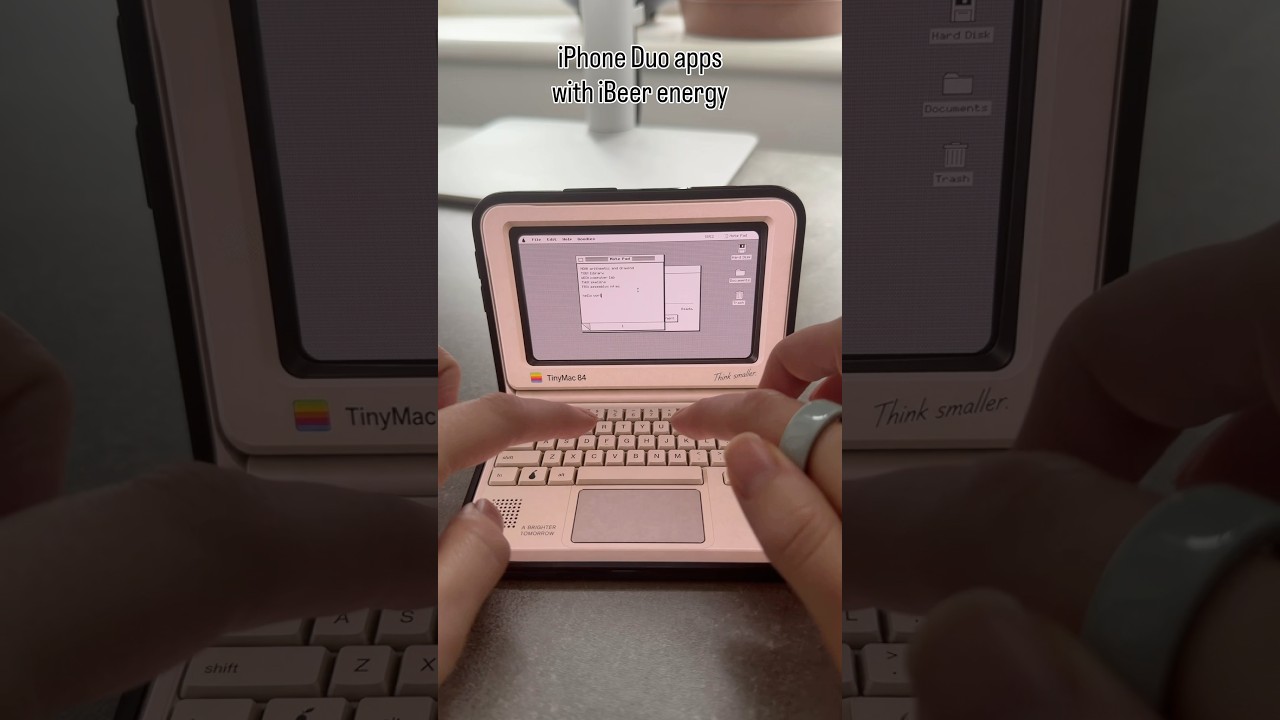
Of course, plenty more apps have been optimized for Apple’s first foldable than those I've mentioned here (my colleague, Lance, has highlighted one of his favorites on TikTok, as have we on YouTube), and plenty more will become optimized in the coming weeks as developers roll out Duo-specific updates.

Follow TechRadar on Google News and add us as a preferred source to get our expert news, reviews, and opinion in your feeds. Make sure to click the Follow button!
And of course you can also follow TechRadar on TikTok for news, reviews, unboxings in video form, and get regular updates from us on WhatsApp too.
