


It’s been a busy 2025 in the world of tech, but one of my favorite things to do is keep up to date with the latest and greatest apps. In total, I’ve downloaded and tested more than 50 different apps, ranging from productivity to cooking and fitness to games.
I’ve found apps that clear your inbox of junk email, educate you on art from around the world, and relieve you of the stress that so easily builds up. Technology has a unique place in our lives and is capable of a lot of good, but there are also a lot of time-wasters out there that we should stay clear of.
This is part of a regular series of articles exploring the apps that we couldn't live without. Read them all here.
I’ve gone through every app I looked at in 2025 and have picked out my top five favorites. As great as my list is, though, I’d love to hear what your favorite apps are and which ones you think I should write about in 2026. Here goes.
Best for fitness
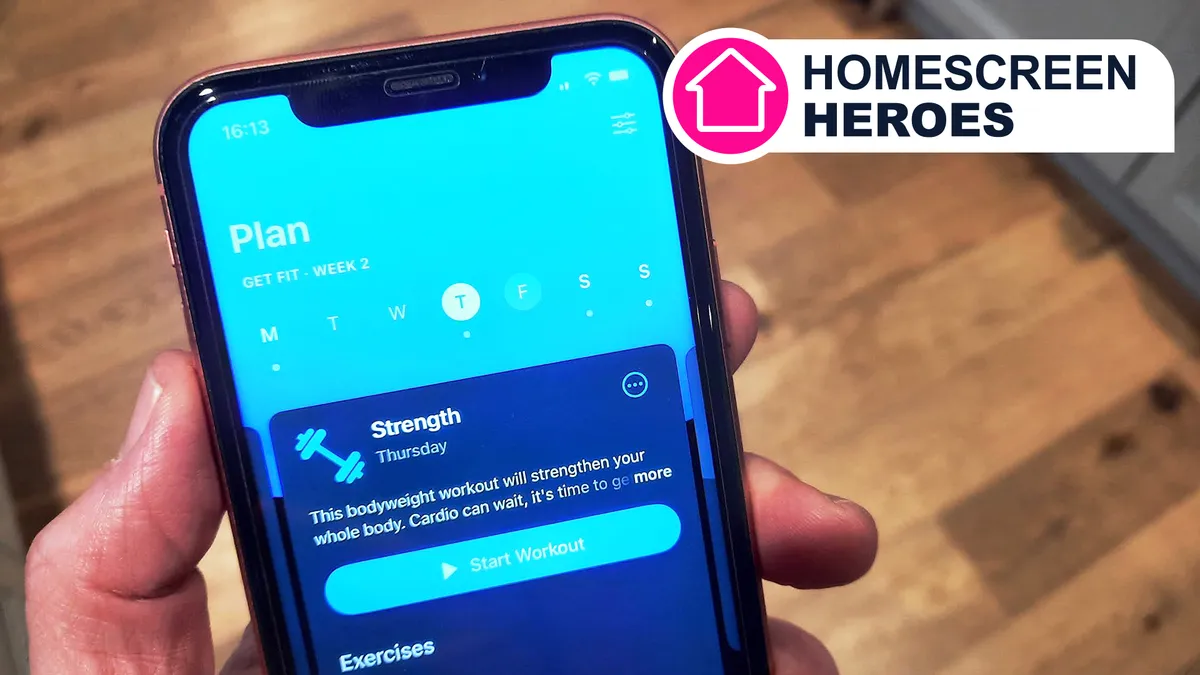
Seven: 7 Minute Workout
Building lasting fitness habits is notoriously difficult, but the Seven: 7 Minute Workout app simplifies the process by focusing on manageable, daily consistency. While seven minutes might seem negligible, these small bursts of activity can trigger significant long-term transformations. I wrote, “This gym-beating workouts app [that] finally got me exercising daily.”
The app's greatest strength is its accessibility. Whether it’s first thing in the morning, during a lunch break, or right before bed, it is easy to carve out a seven-minute window in even the busiest of schedules. By removing the barrier of time, the app turns exercise into a simple matter of hitting "start" and following along.
Read my Seven: 7 Minute Workout Homescreen Hero
Download the Seven: 7 Minute Workout app on iOS or Android
Best for automation
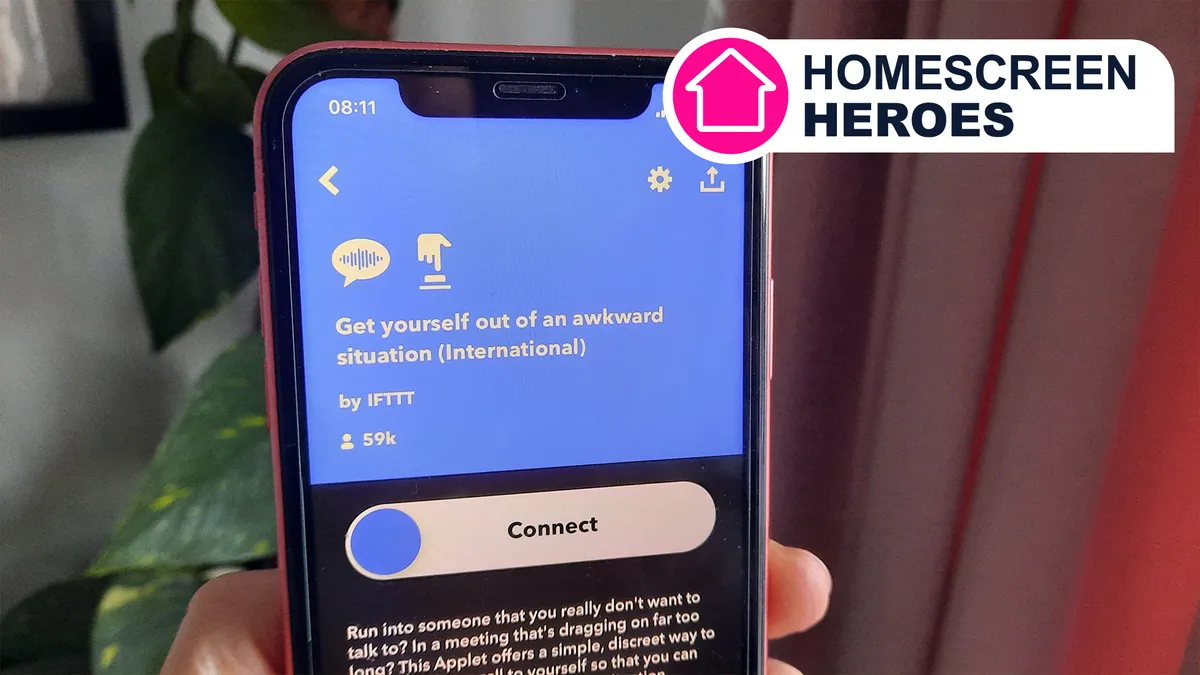
If This Then That (IFTTT)
I first discovered If This Then That (IFTTT) through a friend who used it to "win" a thermostat feud with his wife. The app alerted him every time the temperature climbed above his preferred setting. While the ethics of his domestic sabotage are debatable, the technology made me wonder what parts of my life could be automated.
Exploring IFTTT’s massive library of pre-made "applets" felt like finding a cheat code for productivity. The app can handle everything from cross-posting social media content and syncing Google Calendar events to tracking work hours or even sending UV index alerts to remind you to apply sunscreen. The prospect of eliminating mundane, repetitive tasks while ensuring nothing slips through the cracks was very appealing indeed.
Read my IFTTT Homescreen Hero
Download the IFTTT app on iOS or Android
Best for learning
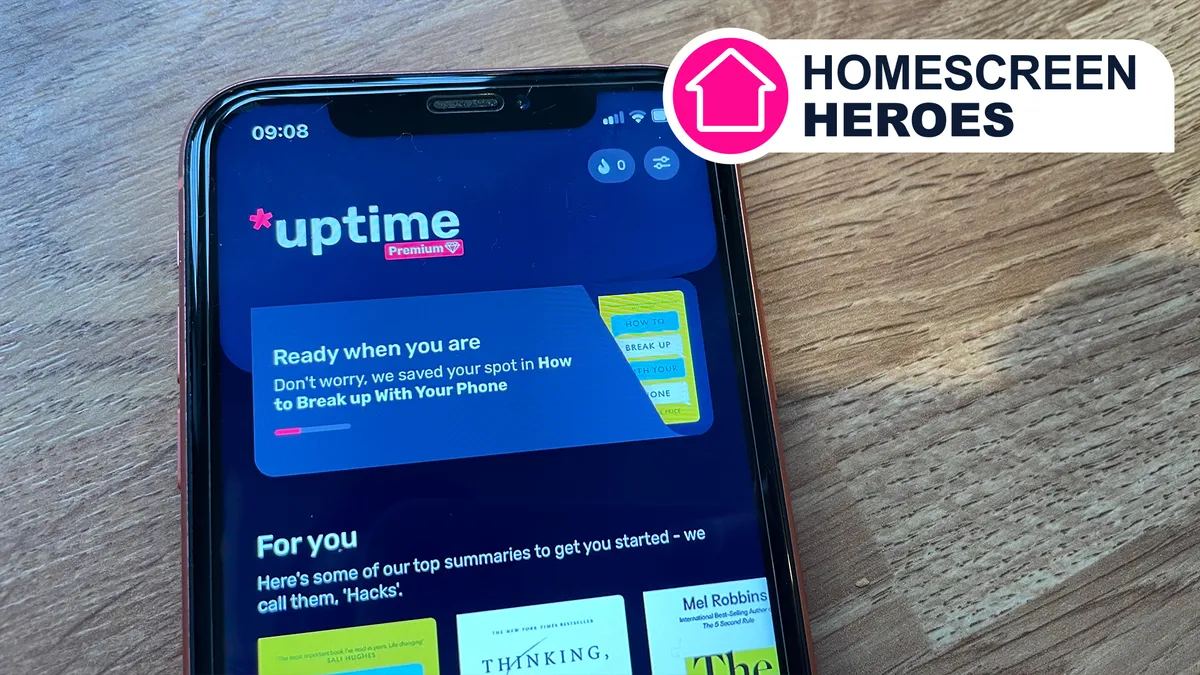
Uptime
Uptime delivers 5-minute summaries of books, courses, documentaries, and podcasts. These nuggets are called ‘hacks’ and contain mixed media to help boost engagement. The blend of text, audio, video, and images significantly helped me learn more effectively than the similar Headway app.
Each hack is put together by the creators themselves, which helps to guarantee a high level of authenticity and consistency. One of the best features in the app is called Spark Cards, which lets users save insights from a hack onto a board. This is equivalent to underlining a passage in a book or highlighting some text in an essay. The Uptime app has served up invaluable learning experiences and helped me hone my existing knowledge as well as learn new things.
Read my Uptime Homescreen Hero
Download the Uptime app on iOS or Android
Best for games

Two Dots
I loved this game and called it one of “the most addictive puzzle games yet, and I can't stop playing.” In terms of addictiveness, it has even beaten NYT Games, SimCity BuildIt, and Geometry Dash Lite. The game is all about making connections. By connecting colorful dots and searching for hidden treasures, gamers proceed through the game. It sounds simple, and it is, but that’s the real beauty of this app.
After mastering the beginnings of this game, it becomes possible to discover new worlds through the Scavenger Hunt mode. Rare rewards can be collected by conquering each tier. There are also five main game modes alongside limited-time events that keep you wanting to move through the levels. This is a very difficult game to put down. You’ve been warned!
Read my Two Dots Homescreen Hero
Download the Two Dots app on iOS or Android
Best for reducing screentime

One Sec
It is with these words that I headlined this Homescreen Hero: “I was tired of my phone demanding so much of my time, so I did something about it.” Unfortunately, for so many of us, our phones have way too much of a grip on us. As much as we might not want to admit it, a lot of us would benefit from a little help in putting down our phones from time to time.
One Sec takes a scientific and psychological approach to kicking the phone and social media habit by breaking the dopamine release cycle that keeps us scrolling. It does this by making you wait longer for social media apps, or any app you choose, to open. As a result, your brain will lose interest in those short-term dopamine hits. It’s a very simple concept, but it’s amazing how effective it is.
Read my One Sec Homescreen Hero
Download the One Sec app on iOS or Android
Follow TechRadar on Google News and add us as a preferred source to get our expert news, reviews, and opinion in your feeds. Make sure to click the Follow button!
And of course you can also follow TechRadar on TikTok for news, reviews, unboxings in video form, and get regular updates from us on WhatsApp too.
