





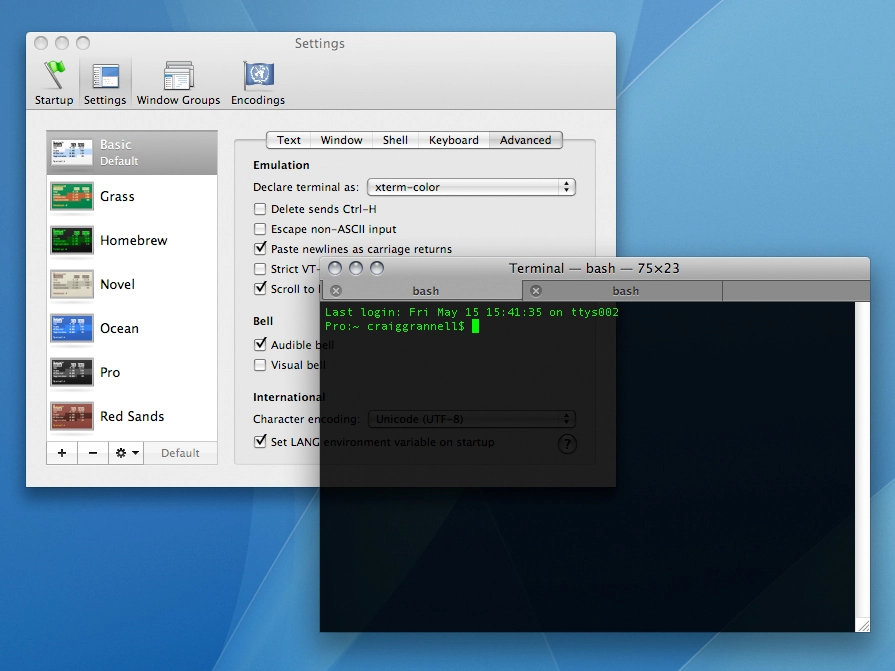
Time was that Mac users would stare blankly or visibly shudder when the words 'command line interface' were uttered.
But with Mac OS X being a Unix variant, Apple bundled Terminal right from the start, enabling Mac users to geek out as much as their PC-based brethren.
Although you can replicate the results or functionality offered by most Terminal commands via various bits of freeware and shareware, it's simpler to fire up the command line and paste in a handy command.
Below are our favourites, centring on workflow efficiency and system streamlining and improvements. Note that if Terminal becomes a mess at any point, 'clear' removes everything from the current window or tab.
Terminal commands to tweak your system
Starting with the system itself, here are four workflow-orientated tips:
1. Kill a process
killall [process name]
If a process is misbehaving or needs a restart, use the above command. For example, 'killall Finder' restarts Finder. Note that process names are case-sensitive.
2. Show hidden files
defaults write com.apple.finder AppleShowAllFiles true
This shows hidden files in Finder. Take care to not trash something you shouldn't. Replace 'true' with 'false' to put things back to normal.
3. Force expanded dialogs
defaults write -g NSNavPanelExpandedStateForSaveMode -boolean true
defaults write -g PMPrintingExpandedStateForPrint -boolean true
These commands force expanded dialog boxes for saving (top) and printing (bottom), if an app doesn't already have a custom setting. Use 'false' to reverse the commands.
4. Declutter your 'Open With' menu
/System/Library/Frameworks/CoreServices.framework/Versions/A/Frameworks/LaunchServices.framework/Versions/A/Support/lsregister -kill -r -domain local -domain system -domain user
The 'Open With' menu often gets full of junk. The above command, which must be pasted/typed as a single line, clears it out and starts again.