


- Windows 11's latest update has arrived
- The September update brings in the ability to move the taskbar
- There are also new options for resizing the Start menu, and a really useful tweak for Windows 11's search function
Windows 11's latest update has arrived, and it packs some important new features for the interface of the desktop OS.
Bleeping Computer flagged all the additions in the September 2026 update for Windows 11, and there are three major highlights, which I'll pick out here, before providing a general roundup of some of the other tweaks that Microsoft has brought in this month.
As ever, some of these features are being rolled out in a phased manner, so even if you do install the September update today, you may still have to wait a while for certain pieces of functionality to make their way over to your PC.
1. A movable taskbar

Thanks to the September update you'll finally be able to move Windows 11's taskbar away from the bottom of the screen, to the top instead, or the sides if you prefer (an option that people with an ultra-wide monitor often want to use, as it suits that aspect ratio much better).
This is an ability which has always been in Windows 10, but was dropped for Windows 11 because porting it over was a thornier issue than you might think (or so Microsoft told us).
Finally, however, Microsoft has got its act together and the taskbar can now be repositioned in Windows 11 – although I've a feeling this will be one of the features on a slower rollout. Hopefully I'll be wrong on that score and you'll get this ability promptly if you've been keenly awaiting it for the last five years.
It's also worth noting that there's another option introduced here which can make the taskbar smaller, so it takes up less screen real-estate on devices with small displays.
2. The Start menu can now be resized
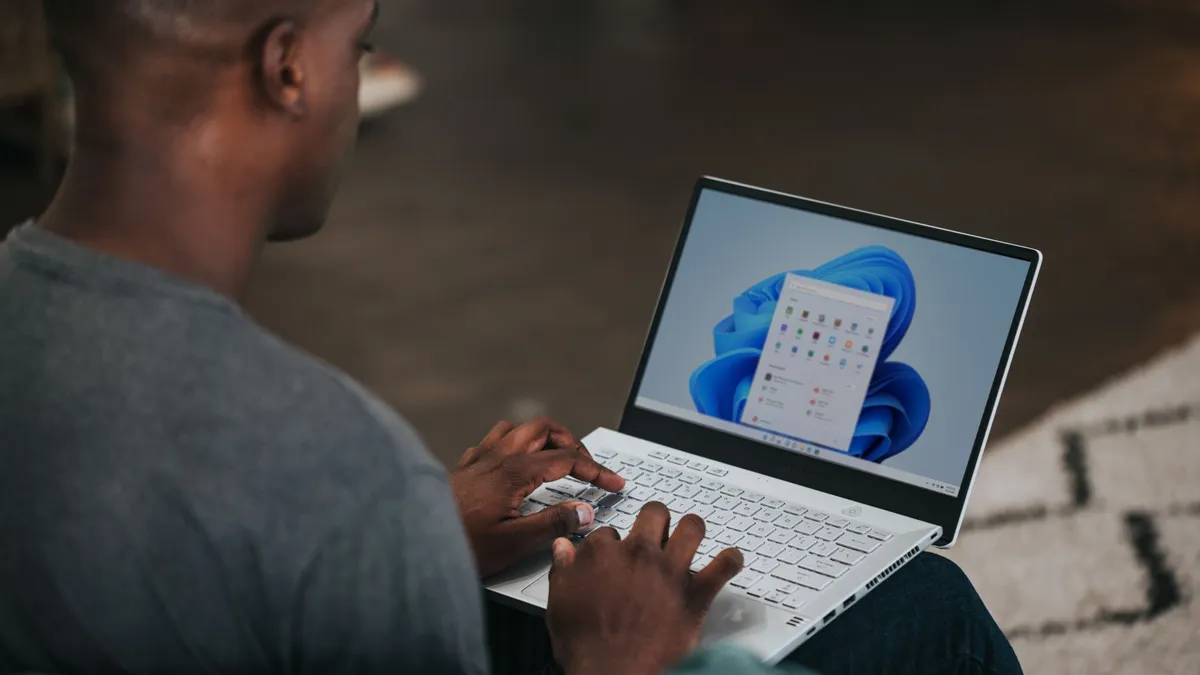
Want a more compact Start menu? Your wish is Microsoft's command, as this choice has now been introduced to the Settings app for the Start menu. You can elect to have a standard (large) menu, or a small one, rather than leaving it at the default 'automatic' setting whereby Windows 11 chooses the size itself based on your device. The problem with leaving the OS to decide is that sometimes you get the bigger menu on a laptop screen, where it pretty much eats the whole desktop – and so in these scenarios you can now manually choose the more compact Start menu.
With options to remove sections of the Start menu coming on top of this, you can now trim this part of the interface down so it's truly minimal. This choice will be more important than the movable taskbar for many folks – myself included – and it's great to see it now being rolled out.
3. Windows 11 search improvements

Another notable boon with the September update is that there are a few changes for Windows 11's core search functionality, and the most important is a new option that lets you turn off web results in search.
When you're searching for a file on your local drive, those web results often get in the way, so it'll be a relief for many to be able to switch them off. As well as web results (which open in Edge, with searches in Bing, of course), you can also turn off Microsoft Store suggestions. Essentially this is a general decluttering of Windows 11 search which is long overdue, frankly.
Other features in Windows 11's September Update

There's a performance boost for File Explorer in that the Home page now loads faster, and switching between virtual desktops in Windows 11 is now snappier, too.
Microsoft has made some reliability tweaks as well, including ensuring that the app history information in Task Manager is correct, and also that interacting with the Display panel within Settings is now more stable.
Furthermore, Microsoft informs us that there are some design tweaks here: "This update introduces updated progress indicators across Windows, providing a more consistent and modern experience during startup, sign-in, restart, shutdown, and update installation."
It's also worth noting that the weird mouse bug that affected the preview version of this September update (the optional update released at the end of August) has been resolved.
There's a fair bit happening here, and as one Redditor put it: "What's left for the 26H2 [update] then?"
Well, not a great deal in truth, and if you've been following along with Microsoft's annual updates, you may recall that 26H2 is going to be a very minor upgrade that doesn't do a lot. Indeed, some folks are wondering why Microsoft didn't save these juicy new interface features for 26H2, given that it's out next month.
The reason is likely to be because Microsoft wants to ensure that 26H2 runs as smoothly as possible (with no bigger changes involved). Although to be fair, as noted, due to the rollout process, a lot of folks won't be getting the new Start menu options and taskbar repositioning until October (or possibly later) anyway.

Follow TechRadar on Google News and add us as a preferred source to get our expert news, reviews, and opinion in your feeds.

➡️ Read our full guide to the best laptops
1. Best overall:
Apple MacBook Air 13-inch M5
2. Best budget:
Apple MacBook Neo
3. Best Windows 11 laptop
Microsoft Surface Laptop 13-inch
4. Best thin and light:
Lenovo Yoga Slim 9i
5. Best Ultrabook
Asus Zenbook S 16