


After watching Apple's iPhone Duo launch I was struck by one detail — its support for the Apple Pencil, which makes it the first iPhone to support the device.
When Steve Jobs launched the iPhone in 2007 he famously posed the rhetorical question “Who wants a stylus?”. His argument was that you already have the best stylus you’d ever need with you at all times — your fingers.
Touchscreen displays have gone on to dominate smartphone and tablet design, and have proved far superior to the stylus as a way of navigating a software interface; but the humble stylus has always had its advocates, and it has never really gone away.
Some Samsung devices in particular can be used with a stylus — the S Pen. And, of course, Apple eventually capitulated and introduced the Apple Pencil for the iPad Pro, turning the tablet into a digital drawing pad for illustrators, artists and anyone who simply likes to sketch out ideas.
Perhaps I should clarify that Apple's first successful stylus was the Apple Pencil (2nd edition), rather than the original Apple Pencil. The original Apple Pencil had a terrible design that meant you had to remove a tiny, easily lost cap to charge it, and worse, the Pencil’s Lightning connector plugged directly into the iPad. That left the Pencil sticking precariously out of the tablet, so it was easy to knock, and seemingly designed to snap either the connector or the iPad’s port at some point. It also had no built-in way to attach securely to the iPad for storage.
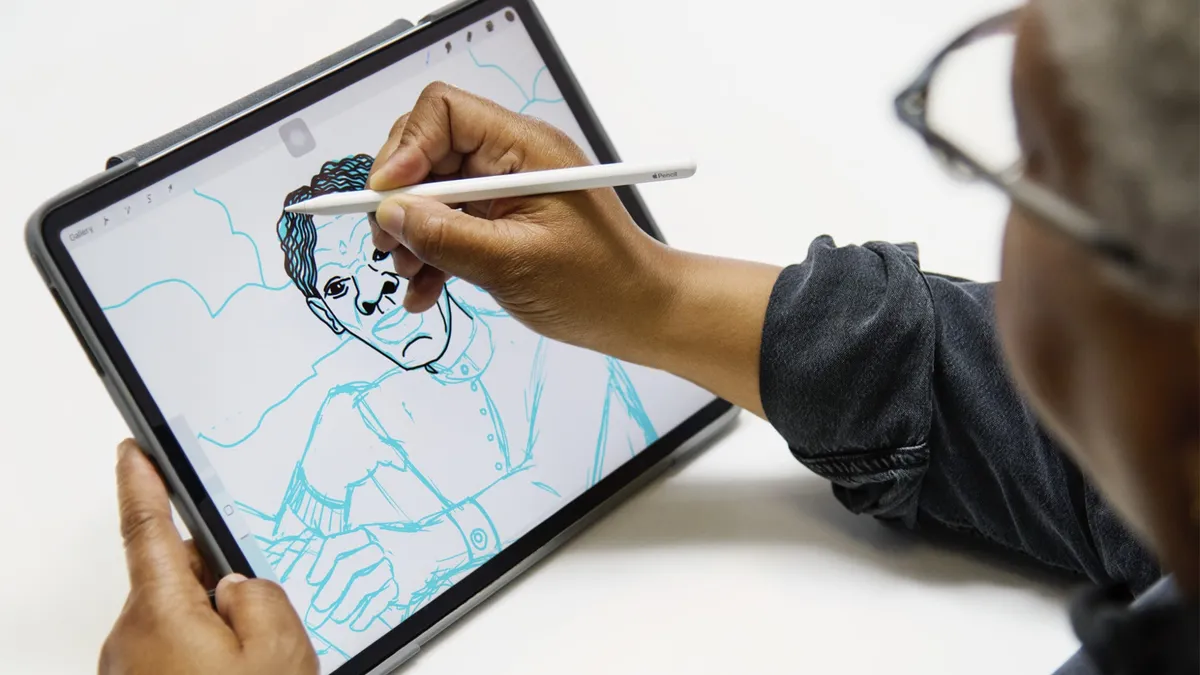
In terms of Apple’s design failures, the original Apple Pencil is right up there with the Apple Magic Mouse, which has the charging port placement underneath, so it can’t be charged and used at the same time. Amazingly, that’s still the current design of the Magic Mouse, but Apple quickly did something about the Apple Pencil.
The Apple Pencil was fixed with the second-generation, which was released alongside a redesigned iPad Pro in 2018. Instead of plugging directly into the iPad’s Lightning port (such a bad idea) it attached magnetically to the iPad’s side, where it effortlessly paired, charged wirelessly and stayed stored. That eliminated both the precarious protruding connector and the removable cap.
Turning in his grave?
So would Steve Jobs really be turning in his grave right now to know that Apple’s new phone works with its stylus? I’m not so sure.
I went back and watched the original iPhone keynote from 2007. Talking about styluses Jobs said, “Yuck! Who wants a stylus? You have to get ‘em, put ‘em away and you lose them. Nobody wants a stylus! [...] We’re going to use the best pointing device in the world. We’re going to use a pointing device that we’re all born with. We’re born with ten of them, we’re going to use our fingers. We’re going to touch this with our fingers.”
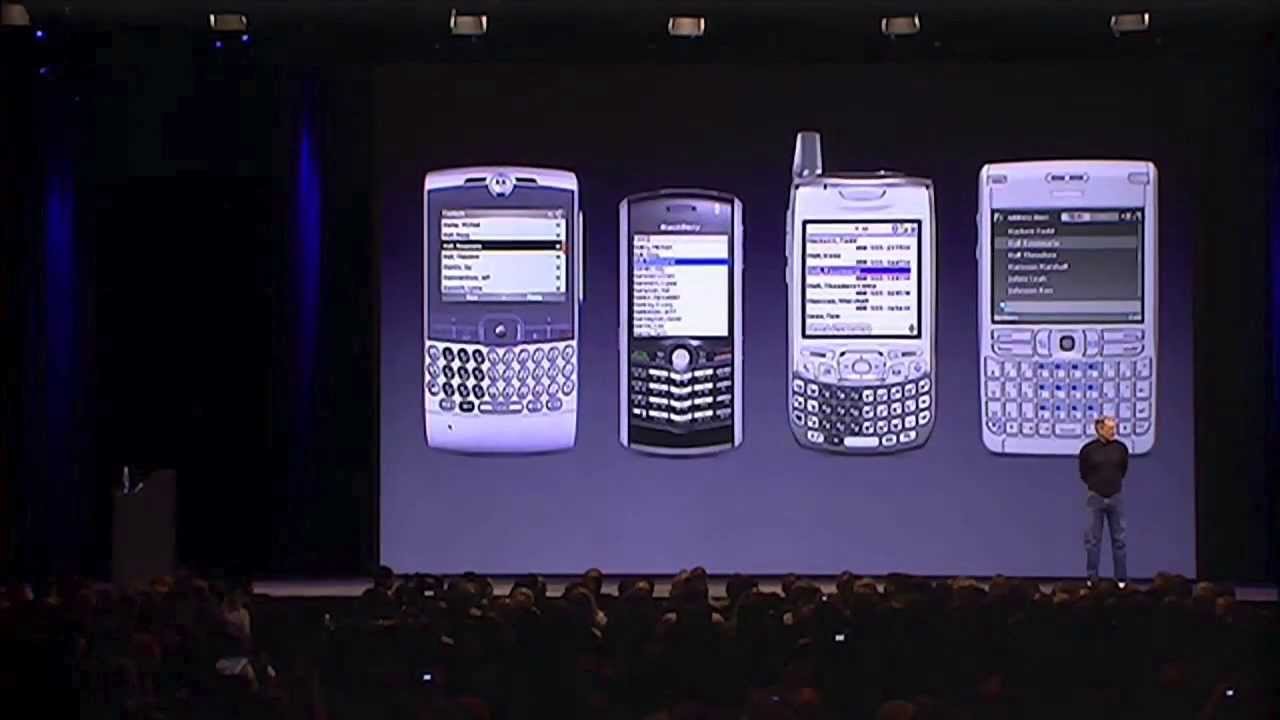
Looking back, we can forgive him some of the hyperbole about the stylus at the launch of the iPhone because he was introducing what, for many people watching, was previously unthinkable — a way of using a screen-based smartphone that relied on just your fingers, and he had a battle to win people over and a point to make. In the broadest sense, he was right — touchscreen displays have proved far superior to the stylus as a way of navigating an interface; but the stylus has never really gone away.
The iPhone Duo’s secret weapon
Of course, back in Apple’s history there was another device that had a stylus, the Apple Newton MessagePad. It launched in 1993, came with a plastic stylus for writing, tapping and using its much-mocked handwriting recognition software. Jobs killed off the Newton in 1998, shortly after his return to Apple.

Apple generally called the Newton’s stylus a pen, rather than giving it a standalone product name. So the Apple Pencil wasn’t Apple’s first stylus. It was the company’s return to pen input after Steve Jobs had famously ridiculed styluses when introducing the iPhone.
The Apple Pencil was introduced four years after Jobs’ death in 2015, but I think he would have approved. People genuinely seem to love the Apple Pencil, despite it still having some flaws (there’s no eraser on the other end, for example) and it could even be the secret weapon in Apple’s new iPhone Duo’s success.
The fact that you can use the Apple Pencil with the new iPhone Duo immediately locks Apple’s new foldable phone tightly into Apple's ecosystem of connected devices. The Apple Pencil is expensive, but a lot of iPhone Duo buyers will already own an Apple Pencil, because Apple households tend to have quite a number of Apple devices already in them. (It would be wise to check which version of the Apple Pencil you own though, since the Apple press release only says the "iPhone Duo will support Apple Pencil with USB-C).
And that’s what could make Apple Pencil support much more than another feature on the spec sheet. The iPhone Duo’s folding screen gives people a larger canvas, but the Pencil gives them a reason to use it — for drawing, handwriting, annotating documents and editing photos with precision. Jobs’s real objection was to a stylus you needed simply to operate a phone; on the iPhone Duo, your fingers would still handle that perfectly well, and the Pencil would step in when it was genuinely the better tool. Far from turning in his grave, I suspect Jobs might have appreciated the distinction.

Follow TechRadar on Google News and add us as a preferred source to get our expert news, reviews, and opinion in your feeds.
