Having got the majority of my hardware to work successfully in Ubuntu Linux in my previous post, it was time to find out how the OS faired with some everyday productivity tasks. Would I miss using Windows? I'd argue that this is the main thing holding most people back from sampling Linux.
Ubuntu comes with some key applications pre-installed, but if you want to add your own, the easiest way to do so is with the Synaptic Package Manger.
The closest thing to this in Windows is the Add/Remove programs utility, but in the case of Synaptic, you mostly use it to install things rather than delete them. To install a new application, you simply type its name into the search box and mark it for install.
If your application isn't in the list, you'll have to download and install it manually. This is where your problems may start. While most programs come with reasonable installation instructions, you’ll need to open up a terminal window and type some instructions into the command prompt.
It's not particularly difficult, just unwelcome, especially compared to the way you install software in Windows and OS X.
Waving the flag for Firefox
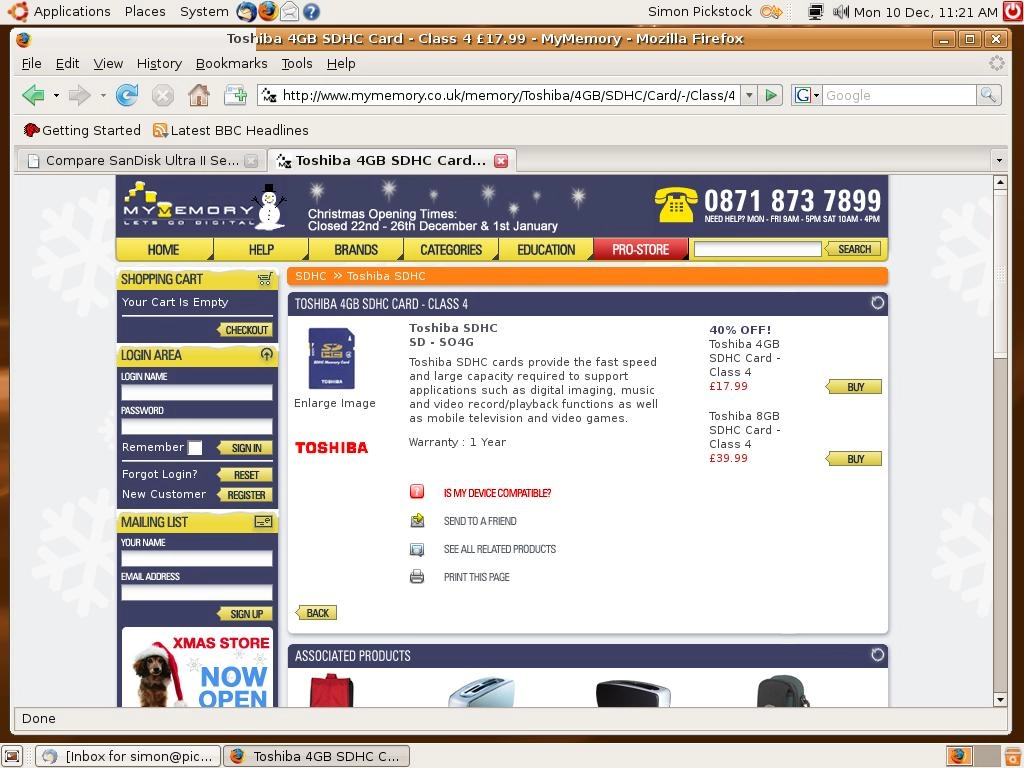
Ubuntu comes with Firefox pre-installed, so you don't have to worry about installing your own browser. Email, meanwhile, is handled by a default PIM called Evolution Mail, which has a good reputation.
Click on the clock in Ubuntu and it will reveal your Evolution calendar, which can synced to Google Calendar, if you so wish. I wanted to use a mail package that I was familiar with – Thunderbird. Although it doesn’t come pre-installed, it was easy enough to add it using the Synaptic Package Manager.
If you've been used to Firefox running in a Windows environment, then there's little difference in Ubuntu. I was able to check out all my regular Web sites without any issues, both by browsing directly, and by using Bloglines to read site RSS feeds.
In fact, the only sites that didn't work as well as they should were those with Flash content (more on this in the next article).
Just can’t think of a good GIMP joke
Image editing is handled by the GIMP application. If, like me, you're using a DLSR that shoots in RAW mode, then you will need to install an additional plug-in for GIMP, called UFRaw.
It takes a little getting used to and it’s hardly the most intuitive piece of software ever designed. But, once you’ve grasped the basics, it’s powerful enough to give PhotoShop Elements a real run for its money.
Photo Printing, especially if you want borderless prints, is tricky, however, as you'll need to find and install a dedicated Linux driver for your printer, rather than rely on the rudimentary one built-in to the Ubuntu OS.
Ubuntu also comes with OpenOffice.org pre-installed. I already use this in Windows and think that it's a worthy, free alternative to Microsoft Office. Without any customisation, the only issue you need to watch out for is that it always wants to save files in its own .odt format. A quick look in the configuration area and it's easy enough to force Open Office to save in MS Office format instead.
One clever idea that Linux inherited from Unix was virtual desktops. This enables you to keep your running applications separate, and to easily switch between them. It’s an elegant solution. Windows still doesn't have this as standard*, although the idea has just been incorporated into Apple’s Leopard OS as Spaces.
- How I dumped Windows for Linux - Day 1
- How I dumped Windows for Linux - Day 2
* In fairness to Microsoft, it does have a virtual desktop manager in its free PowerTools pack