
 Become a TechRadar Insider





Don't see what all the Windows 7 fuss is about and thinking of jumping ship to Linux?
The experience of switching to Linux needn't be a traumatic one.
Here are 25 things you need to know that will make your transition to an open source OS easy.

The basics
1. What's a distribution?
Linux isn't sold as a single package like Windows or MacOS. There are lots of variations on the basic operating system put together by different people for different reasons.
Some might be hardware specific - designed to run on netbooks, for example - while some might be tailored towards particular uses, like general desktops, webservers or multimedia workstations.
Think of them as like the different versions of Vista, but with many more apps in each package. Each of these different bundles is called a 'distribution'.
2. How are they different?
The most obvious differences between distributions are the number and type of applications that come pre-installed. Under the hood, they may use a different technique for managing sound playback, too.
Not all distributions will use the same versions of core system files either, rather the ones they've tested and are most likely to work with the other programs in the package.
3. Which distribution should I choose?
Ubuntu is by far the most popular distribution for beginners, but most of the big names - OpenSuse, Fedora and so on - are just as approachable and have their strengths. Mandriva works well when syncing with Windows Mobile, for example.
4. Understand desktop environments
The familiar windowed desktop of any operating system is simply a layer on top of the core code that makes it easier for you to interact with your computer. Because Linux is highly modular, this desktop environment is easily separated from the core operating system, and you can choose one from several options.
Most popular distributions will give you a choice of desktop environment, while smaller ones, like Mint, may only come in one flavour.
5. Which is best for Windows' switchers?
Gnome and KDE are the closest to Vista or OS X, and most people will find Gnome easier to pick up. Others, life XFCE or LXDE are designed to run quickly on low end systems.
oDon't worry too much, though. The great thing about Linux is you want to try a different desktop manager without reinstalling your OS, you can. In fact, you can have several different ones on the same machine to choose from at login.

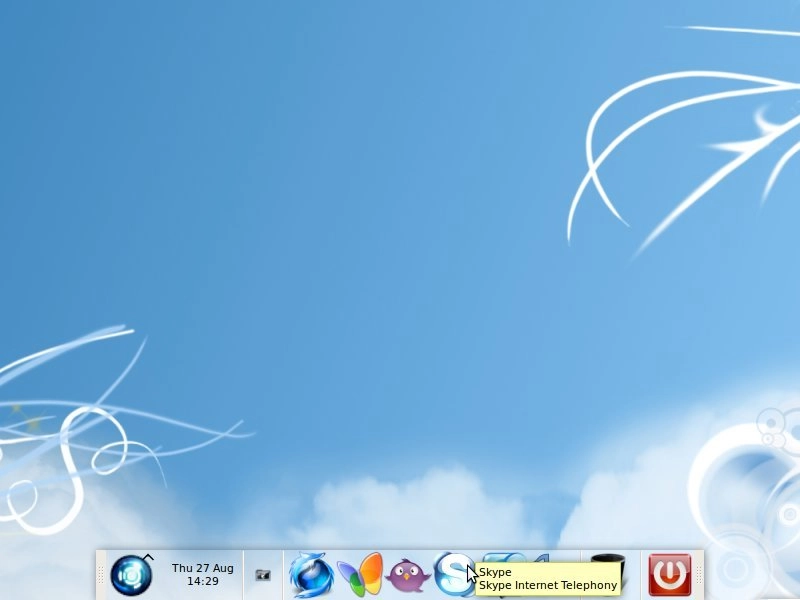
IN CONTROL: Whichever desktop environment you use, you have an incredible amount of control over the way it looks and behaves
Installation
6. Live CDs
Once you've decided which distribution you'd like to try, download the installation file (usually a .iso file) and burn it to CD or DVD. With many distributions, booting from that disc will give you the option to try a 'live version'. This lets you boot into a Linux desktop without altering your current hard drive.
7. Look elsewhere
Don't forget, though, that the Live version will have its limitations. Before you discard a distribution for looking dull, run a few searches to see if it can be spruced up. Remember, most distributions are designed for maximum hardware compatibility. Your PC can almost certain handle better desktop effects, for example.
8. Putting Linux on your PC
If you've never installed an operating system before, it can be quite daunting. Don't fear, though, it's a straightforward operating and the big distributions have excellent documentation for first timers, like this how-to at Ubuntu.
9. Keep the Windows open
The easiest way to install a distribution would be to wipe your PC clean and start over. You may want to keep your existing Windows installation, though, to run applications like games that don't work so well in Linux.
Most installation processes will guide you through setting up a dual boot system, with two or more operating systems on. You will need a separate hard drive or partition for each, though.

PACKAGE MANAGER: Synaptic is a popular package manager for Debian-based distributions, like Ubuntu