


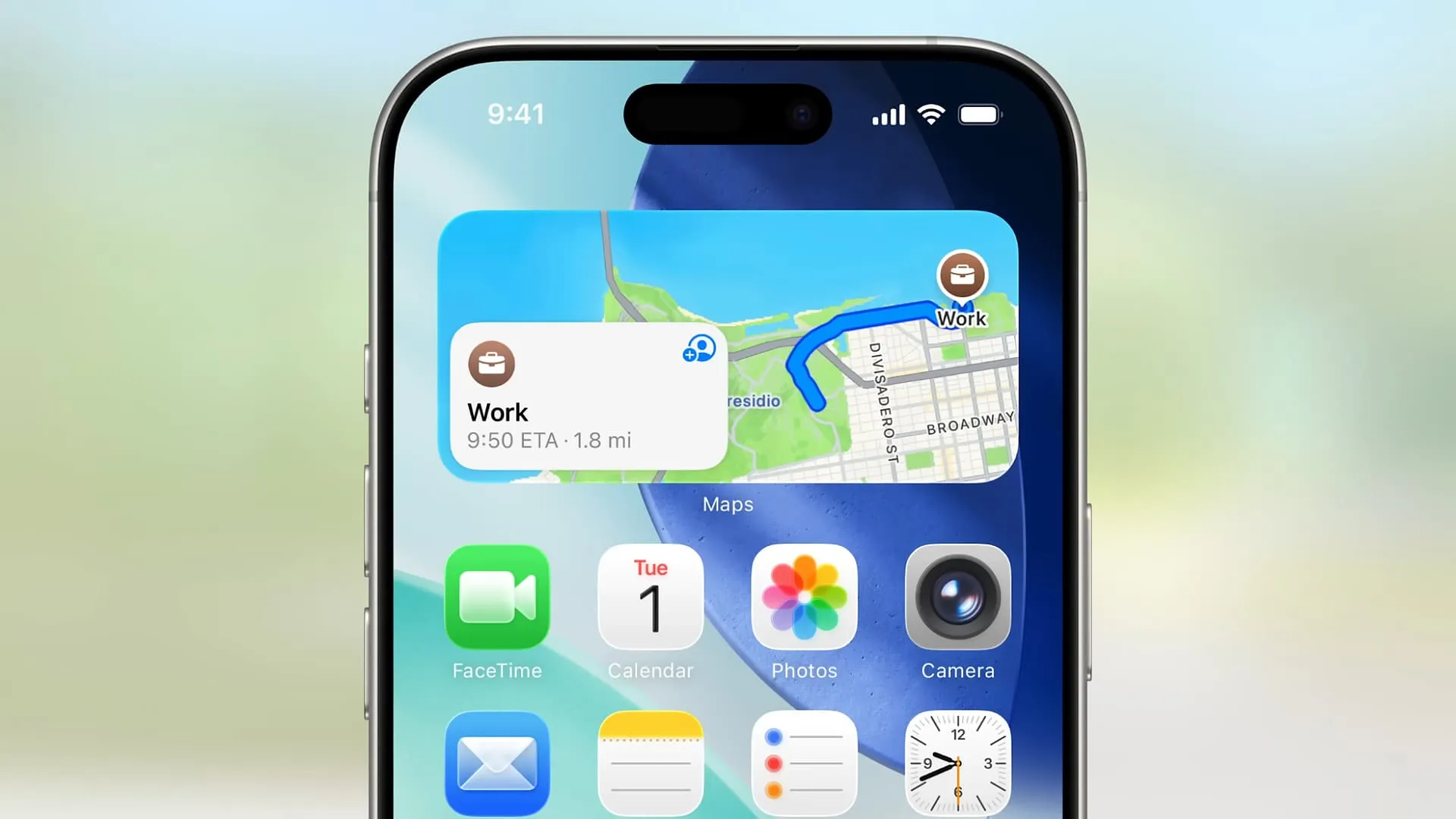
It's almost WWDC (Worldwide Developers Conference) time again: the annual event where Apple tells us all what's coming across iOS, iPadOS, macOS, tvOS, watchOS, and visionOS, with a few other announcements and reveals thrown in for good measure.
A lot of the focus will be on iOS 27, given that there are more than a billion iPhones in use daily, and on the big Siri upgrade that's rumored to be on the way. However, I'm looking for more than an AI refresh — I think there are plenty of other areas of the mobile operating system that Apple needs to attend to.
As someone who uses both iOS and Android, I think it could learn a few lessons from Google, too. It may be too late to put any influence on Apple, but nevertheless, this is what I'm going to be looking out for during the IOS 27 part of the WWDC 2026 presentation.
And if these upgrades don't arrive this year, there's always iOS 28...
1. An improved iOS keyboard

Apple has already rolled out several fixes for the iOS keyboard over recent months, but it can still offer up a less-than-ideal experience — which is a shame, as it's the tool we all probably use the most on our iPhones (unless you use dictation for everything).
Almost 20 years into the lifetime of the iPhone, there really shouldn't be as many autocorrect clangers and mistyped words as there still are. It's perhaps no surprise that many people install a third-party keyboard instead.
And if you have installed an alternative like Gboard, you'll know that Apple's keyboard could really do with a fresh lick of digital paint too. It's not exactly a disaster, the iOS keyboard, but it does tend to drag the iPhone experience down.
2. More Liquid Glass customizations

Look, Liquid Glass is here now, and we're all going to live with it — but perhaps Apple could see its way to giving users a smidge more control over the various translucent effects and animations that now dominate the user interface.
The Liquid Glass tweaks that have already been put in place are surely a tacit acknowledgement from Apple that it may have gone too far with the original push into a brand new look, but more can be done.
Let Liquid Glass lovers keep their look, and let the rest of us take more control over the colors and backgrounds used on our phone. Interface customizations are one of the few areas where iOS still lags behind Android, as this demonstrates.
3. Version history in Apple Notes

At the same time as we get a general iOS update, Apple also rolls out multiple refreshes for its native iPhone apps, and so we may well get some announcements around these apps at WWDC 2027 — including, I hope, about Apple Notes.
Notes is one of those powerhouse Apple apps that every iPhone owner relies on, and I'm no different. But that doesn't mean it can't be improved upon, and one feature I think is lacking is a proper version history to roll back edits and see old versions of notes.
There are multiple ways this is handy, from undoing mistakes and accidental deletions, to seeing how a checklist or brainstorming idea has changed over time. And you know which app does include version history support? Google Keep.
4. More place details in Apple Maps

Apple Maps has improved a lot in recent years: it looks fantastic, all its various features work well, and it's accurate and comprehensive in terms of directions. There's more to do though, and I'm not talking about stuffing ads into the app.
One of the reasons I keep opening Google Maps instead of Apple Maps is that the former has far more information about each place. It can tell me the busiest times, how busy somewhere is right now, and the key features of a place (such as delivery options).
The details you get with Apple Maps are more sparse and static — and it's still farming out its review system to Tripadvisor. If you want to really know about a location, Google Maps still wins, and that's something Apple can work on.
5. A better App Library

I was pleased when Apple introduced the App Library in iOS 14, as it meant I no longer had to have every single installed app somewhere on my home screens — they would all always be accessible in the App Library, and my home screens could be decluttered.
That happiness quickly turned to bewilderment when I discovered that the App Library picks your app folders for you, and doesn't let you edit them. Many a time I've stared blankly at the App Library screen, trying to figure out how a new app has been categorized.
Look, I know I can set up my own folders on my home screen, but that sort of defeats the point of the App Library. It's high time Apple added some editing tools here, and it shouldn't be a difficult engineering challenge to do so.

Follow TechRadar on Google News and add us as a preferred source to get our expert news, reviews, and opinion in your feeds.
