


iOS 18.2 launch LIVE: The biggest Apple Intelligence upgrade yet for iPhone, iPad, and Mac is here
ChatGPT in Siri, Genmoji, Image Playground, and more

Welcome to TechRadar's iOS 18.2 launch live blog. My name is John-Anthony Disotto and I'm TechRadar's Senior AI Writer and resident Apple Intelligence expert. I'll be covering all things iOS 18.2 over the next few hours.
So sit back, grab a cup of hot beverage, and let's get ready to jump into the world of Genmoji.
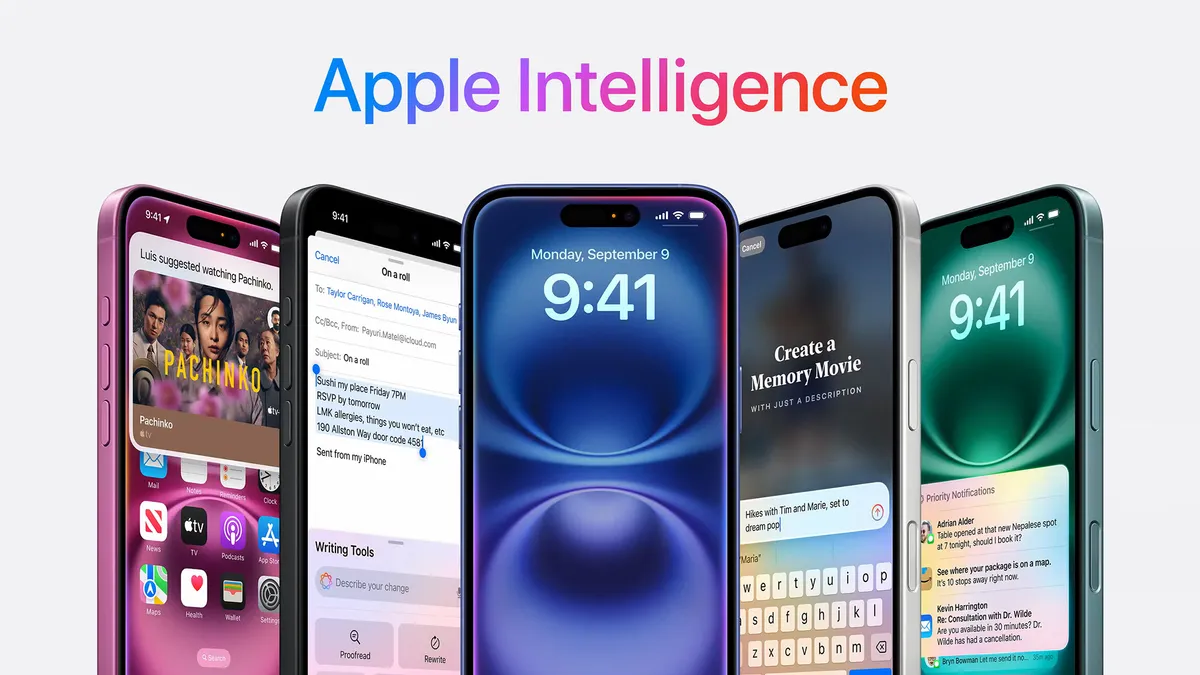
Where shall we start? iOS 18.2 is rolling out today alongside iPadOS 18.2 and macOS Sequoia 15.2. The new update brings Genmoji, Apple's generative AI emojis, to iPhone and iPad (sorry Mac users you'll need to wait a little longer), as well as major upgrades to Siri that allow you to ask ChatGPT directly from your favorite voice assistant.
If that wasn't enough, there's also an AI image generator called Image Playground, as well as Visual Intelligence, an exclusive iPhone 16 feature.
It can all get a bit overwhelming, considering just how much is launching as part of iOS 18.2, but fret not, I've been using Apple Intelligence for months and I've got you covered.
Apple Intelligence has arrived (in some countries)
Oh, and if you're in Australia, Canada, Ireland, New Zealand, South Africa, or the UK, you can now access Apple Intelligence without any workarounds.
That's right, Apple Intelligence is now officially out in more countries worldwide with support for localized languages. Apple says additional languages, including Chinese, English (India), English (Singapore), French, German, Italian, Japanese, Korean, Portuguese, Spanish, and Vietnamese will be coming throughout the year, with an initial set arriving in a software update in April.
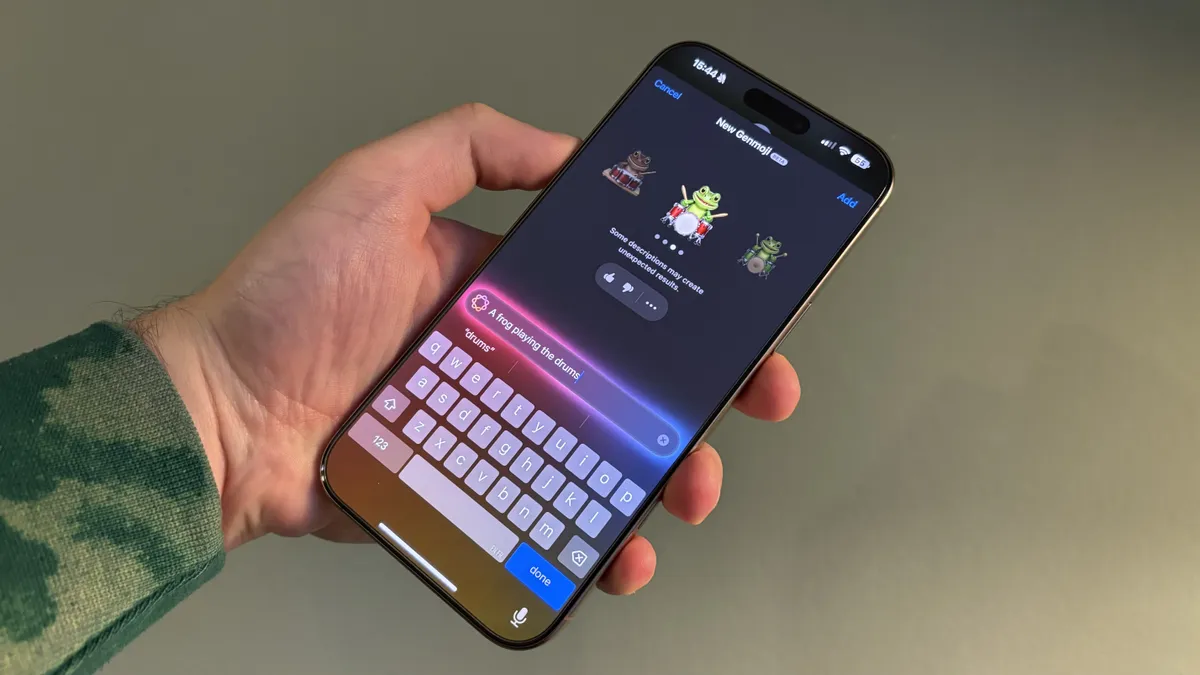
Let's go through each of the big new Apple Intelligence features coming to iPhone with iOS 18.2, starting with my personal favorite, Genmoji.
I've been using Genmoji for a few weeks now and I think it's the best Apple Intelligence feature to get started with, purely because it's so much fun!
I've had a blast creating emojis of a frog on a skateboard, a frog driving a car, and even a frog playing the drums. My favorite way to use Genmoji, however, is by creating emojis based on my photos alongside my French Bulldog, Kermit.
Honestly, I think most of my friends are starting to block my number because Genmoji is becoming my sole means of communication. Maybe I should try and tone it down. But where's the fun in that?
Genmoji is an absolute blast and I advise anyone installing iOS 18.2 to give it a try. If you need help I've also covered how to use Genmoji.

Next up, Visual Intelligence.
This new Apple Intelligence feature in iOS 18.2 is exclusive to the best iPhones, specifically the iPhone 16 lineup. It's similar to Google Lens, but built by Apple and directly tied into the new Camera Control on the latest iPhones.
Simply hold down on Camera Control, then take a photo of anything and either ask ChatGPT for more information or search for information with Google. I think the fact that you can launch Visual Intelligence whenever you want makes it a very compelling feature and one that many might fall in love with.
You can read more about my first impressions of Visual Intelligence and how to use it, where I cover why I think Visual Intelligence finally makes Camera Control worth it.
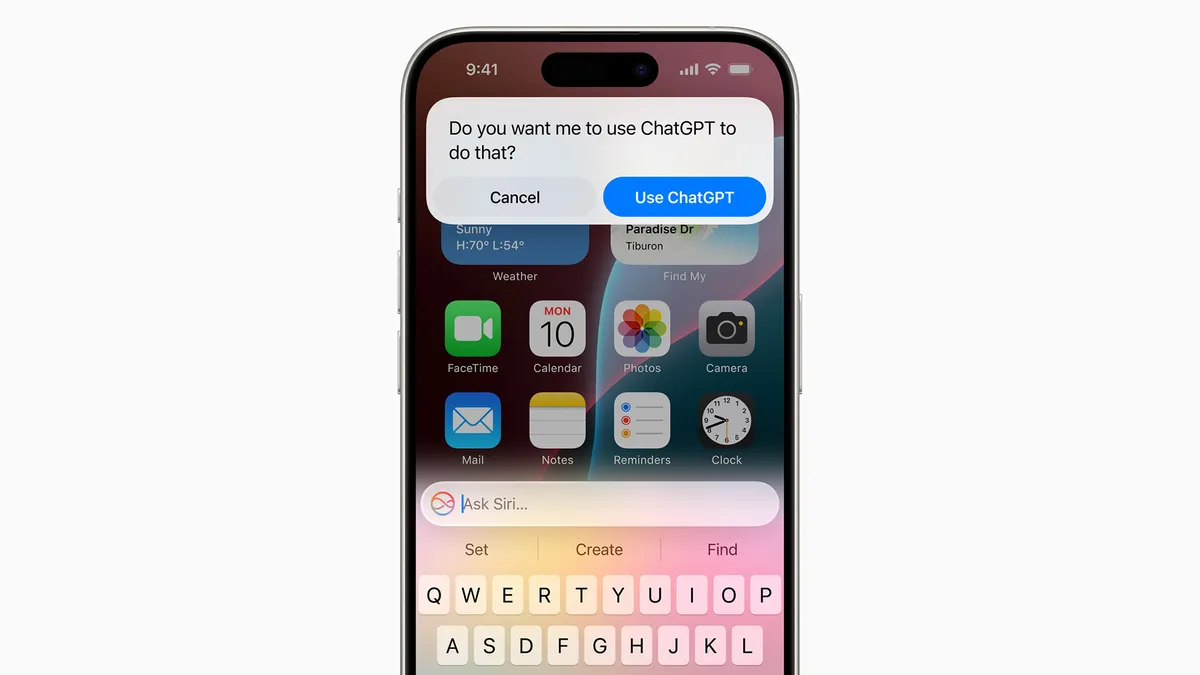
The features keep on coming. iOS 18.2 adds ChatGPT to Siri, allowing you to ask OpenAI's chatbot anything you want, when Siri doesn't quite cut it.
The ChatGPT extension can be accessed at any time through Siri by simply asking a question or using Type to Siri. If Siri can't answer the specific prompt, it will give you the option to access ChatGPT.
There's a couple of settings that allow you to bypass the request so you don't need to approve access to ChatGPT every time you want to use it, but Apple has included an option that requires your approval every single time - just to be extra cautious.
ChatGPT as part of iOS is a massive update and one that I think many Apple users never really expected to see. It's quite incredible to think that we now have access to one of the world's best AI chatbots directly from Siri, and best of all, it works seamlessly.
And another one...

Yep that's right there's even more new Apple Intelligence additions as part of iOS 18.2. Genmoji isn't the only image generator built into iOS now, Apple also added a new app called Image Playground.
Image Playground is Apple's attempt at the best AI image generator, and it can be used throughout your iPhone's operating system. Simply choose your prompt, choose your art style, and watch as Apple Intelligence creates some image magic.
If you don't use AI image generators like MidJourney, I don't expect you to get much use out of Image Playground. That said, it's a nice to have and it's very simple to use. Who says no to extra features, right?

There's also Image Wand, which allows you to circle anything you've drawn in the Notes app and use Apple Intelligence to turn it into an AI generated image.
I could see Image Wand being incredibly useful for students, who want to bring their drawings to live alongside lecture notes or other study info.
It's also a great tool to show to kids, allowing them to see magic as basic drawings become full images right in front of their very own eyes.
Image Wand is very cool, and I actually think it might end up being more useful than Image Playground, just because of how you access it.

That has to be everything right? Nope, iOS 18.2 brings a massive overhaul to the Mail app using Apple Intelligence to create Categories that help you determine just how important an email actually is.
I've found this update to Mail genuinely useful and have actually reverted back to using Mail over the Gmail app for the first time in ages. Not only do you get Apple Intelligence summaries built-in, but AI will also decide if an email is important and prioritize it over everything else in your inbox.
If you don't like the way it works, you can always revert back to a more traditional Mail layout.
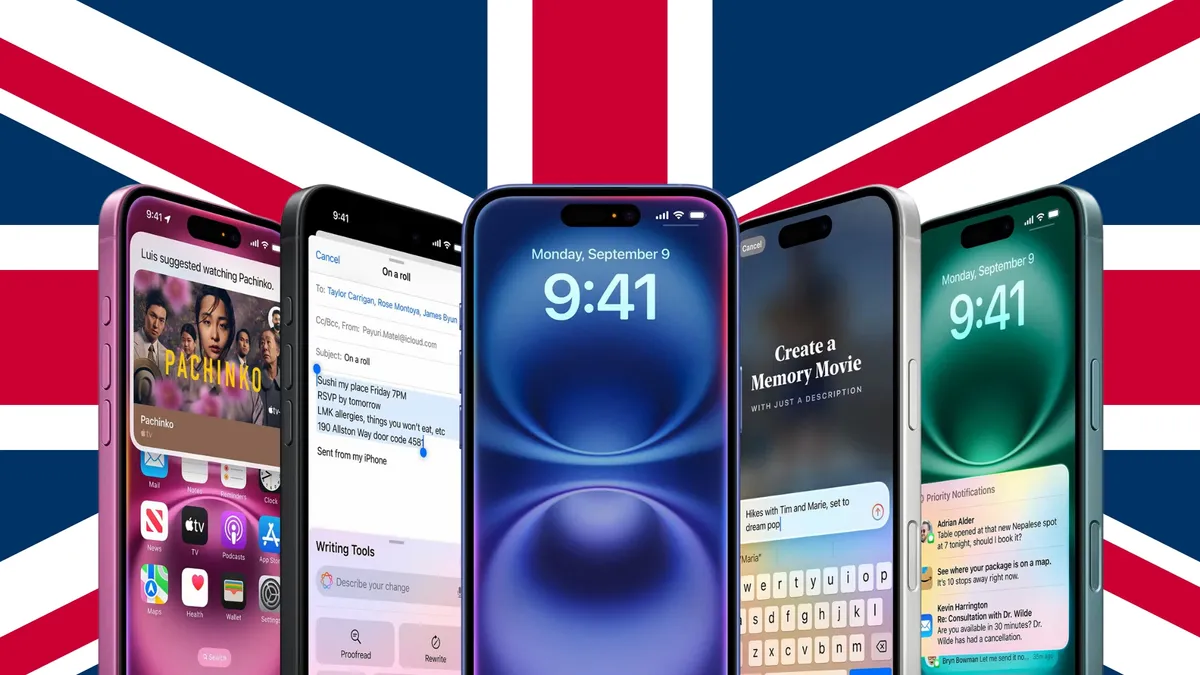
Are you keeping up? My hands are trying to.
If you're in the UK, Australia, or one of the other countries I mentioned below, today is the first day you can use Apple Intelligence without needing a workaround.
So not only are you getting access to everything I listed below as part of iOS 18.2 but you're also getting Writing Tools, Clean Up, a Siri redesign, Notification summaries, and other Apple Intelligence benefits sprinkled throughout your iPhone's operating system.
It might seem like there's too much getting added all at once, but don't worry Apple wants you to use Apple Intelligence when you need it, so expect to see the features pop up naturally throughout iOS rather than you having to look for them.

I noticed a weird issue with the ChatGPT extension that might impact some of you installing iOS 18.2 today.
If you used our workaround to access Apple Intelligence early in the UK, when you decide to change your language back from US English to UK English, you might notice ChatGPT disappear.
If this happens all you need to do is change the region of your iPhone too and ChatGPT should reappear. This issue left me scratching my head for weeks, so I'm glad I managed to find the reason why and share it with you all.
Right, well I'm glad we've covered nearly all of the bases in regards to the iOS 18.2 launch - now it's time to have some fun while we wait for the update to appear on iPhones worldwide.
I'm going to take a look through my emoji keyboard and find my favorite Genmojis, I'm intrigued to see what TechRadar readers think!

So... These are some Genmojis of me with my Frenchie, Kermit. As a huge fan of the Muppets and frogs, I also decided to make one of a French bulldog next to a frog. I've been using the Genmojis of me with my dog since I first created them about a month ago, who doesn't want a custom emoji with their pet?
I'm surprised at how good a job Apple Intelligence did with these, I'm a bald man with a beard so it's easy to recreate my likeness in emoji form, but even then it still manages to look like me. Good job Apple.
I thought iOS 18.2 was supposed to be released already today 😕 pic.twitter.com/BpnYLAzPxvDecember 11, 2024
Still no sign of the iOS 18.2 update, and some users on X are getting frustrated. I expect the new operating systems to arrive in the next few hours, so just remain patient as it's definitely going to launch today.
I can't wait to see what everyone thinks of iOS 18.2, as I was incredibly impressed with just how feature-rich it was when I installed the developer beta last month. iOS 18.2 is what iOS 18 should've been, but we've just had to wait a few months to get it.
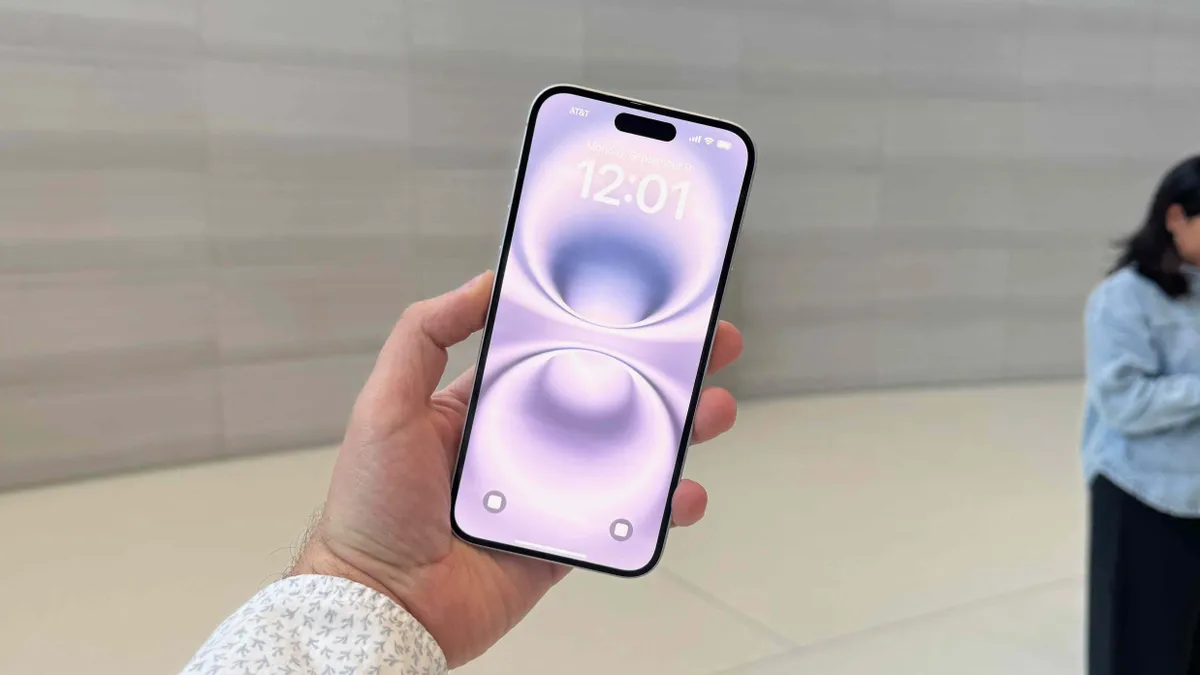
While we don't have an exact time, I would expect iOS 18.2, iPadOS 18.2, and macOS Sequoia 15.2 to arrive around 6 pm UK, 1 pm ET, 10 am PT.
If my prediction is correct, you've got just over an hour to charge up your Apple devices and get ready to download and install iOS 18.2.
If you need a reminder on what devices are compatible with Apple Intelligence, here's what you need to own:
- iPhone 15 Pro or 15 Pro Max
- Any iPhone 16
- Any M-series MacBook
- Any M-series iPad
- iPad mini 7 with A17 Pro
Hello there, Jacob Krol – TechRadar's Managing Editor News – hopping in to carry us through the next half of Apple's iOS 18.2, iPadOS 18.2, macOS Sequoia 15.2 launch and rollout, which for the United States should hopefully begin hitting eligible devices within the next hour.
I've been on the beta for iOS 18.2 for past few months and I'd say Genmoji, the enhanced Writing Tools, and Image Playground have been my favorites so far.
iOS 18.2 rollout is starting

If you've been eagerly awaiting the arrival of iOS 18.2 – maybe to create custom emojis with Genmoji or to get a supercharged answer from Siri courtesy of ChatGPT – it's beginning to hit eligible devices, at least on the East Coast of the United States here in New Jersey.
On an iPhone 16, the update comes in at 7.83 GB, which is pretty sizeable, especially for a dot software upgrade. As we've listed below, iOS 18.2 ushers in the next set of Apple Intelligence features, including Genmoji, Image Playground, ChatGPT integration, and enhanced writing tools.
Of course, the first step to getting any of these new features is to download and install the latest version, then opt in to Apple Intelligence. While there is no waitlist for these image generation tools, your Apple device will need to download the specific models for Genmoji and Image Playground. It's best to be on Wi-Fi for that to be quicker, but once set, you can get to generating.
Greg Joswiak, Apple's SVP of Marketing, took to X (formerly Twitter) to share one of his Image Playground creations. "The Joswiak pups look good all drawn up by Image Playground, don't you think?" the post reads, and we'd concur that they look pretty darn cute.
If you're curious where to find Image Playground, it'll appear as a new app on your iPhone, iPad, or Mac after you install iOS 18.2, iPadOS 18.2, and macOS Sequoia. It's a unique icon, basically a furry white cat with a holographic purple hue for an icon. But much like other text-to-image generators, your ask is Image Playground's command, and there are even some preset options.
Genmoji, more Writing Tools, Image Playground, ChatGPT integration, and Visual Intelligence for iPhone 16! New Apple Intelligence features are here! The Joswiak pups look good all drawn up by Image Playground, don't you think? pic.twitter.com/obbX6QknizDecember 11, 2024
Apple's CEO Tim Cook also celebrated the launch of Apple Intelligence's next set of features on X, but didn't share an Image Playground.
New Apple Intelligence features for iPhone, iPad, and Mac are here: Image Playground and Genmoji, more dynamic Writing Tools, integration to ChatGPT, and Visual Intelligence for iPhone 16! It's personal, integrated, and built to protect user privacy at every step.December 11, 2024
If you've updated and are wondering where you find the ChatGPT integration for Siri, you've come to the right place. After updating to iOS 18.2 on an iPhone, you'll want to head over to Settings and then select "Apple Intelligence & Siri" if you're using United States English on the device.
Apple packs a lot into this menu, but you'll scroll down to Extensions and then select "ChatGPT" – it should be the only option. Within there, right at the top, you turn on "Use ChatGPT," and further down, you will have the option to sign into your ChatGPT account if you have one, but this isn't required.
You'll find that when you ask Siri for something that the personal assistant deems best answered by OpenAI's ChatGPT, it will ask if you want to use ChatGPT. This is deafult and pretty transparent, it's also a neat way to see what Siri's new powers are. If you prefer not to confirm that each time, you can deselect the "Confirm ChatGPT Requests" option here, but know it's on by default.

Now, if you're having some issues getting Siri to answer via ChatGPT or ask OpenAI's assistant something with Visual Intelligence, you're not alone. OpenAI is experiencing a service outage impacting ChatGPT, its various APIs, Sora, and Dall-E.
You can see our live blog here, but it's been an active one for several hours and comes on the day of the iOS 18.2 launch with the ChatGPT integration, and on day five of 12 Days of OpenAI.

iOS 18.2 is now officially out, so here's your final reminder to install the latest update with new Apple Intelligence features onto your device.
The new software updates were not the only Apple announcements yesterday, the company also revealed the App Store Award winners for 2017. If you want to find some excellent apps to download, I highly recommend reading our article showcasing all 17 award winners.

Apple Intelligence was not the only new arrival in iOS 18.2, Apple's major update also brings a huge overhaul to the Voice Memos app that might have even helped Michael Buble write a new holiday tune.
Your next favorite Christmas song might've been recorded on an iPhone according to my colleague Jacob Krol who writes "Apple is dropping a major update for Voice Memos, which Michael Bublé thinks is “going to change the way we make music, forever.” Voice Memos has long been used to record tracks, jam sessions, and even ideas for songs by artists, but now the app supports layered Voice Memos recording."
"This allows you to layer a vocal recording on top of an existing instrument-based track, all with just your iPhone."
Pretty cool indeed.
OpenAI's "12 days of OpenAI" is ongoing and we're covering all of the latest AI reveals as they happen. Yesterday, the market leader in AI did a full rundown of the new ChatGPT integration in Siri.
If you want to read more about what OpenAI thinks of the Apple collaboration read this piece from writer Eric Hal Schwartz, "OpenAI shows us how Apple Intelligence works with ChatGPT, which then promptly crashes"
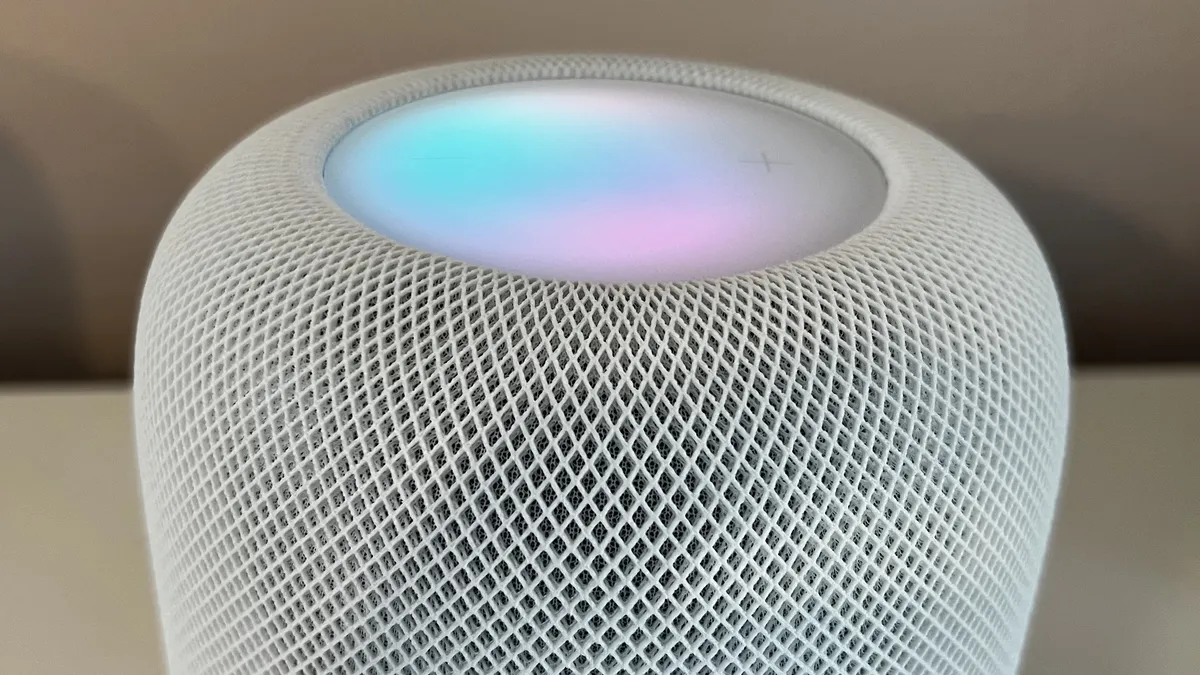
Speaking of new Apple updates, the HomePod also got an upgrade yesterday with version 18.2.
In the new software, the HomePods gets a new Enhance Dialog feature, perfect for pairing with your TV for louder audio, as well as Natural language search which makes your HomePod smarter at finding songs you're looking for.
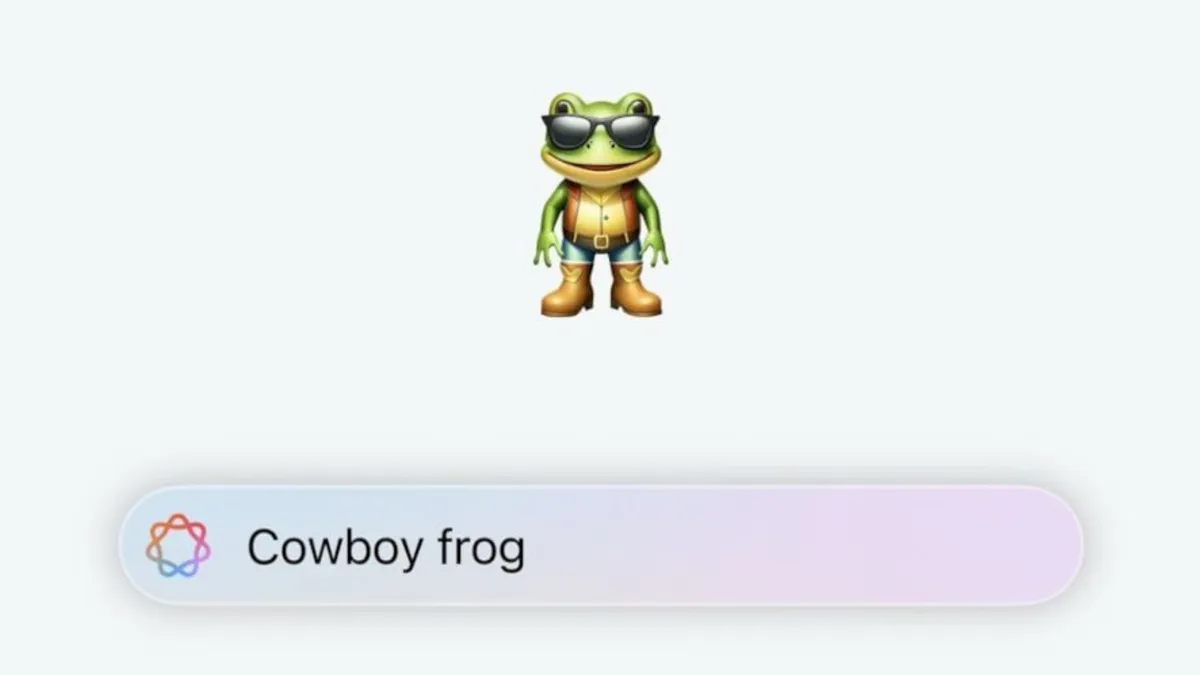
I've talked at length about why Genmoji has convinced me that Apple Intelligence will be a huge success. And following yesterday's launch I'm even more sure of that.
Since iOS 18.2 dropped yesterday my group chats in Messages have been inundated with Genmojis, social media is filled with people sharing their creations, and everyone is talking about just how much fun the feature is.
Genmoji is one of the most accessible AI features I've ever used and I fully expect it to become a core element of the iOS experience over the next year or so.

If you're looking for an article to read today, I highly recommend this new piece from TechRadar's Editor At Large, Lance Ulanoff who got to sit down with Richard Dinh, Apple VP of iPhone Product Design; Apple human interface designer Johnnie Manzari; and Piyush Pratik from iPhone Product Marketing, to discuss the iPhone 16's Camera Control.
It's a very insightful read on the capabilities of Camera Control and what Apple wants to achieve with the iPhone 16 exclusive hardware. Check it out: Exclusive: Inside iPhone Camera Control – it's not a button, and Apple says it's 'unlike anything we've ever developed'
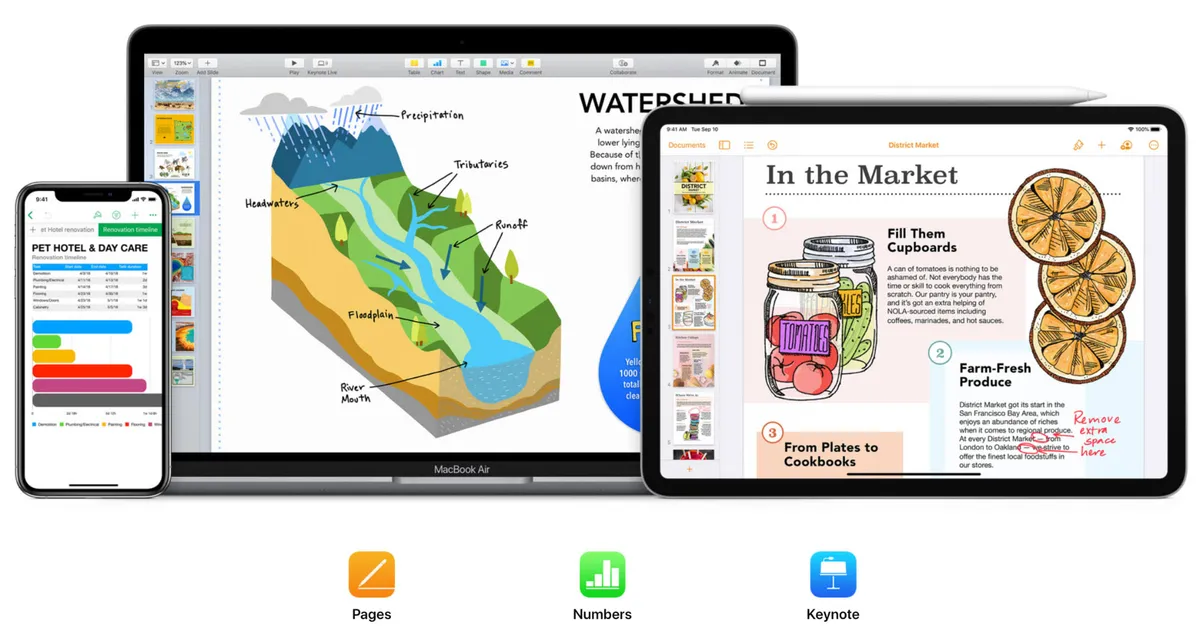
Apple Intelligence comes to Keynote, Pages, and Numbers as part of a new update. This means you can now use Writing Tools and Image Playground directly from Apple's iWork suite, perfect for productivity.
If you're looking to use Apple Intelligence in these programs, just look for the Apple Intelligence button in the toolbar.