





If a notebook runs Windows Vista, it will run Windows 7 (read our Windows 7 review) and it will get better battery life, promises Gabriel Aul of the Windows Performance team.
But PC manufacturers and device suppliers are also going to have to do their part to make a big difference to power consumption on new notebooks.
What Microsoft can do is make it easier for components in the system to go into low power mode when the system is idle. Some of that is 'managing' components: Windows 7 'parks' CPU cores that aren't needed, finally implements the 'slumber' feature on SATA drives, powers down USB ports and controllers more aggressively and even puts your Wi-Fi card to sleep if it's turned on but not connected to a network.
Reducing the power draw
Microsoft has also changed its thinking about the system timer; in Vista this is set to 1ms, in Windows 7 it will be 15ms, which reduces the power draw by 15 per cent. General performance improvements like reducing the amount of disk activity involved in reading from the registry and starting services on demand rather than running them in the background will also improve battery life.
That applies to all software: a Vista system running ten services that come with installed applications uses 6 per cent of the CPU even when the PC is idle, compared to 1 per cent for a clean Vista installation. An extra 5 per cent of CPU utilization translates into around 4 per cent less battery life, so Microsoft is encouraging software developers to use on-demand services.
Windows 7 notebooks won't wake up from sleep for applications that use 'wake timers' (except for the timer that wakes the system when the battery is so low the PC needs to hibernate). Open files from a network and CPU utilization won't stop the screen turning off, the hard drive spinning down and the system going to sleep when you haven't used the PC in a while; Windows 7 will only check for user input and applications like Media Center recording a long TV show. The screen will also dim to save power before turning off.
More efficient DVD performance
Getting better battery life when you're watching a DVD is good because it means you're more likely to get to see the end of the movie. But it's also a good test of how energy efficient a PC is because it uses so many different systems like memory, graphics and IO.
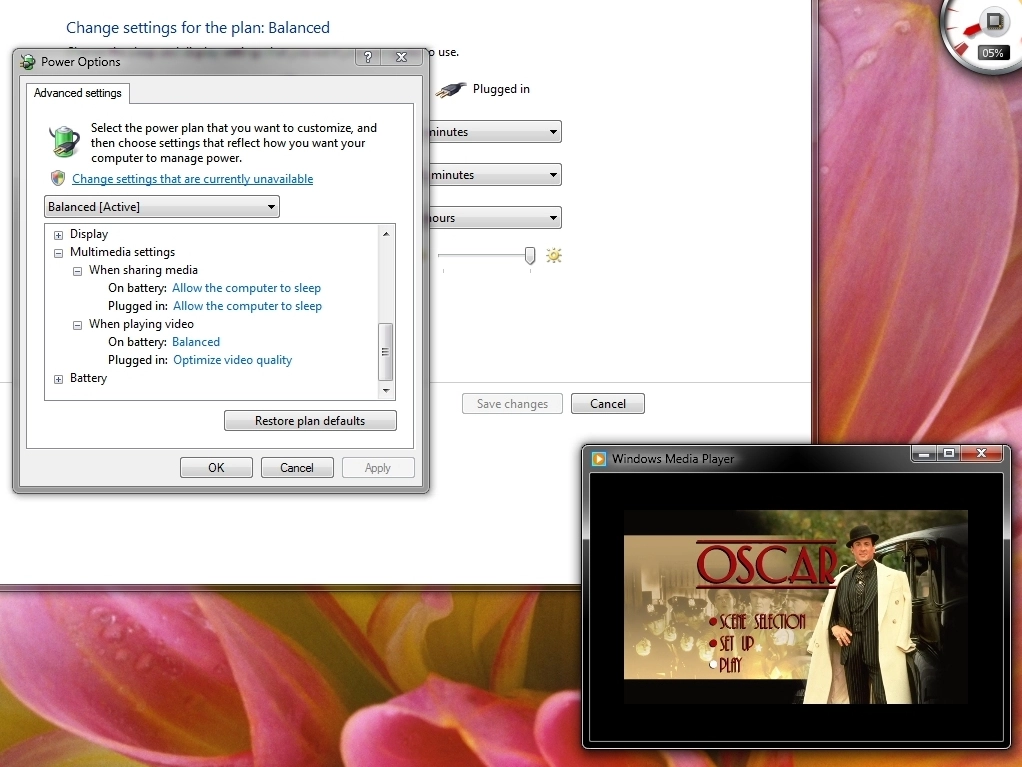
Microsoft has made specific changes to Windows Media Player (and will be working with other media player software companies) like caching video in a buffer so it can spin down the DVD drive and using less CPU power to deal with DRM and copy protection.
On one notebook that added up to almost 5W less power and an hour more battery life; on other machines Microsoft is seeing at least 11 per cent improvement - that's at least 20 minutes more battery life.
Of course, software, devices and how your PC is set-up are to blame for many problems. "We see notebooks out there that we know should have four hour battery life and they only have two hours," says Pat Stemen, the senior program manager of the Windows kernel team. To fix that Microsoft is asking manufacturers to use its energy troubleshooter across the system to check settings that affect battery life. On one notebook, setting USB devices to go into selective suspend added 29 minutes of battery life.
Windows 7 systems will also check their own power efficiency every two weeks (but only if the PC is idle and plugged in); you'll get a report and Microsoft will use the anonymised information to look for devices that aren't configured for power saving and ask the manufacturers to improve them.