





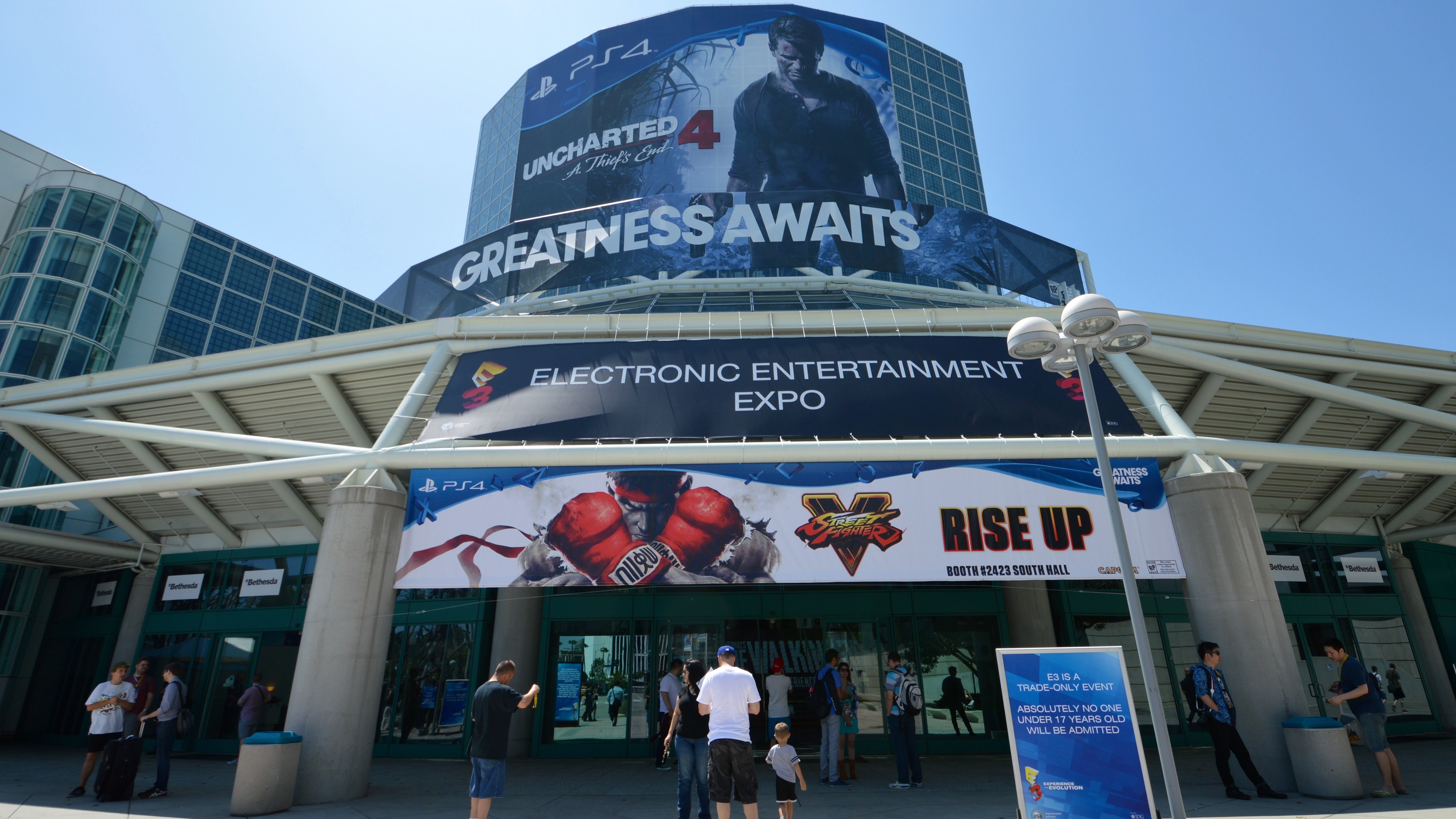
Look, I'm not worried that EA, Activision, Disney and Wargaming aren't attending E3 2016 - and I don't think you should be either.
Here's what the fuss is about: four companies, the ones you see listed above, have decided against attending this year's Electronics Entertainment Expo. Instead of everyone acknowledging the situation for what it is, however, journalists and fans alike have treated the situation like a code red apocalypse scenario.
It's a classic mistake. Those that claim "It's the End of E3 as We Know It" (that's a real headline, by the way) are making a mountain out of a molehill.
The common argument I've seen in the weeks since EA announced it would ditch E3 in favor of its own event is that if one of the publishers skipped, we'd have no cause for concern. But two or three, they say, should worry us. And four? Well, we need to be in a downright panic.
I respectfully disagree.
It's fine that EA and Activision decided to pull the plug on a big booth in the center of the show floor. Companies like Bethesda and Square Enix will gladly scoop up EA's primetime keynote slot. And if one of the biggest video game convention in North America doesn't line up with Disney and Wargaming's financial goals, I'm not going to lose sleep over it.
I think dismissing this year's E3 simply because four of the 350-plus exhibitors are dropping out is foolish. This year's event is going to be as good, if not better, than years' past.
Nintendo is 99% likely to show off a new console, the Nintendo NX. Sony, on the other hand, will have updates on Kingdom Hearts 3, Final Fantasy XVI, the Final Fantasy VII Remake and, if it hasn't dropped off the face of the Earth again, The Last Guardian. That's in addition to the half-dozen new games that we know nothing about yet.

Then you've got Microsoft with new updates and games for the Xbox One, which could range in magnitude from an expanded backlog of Xbox 360 games to another announcement on the level of backwards compatibility. (Rumor on the street is that Microsoft may be planning a modular system.)
On top of that there's Ubisoft, 2K, Square Enix, Konami, Warner Bros. Interactive and Oculus, along with hundreds of smaller developers and publishers. It will be different this year without Wargaming's massive booth, EA's keynote replete with an A-list sports celebrity (like football superstar Pele) and Disney Infinity toys, but that's no reason to jump ship.
Beyond mere speculation, how can I be so sure that E3 2016 won't suck? History says so.
The Ghost of E3 Past
In 2008, when the Electronics Software Association (ESA) decided to scale back the size of the event to a small, 5,000-person press-only event Activision bowed out. This was alarming at the time. People panicked and said that 2008 would be the death knell for the conference.
It wasn't.
In 2008, Sony announced God of War 3, Nintendo offered us our first look at Animal Crossing: City Folk and Microsoft had the first-ever footage of Fallout 3. Tell me you wouldn't want to be in the audience when they announce a new Fallout.

There were far fewer attendees that year, I'll admit, but that didn't kill the show. It was still worth attending for both journalists and exhibitors.
That E3 might not have been the roaring circus of red-hot releases, sweaty fans and over-the-top soirees that we've seen in the last five years, but it stayed true to the purpose of the expo, namely showing that we can band together as a community same as the automobile makers, tech purveyors and politicians.
Now, I can understand that the rising costs of renting a booth on the show floor, compounded with the new model of only releasing three or four AAA games in a year are making some publishers leery of the show. And I also understand that mobile publishers are better suited spending money (in this case, millions of dollars) on TV commercials than floor space at a conference. I get it, I really do.
But trading away your floor space at E3 is willfully giving up on a community tradition that's existed for over two decades. I guess that's the part that gets me.

Family. Call of Duty. Honor.
There are more than a dozen video game shows held throughout the year. Between major ones like GDC, Tokyo Game Show, Gamescom, five PAX shows, BlizzCon, QuakeCon and the myriad smaller conventions, there's no shortage of outlets for news.
But none of them are E3.
I'm not afraid that E3 is going to fail without these companies. But I'm dismayed that more and more publishers are choosing to opt out of the biggest community events in our industry for 15 minutes of limelight on Twitch and an event that maybe 500 or so fans can attend.
The silver lining is that EA isn't entirely calling it quits, instead creating a new semi-casual show ahead of E3. Meanwhile, Activision's highest-grossing franchise - Call of Duty - will still get some air time during Sony's giant keynote rather than at some digital-only event.
In the best possible outcomes, the absence of two major publishers will give the ESA pause next year before raising booth prices, and some time away from the hustle of the show floor will make Activision and EA remember why the conference is so special in the first place.
So, to EA, Activision, Wargaming and Disney: I'm bummed you won't be there. I'm going to miss playing Call of Duty against my friends at the show, and while I'll still get a chance to play the latest iteration of FIFA, Madden and The Sims the day before, I'll have to keep it brief - there's a big conference coming up that I can't miss.
- Speaking of conferences, the future of VR will be unveiled at GDC 2016
