





If you’re travelling then space is probably limited, so you might not want or be able to take a full-size camera with you, let alone a tripod. So a smartphone can be an ideal portable alternative — if its capabilities are up to scratch.
Fortunately, the Samsung Galaxy S26 Ultra has been designed with travel in mind, because not only is it far smaller and lighter than carrying around a DSLR or mirrorless camera with multiple lenses would be, it’s also capable of taking impressive photos.
Below, you’ll find a look at the various tools the Galaxy S26 Ultra has to help you take great photos when you’re away from home — whether you’re on holiday, a work trip, or some more extended travel.
TL;DR: The Galaxy S26 Ultra is a compact, travel-friendly photography solution with ultra-high-resolution sensors designed to shoot a wide variety of scenes, and backed up by helpful AI¹ and powerful editing tools.
1. AI scene recognition takes the guesswork out of optimising your camera’s settings

AI is meant to make your life easier, and with the Galaxy S26 Ultra, that’s the case even when taking photos, as its AI scene recognition means you can really just point and shoot — with the phone automatically adjusting and optimising settings.
So, whether you don’t know your ISO from your exposure or you simply don’t want to miss a moment by manually tuning the camera, there’s nothing to worry about with Samsung’s latest flagship.
And that can be especially useful when travelling, since the scenery might often change, from bustling street markets to dense forests or a beach at sunset, with each of these benefitting from different settings and modes.
2. AI-enhanced zoom captures sights you can’t get close to

Not everything can be captured up close, but with the Galaxy S26 Ultra that needn’t hold you back, as this phone has both two telephoto lenses (a 3x zoom and a 5x zoom), and the ability to take optical quality 10x zoom photos. But if even that isn’t enough there’s also digital zoom, which can extend all the way to 100x.
How does this help when travelling?
It’s easy to see how this might be useful when travelling — perhaps you’re out in nature and there’s a waterfall that’s too far away to easily reach, or an animal that might run away if spooked. Or perhaps you’ll find yourself in a city and want to photograph architectural details high above you.
Whatever the case, AI-enhanced zoom on the Galaxy S26 Ultra helps ensure distant subjects come out clear and detailed in your photos.
3. Advanced nightography ensures you’re not limited by the light

Not every stunning scene or important moment happens in perfect light, so whether you’re out exploring an unfamiliar city after dark or enjoying a meal in a low-lit restaurant, it helps to have a camera that’s not limited by a lack of light.
The Galaxy S26 Ultra has just such a camera, with its next-gen sensors allowing for 47% more light to be captured by the wide camera² and 37% more light to be taken in by the 5x telephoto camera.
That’s coupled with AI nightography³ enhancements and a clever night mode that can combine 30 images into a single photo, for sharp, vibrant images.
4. Ultra-high-resolution sensors capture impressive detail

So far, we’ve mostly been talking about how software can aid your travel snaps, but impressive software still needs great hardware, and the Galaxy S26 Ultra delivers that too.
It has loads of lenses — four on the back in fact, which is more than almost any other phone outside this line, and they all excel. But it’s worth particularly highlighting the 200MP wide camera, the 50MP ultra-wide, and the 50MP telephoto (offering 5x optical zoom).
What’s so good about these cameras?
While megapixels aren’t the only factor in great cameras, they certainly matter, and these sensors are all ultra-high-resolution.
That means they can capture images that are packed full of detail, whether you’re shooting up-close portraits of your travel companions, local carnivals, distant sights, or you want to fit a wide landscape into your shot.
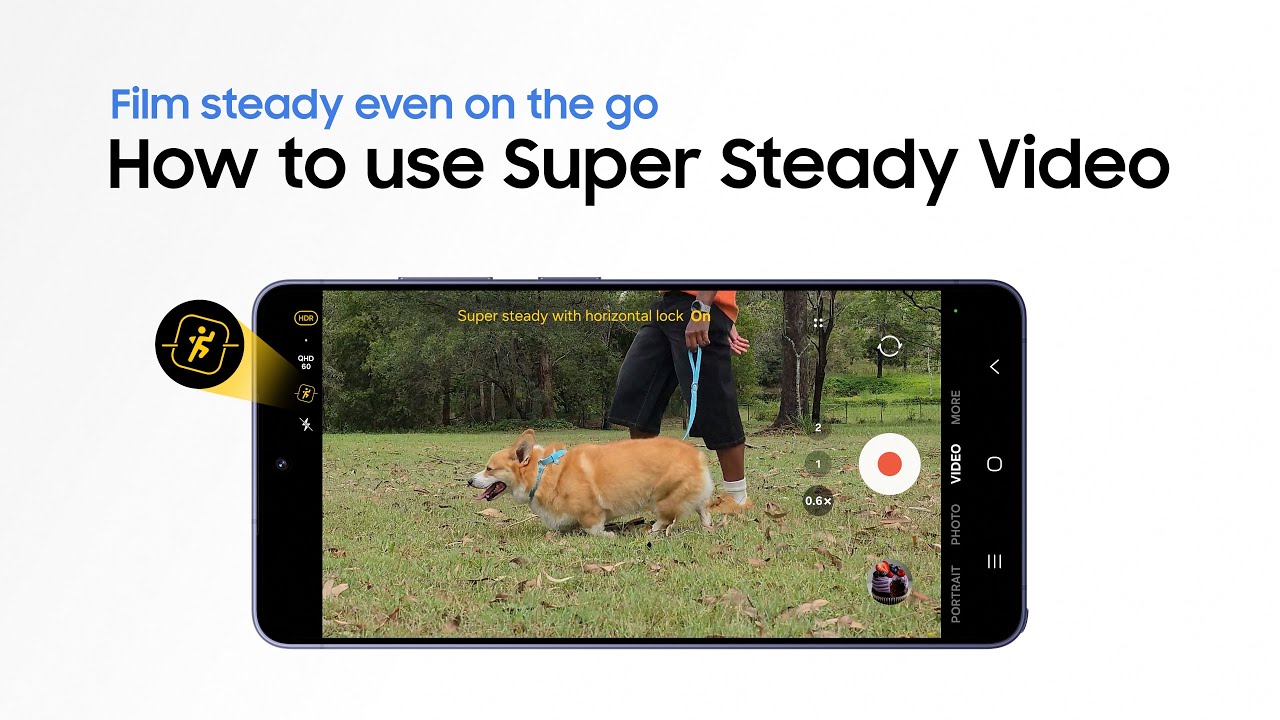
5. Super Steady with Horizontal Lock keeps your holiday videos smooth

The Galaxy S26 Ultra is also a highly capable video camera, and you don’t need to stand still — let alone use a tripod — to capture smooth footage. Super Steady with Horizontal Lock⁴ pairs AI with real-time gyro and accelerometer data to stabilise videos, so they’re steady and shake-free.
That means you can even film your travels while you’re still moving — whether hiking a trail or riding in a vehicle — and the results will look professional.
6. Photo Assist ensures captured moments always look perfect

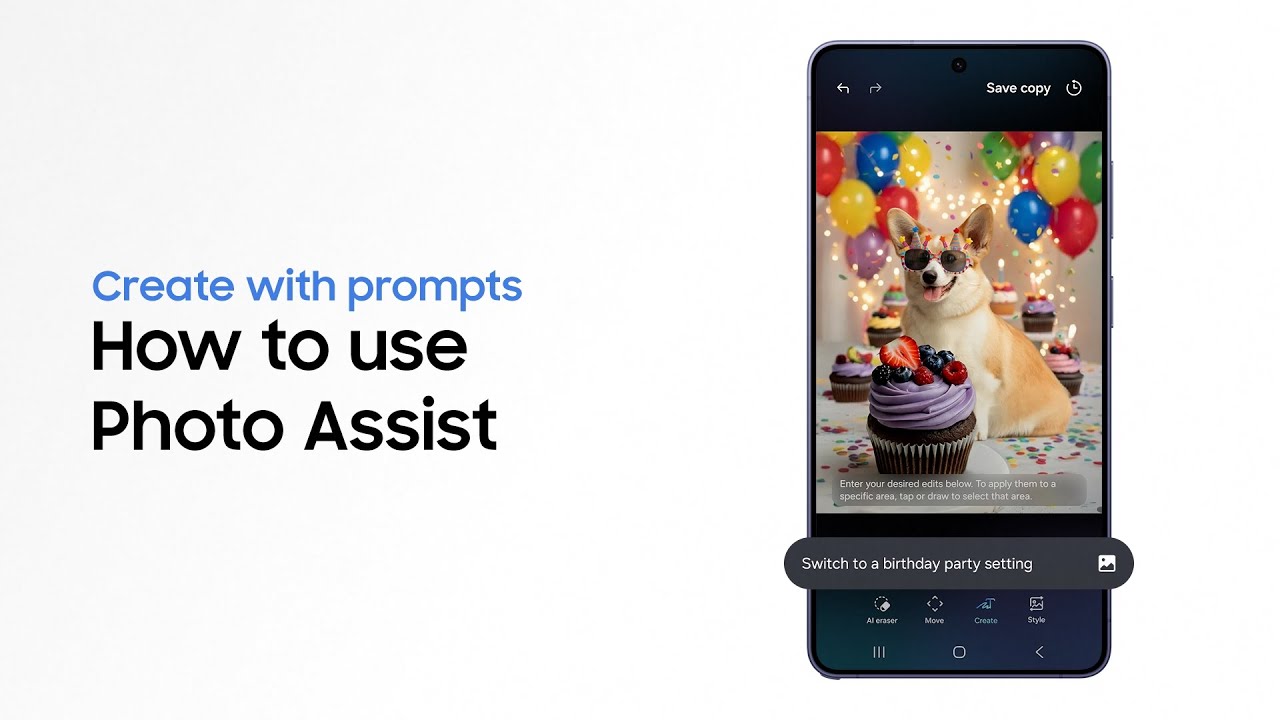
The features we’ve detailed so far all make the Galaxy S26 Ultra a good choice for shooting videos and taking photos when travelling, but it’s also got a powerful suite of editing tools — so you won’t need to settle for imperfect shots or wait until you get home to edit your snaps on another platform.
Its Photo Assist⁵ tool is the real star here, using AI to quickly and easily deliver edits using text or voice prompts, for professional-looking images that don’t take an age to polish, so you can spend more time photographing landmarks and less time staring at your phone.
So, if you’re ready to downsize your travel photography setup without sacrificing its versatility, head to the Samsung website to find out more.
1. Samsung account login is required for certain AI features. Galaxy AI features are provided for free. Future releases may include additional advanced features that are offered as part of a paid subscription plan. Different terms may apply for AI features provided by third parties. 2. Performance boost measured in comparison to previous Samsung Galaxy smartphones. 3. Results may vary depending on light condition, subject and/or shooting conditions. 4. Super Steady results may vary depending on editing method and/or shooting conditions. 5. Requires network connection and Samsung account login. A visible watermark is overlaid on the saved image to indicate it was generated by Galaxy AI. Accuracy of output not guaranteed.