


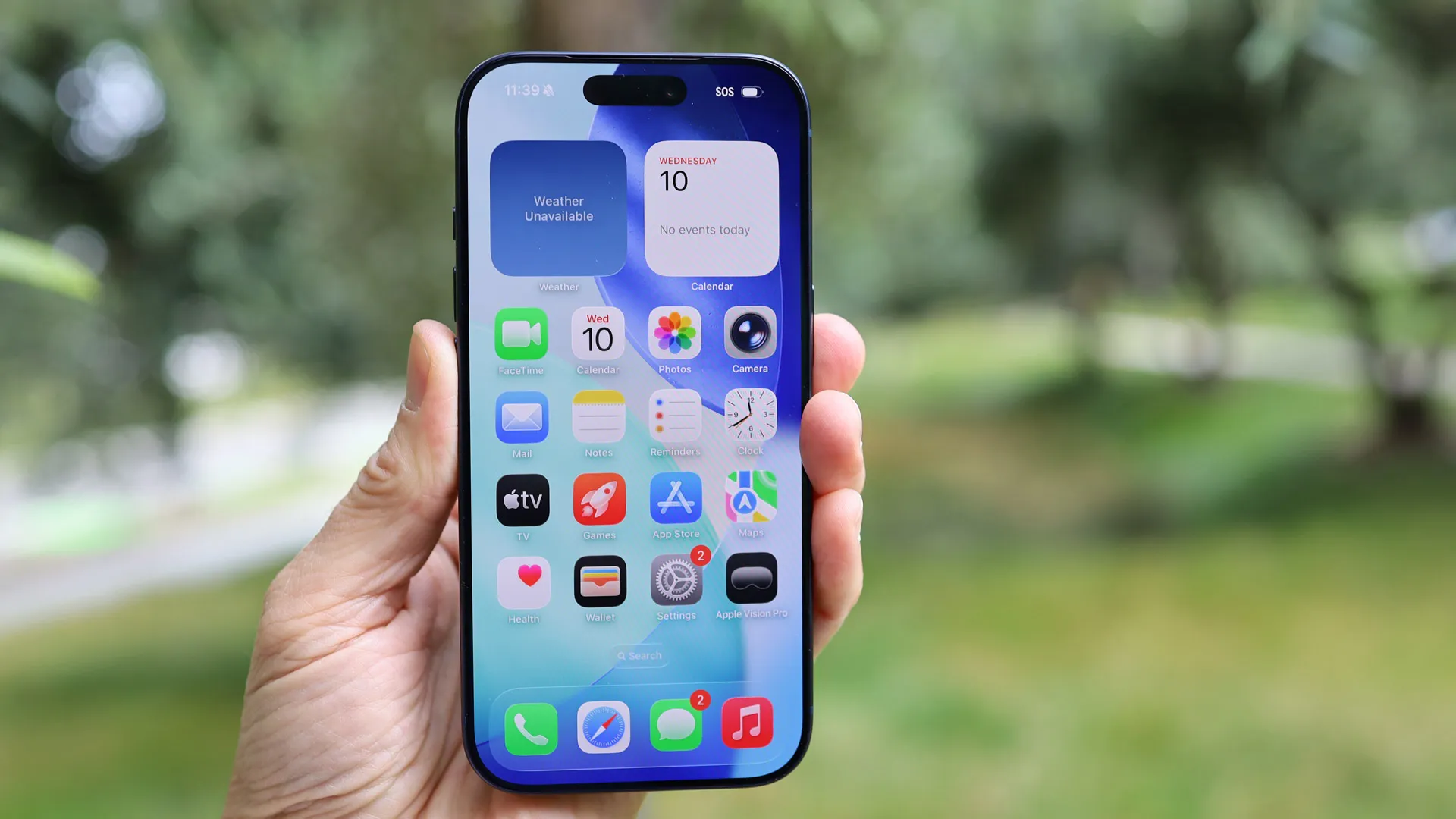
iOS 26 landed back in September, and since then we’ve had iOS 26.1, which added more features to the operating system. But even now there’s still more to come from iOS 26, with iOS 26.2 landing soon, and further updates expected before the move to iOS 27, which will likely happen next September.
And while we probably don’t know about everything that’s yet to arrive in an iOS 26.x update, between iOS 26.2 betas, leaks, and claims made by Apple, we have a good idea of much of what’s on the way.
So below, you’ll find the five biggest features that are still missing from iOS 26, including a major upgrade to Siri.
1. Siri’s AI overhaul
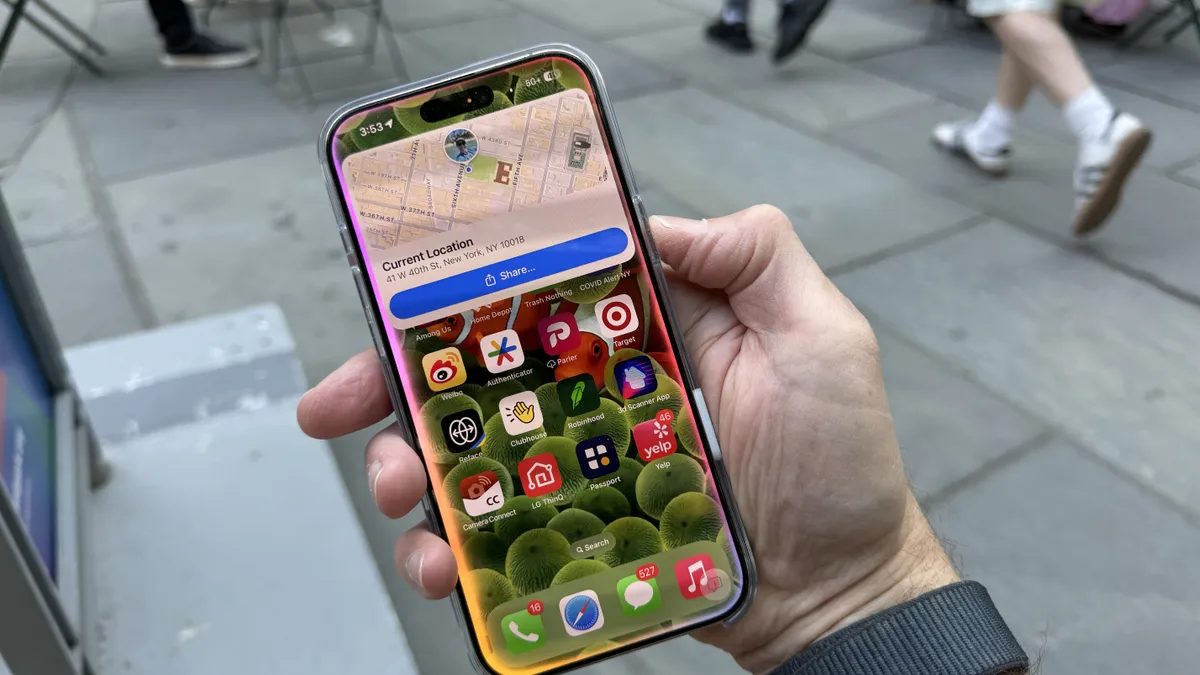
Sure, we said the upcoming iOS 26 features aren’t limited to Siri’s AI overhaul, but that remains probably the biggest feature that we’re yet to see, so it’s a good one to start with.
Apple has long promised an AI overhaul for Siri, with this feature first talked about back in June of 2024, when Apple Intelligence was shown off for the first time. But this upgrade is still yet to appear.
However, the wait might almost be over, because according to reputable Apple watcher Mark Gurman, this update is planned for around March or April of 2026. That would almost certainly mean it lands as part of an iOS 26 update – likely iOS 26.4 if that timing is correct.
Gurman added that this update will apparently be powered by a custom version of Google Gemini, rather than Apple’s in-house AI, which might be for the best, because right now Apple’s AI capabilities feel a long way behind rivals.
2. Liquid Glass tweaks


Much like blue cheese or Marmite, iOS’s new Liquid Glass interface is something you probably either love or hate. But for those who hate it there will soon be new tools to tone it down.
You see, with iOS 26.2, Apple is adding a slider that lets you adjust the transparency of the clock on the lock screen, so you can tweak at least this element of Liquid Glass to your liking.
Plus, the Liquid Glass look will also soon be more consistently applied across the interface, with the Level tool in the Measure app also set to gain a Liquid Glass effect in iOS 26.2.
3. Easier AirDrop sharing

AirDrop is also getting an upgrade with iOS 26.2, as spotted by MacRumors in a beta, so that you’ll more easily be able to use it with people who aren’t in your contacts.
Specifically, you’ll be able to generate a code which you can share with someone to allow AirDrop exchanges between you for 30 days.
This will work even if you have your AirDrop set to ‘Contacts Only’, so you won’t have to switch it to ‘Everyone for 10 Minutes’.
4. Podcast improvements

As spotted by MacRumors, iOS 26.2 is also bringing multiple improvements to Apple’s Podcasts app, including automatically generated episode chapters. With these, podcast episodes can have chapters without the creator needing to do anything.
Also as part of this update, if another podcast is referenced in an episode, listeners will be able to see and follow these podcasts directly from the player and transcript, making it easier to learn about new podcasts.
And finally, you’ll be able to “quickly access the links shared in a podcast on the episode page.”
5. Alarms for reminders

One final significant iOS 26 feature that’s still to come is alarms for reminders. With this, you’ll be able to set an alarm to accompany a reminder – which is something you might want to do if the reminder is urgent, or you just really don’t want to risk forgetting it.
You’ll be able to do this by marking the reminder as ‘urgent’ when setting it, and then when the reminder triggers, it will be accompanied by an alarm, with options to snooze it or stop it.
This, like so many of the remaining iOS 26 features, is expected to land with iOS 26.2.
Follow TechRadar on Google News and add us as a preferred source to get our expert news, reviews, and opinion in your feeds. Make sure to click the Follow button!
And of course you can also follow TechRadar on TikTok for news, reviews, unboxings in video form, and get regular updates from us on WhatsApp too.