


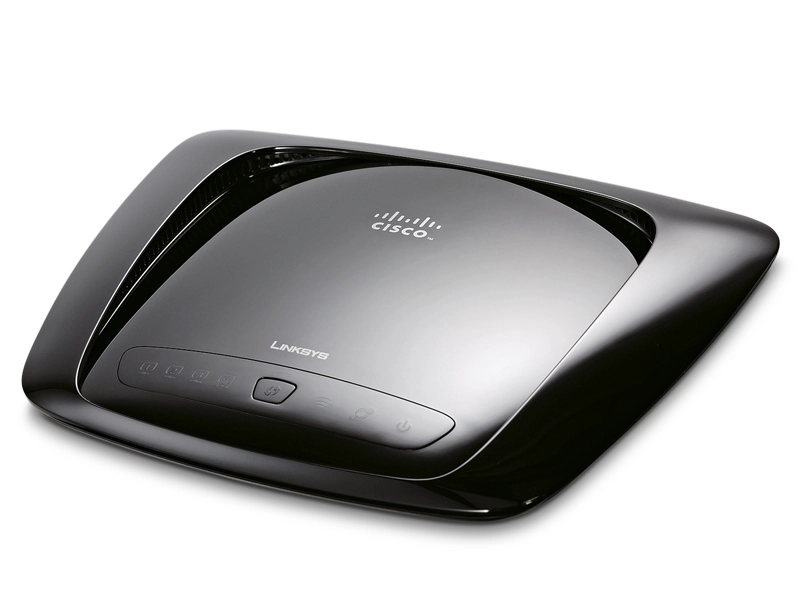
It might have taken the best part of a decade to ratify but the 802.11n wireless standard was worth the wait.
It also helps that we've all been able to enjoy the benefits for the last few years while t's were crossed and i's were dotted.
But that's not to say we all get a perfect wireless experience even with the immense cleverness of MIMO. So no matter if you're running a wireless network new or old here are our top tips for tweaking more out of your signal.
1. Switch channels
You might think that with up to 14 channels available there'd be plenty of free ones for everyone. Unfortunately physics is a harsh master: the channels are only allocated 5MHz apart and cross-channel interference can affect up to 11MHz either side.
This effectively means only channels 1, 6 and 11 are adequately separated, though depending on your environmental situations interim channels might be optimal. For instance is all are taken but 1 and 6 are less powerful, then channel 3 would be best.
2. The fat channel
As part of the 802.11n specification there's the option for 40MHz channels. Idealistically this is designed for 5GHz systems as this region has far more available channels, however it can be activated at the 2.4GHz level but it's pretty much guaranteed to interfere with anything else nearby taking up the majority of available channels. We'll leave it up to your conscience but most routers enable you to force 40MHz channels.

3. Go 'N' only
The 802.11n standard is very sympathetic to older standards. It maintains a lot of backwards compatibility and anti-interference features so as not to disrupt 802.11b/g networks. This is rubbish! If you're lucky enough, switch your router to 802.11n only, plus opt to use WPA2 security with AES encryption.
WPA2 with AES offers the best encryption option, though it may not be supported by older routers as it requires additional hardware. Similarly once switched to 'N mode' you may find an Extra Wireless Protection mode - turn this off as it's about reducing interference to 802.11b networks.
4. Check your adaptor's power settings
A lot of the time your wireless adaptor will, rightly so, adjust itself to your laptop or PC's power settings. This is fine but what if you're in a poor reception situation? Windows 7 and Vista offer controls via the Control Panel > Power Options > Change plan settings > Change advanced power settings > Wireless Adapter Settings.
You might want to go straight to the horse's mouth and directly adjust power settings via the Device Manager: select Start > Run > type devmgmt.msc and click OK. Locate your wireless adaptor under Network adapters, double click it and select the Advanced tab.

5. Avoid interference
The majority of us are running 2.4GHz equipment - it's a noisy place to live and it's a frequency that's absorbed and reflected by specific things. Ideally, avoid brick walls - going through wood floors or interior drywalls is much more preferable.
Water is an issue, it absorbs this spectrum hence why microwave ovens run at the same frequency. If you have water tanks, avoid them. Microwaves are also a dead zone, as their shielding will block signals.
Mirrors are also an issue, along with radiators that are metal and full of water. DECT phones in Europe operate at 1.9GHz, but in the US there are three bands of 900MHz, 2.4GHz and 5.8GHz. So it's best to opt for the higher or lower models in that territory.