


We all love to capture life’s everyday moments, and while any camera (or smartphone) can help you do that, few make the creative process as easy as Insta360’s latest flagship 360 camera — the X6, which is currently TechRadar’s top recommendation for best 360 camera overall.
In fact, the Insta360 X6 is way more than just a 360 camera: it can be used as a gimbal camera for steady subject tracking or as an action camera for traditional 2D footage in 5K clarity. So, with the X6, you’re getting three cameras in one.
Despite that, it’s smaller and far more powerful than its predecessor, but what the X6 does that no other camera can do is offer an editing process that’s so remarkably easy that it’s practically effortless. This is Insta360’s ‘zero-editing’ philosophy and, true to its name, it takes the stress out of post production to make the X6 the perfect snapper for the everyday user or a beginner who’s never used a 360 camera before.
Insta360 has harnessed the power of AI to make this possible and calls the brains behind the zero-editing features PanoMind — it’s the secret sauce behind the innovative and easy-to-use software features that makes the X6 so unique. It allows for automated editing that works in the background while you do things that are more important to you — like sleep, for example.
What beginner-friendly editing tools are available with the Insta360 X6?
The X6’s easy-to-use editing features include Insta360’s improved auto-framing tool, a new AI Director for automated clip creation and an evolved Auto Edit 2.0 platform to give you easier control on the few edits you may need to make manually. Of these, the AI Director fully emulates Insta360’s zero-editing philosophy to help smooth the process of creating engaging video clips from raw footage, and this feature can be enabled on the camera’s menu system. Auto Edit 2.0, meanwhile, offers control over the editing process if you need it, but makes the process as easy as just a single tap on the app.

PanoMind is also the power behind a new Moments Pro feature that works with Google Gemini to generate custom videos using simple keyword prompts to edit footage you’ve previously saved in the cloud.
Between them, these tools aim to take most of the grunt work out of video editing, letting you quickly, and easily, create shareable social-media-ready content with just a little of your time to make small fixes — and in some cases, you may not even have to do the latter.
How does Insta360’s PanoMind work?
Insta360’s PanoMind is a multimodal AI-powered brain that’s been trained using more than 10,000 hours of footage that showcase over 30 scenarios, from sports, travel and even everyday life. And, while many AI-powered video generators use flat 2D recordings to train their models, PanoMind has been fed full spherical scenes — the X6 is, after all, a 360 camera.
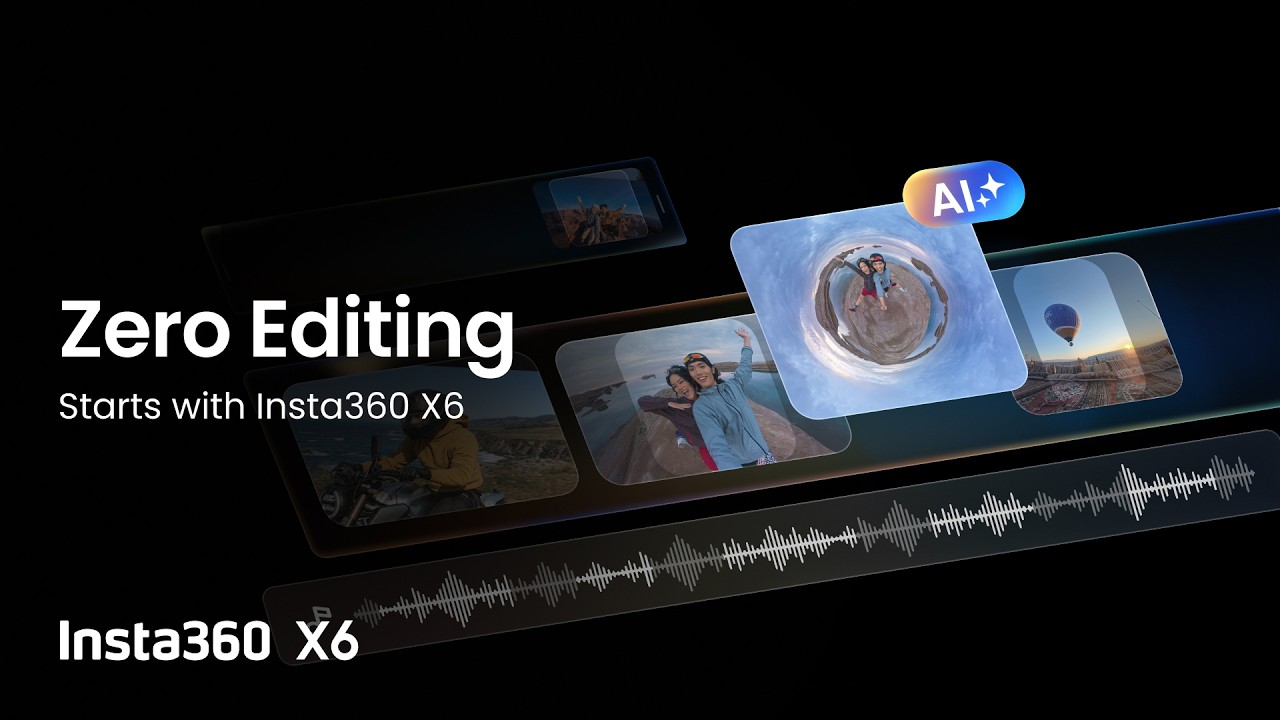
This ability to recognize different scenarios within raw footage powers nearly all the X6’s headline-making editing features, including the zero-edit AI Director.
How does the AI Director feature simplify workflow?
The information that PanoMind already carries, Inst360’s AI Director is able to understand what you’ve shot, choose the best highlights from that reel and produce edited clips that can be either full 360º views or conventional flat 2D footage. If any of the chosen highlights in your reel need to look better, AI Director can even generate virtual camera movements in spherical footage, automatically adding panning or framing as though you’d been pointing the X6 that way originally. See, effortless automated editing.

A random sequence of highlights doesn’t tell a story, though, does it? PanoMind recognizes that and is perfectly capable of figuring out the best sequence of clips for storytelling and rearranges the highlight reel accordingly.
The AI analysis of each scene takes place on camera while the latter’s charging — like, perhaps, overnight — and, when the final clip is ready, you’ll get a notification on the Insta360 app on your phone. All the hard work is done for you in the background, meaning you’re not chained to a desk editing for hours on end, or stressing over editing software you’ve never used before.
Can I control any of the X6’s AI editing process?
Just because there’s an easy way to do things doesn’t mean you always need to use it. Insta360 recognizes that many users require more control, and Auto Edit 2.0 gives you that without you needing to spend hours creating a clip and adding background music.

It’s as easy as selecting a single piece of raw footage, or multiple recordings, tapping Next on the Insta360 app, then Auto Edit 2.0 does the rest. Like AI Director, it will automatically — and intelligently — cut clips for better storytelling, frame the subject(s), add better camera movements, transition seamlessly between scenes, and can even include background music.
Looking to go viral on social media? Another tool called FlashCut aims to help increase your chances of doing so via access to over 70 templates based on previous viral posts on the themes of travel, vlogging and sports.
Moments Pro creates AI-edited videos from cloud footage
While AI Director and Auto Edit 2.0 both work directly on-camera, Insta360 also has an optional cloud-based subscription version of PanoMind that compliments and expands what you can do with the local version. After all, there’s only so much storage on-camera, and Insta360 recognizes you might want to work with previously shot captures, or even ones shot with an older camera from the brand. Another advantage of the cloud version is that it allows quick and easy clip sharing with just a link.

That’s arguably not the headline act of Insta360’s cloud service: Moments Pro is. This cloud-based AI feature has been built with Google Gemini and Amazon Web Services layered over Insta360’s own proprietary algorithms to create videos from your cloud-based raw footage with simple prompts.
In the app, Insta360+ subscribers only have to choose a person (or subject) to be the focus of the clip, pick a scene, style, theme and a timeframe to generate a dynamic clip — complete with an audio element.
Insta360 has promised that future updates will allow Moments Pro to understand natural-language prompts, so you can direct the AI to create video clips to your exact expectations. Insta360+ subscription plans start at $2.99 / £2.99 / AU$4.99 billed monthly, or $35.88 / £35.88 / AU$59.88 for an annual pass.
The power behind a panoramic mind
Needless to say, an AI brain like the PanoMind requires substantial processing power and the X6’s chip offers just that. Combining a Qualcomm octa-core 3.3GHz 4nm processor with not one but two imaging engines, the X6 boasts 500% more computing power than the Insta360 X5 while drawing 35% less battery. This promises results with “sharper detail, cleaner color, and denoising that holds in the dark”.
That’s not the only hardware making a difference to the X6’s power. While the camera sensor doesn’t directly affect the software, it’s integral to the image quality in the final results and the custom-built Sony Type 1/1.1 sensor offers 33% more area for better light intake per frame compared to its predecessor. This, in turn, allows the AI Director auto edits to alter white balance and brightness as needed. As the company put it succinctly, “Low light, harsh backlight, high contrast, all no issue for Insta360’s latest generation of 360 cameras.”
- You can find out more about the Insta360 X6 flagship 8K 360 camera at the official site.
- For further details on PanoMind and how it makes editing quicker and easier, head to the official Insta360 blog.