


We've tested over 200 models, but these are the 5 best cheap printers you can get right now - from great-value ink tanks and ultra-budget inkjets to laser printers for home office and small businesses.
For the top budget inkjet printer, the 3-in-1 HP Envy 6555e is an excellent pick, with more features than you might expect for the price. And for those looking for a low-cost tank printer, which use cheaper bottled ink, the Canon Pixma G3270 delivers amazing value for money.
Check out our full line-up below, which includes some of the best home printers and best ink tank printers we've ever tested from HP, Canon, and Brother. Whether you're looking for a back-to-school printer or a reliable office upgrade, these are our top-performing models that won't break the bank.
Best cheap printer overall


The HP Envy 6555e (6530e outside the US) is a cheap inkjet printer that does everything most people will want from a device like this. In fact, despite the relatively low cost, it's got a surprising amount of features to it, including a scanner with automatic document feeder, copier, and mobile fax.
In our tests, it printed very well, with text and color documents looking sharp, and photos looking bright and vibrant (yep, it even handles glossy photo paper well for printing off your own pictures). Overall, print quality is excellent for the price.
Now, it's not the fastest printer in the world, which we expect for most cheap inkjets. That's especially true for photo printing, but even black-and-white documents took a while during testing. It also guzzles ink like it's going out of fashion, so we recommend checking your settings so you're not spending too much on replacement cartridges.
Still, for general home printing without a big upfront expensive, the HP Envy 6555e delivered everything we'd want from a cheap printer.
Read our full HP Envy 6555e (6530e) review
Best cheap ink tank printer


For the best value for money, we always recommend an ink tank printer. While the initial outlay is higher, you'll recoup that cost with the bottled ink refills, which are much cheaper than traditional inkjet cartridges. And our top recommendation for a budget ink tank is the Canon Pixma G3270 (or G3570 outside the US).
This entry-level all-in-one performed well throughout our testing, particularly for text and color documents. It's got standard ink tank print speeds and a fair-sized 100-sheet paper tray.
The trade-off here is the lack of automatic two-sided printing and automatic document feeder. And while the photos came out bright, with pklenty of color (and no smudging), they weren't as vivid or high resolution as other printers we've reviewed. If you're printing photos at home, it's a good budget pick, but not one we'd recommend for professional photographers.
Overall, for an all-rounder ink tank that won't break the bank, we find it difficult to complain at this price. If you're regularly printing at home, dorm room, or home office, it's an easy recommendation on price - both for the printer and the refill bottles.
Editor's note: An alternative that we've used and like is the Epson EcoTank ET-2400 from Amazon. In the UK, it's known as the EcoTank ET-2860 / ET-2861, and costs around $160 / £160.
Read our full Canon Pixma G3270 review
Best cheap mono laser printer


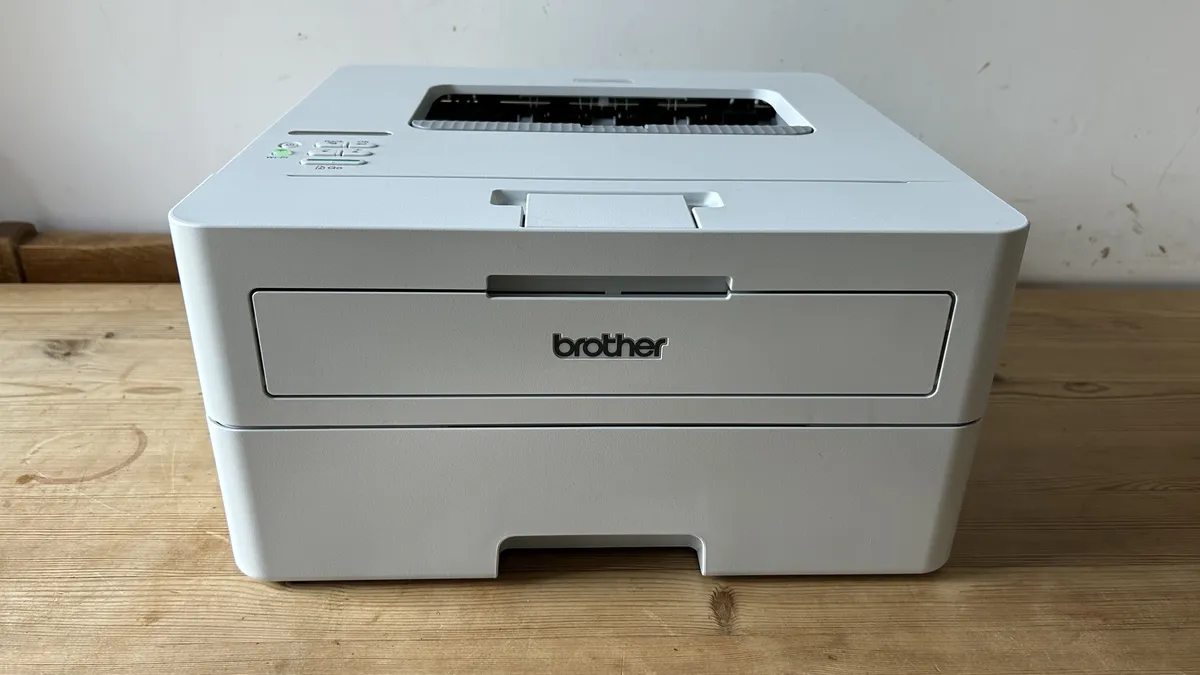
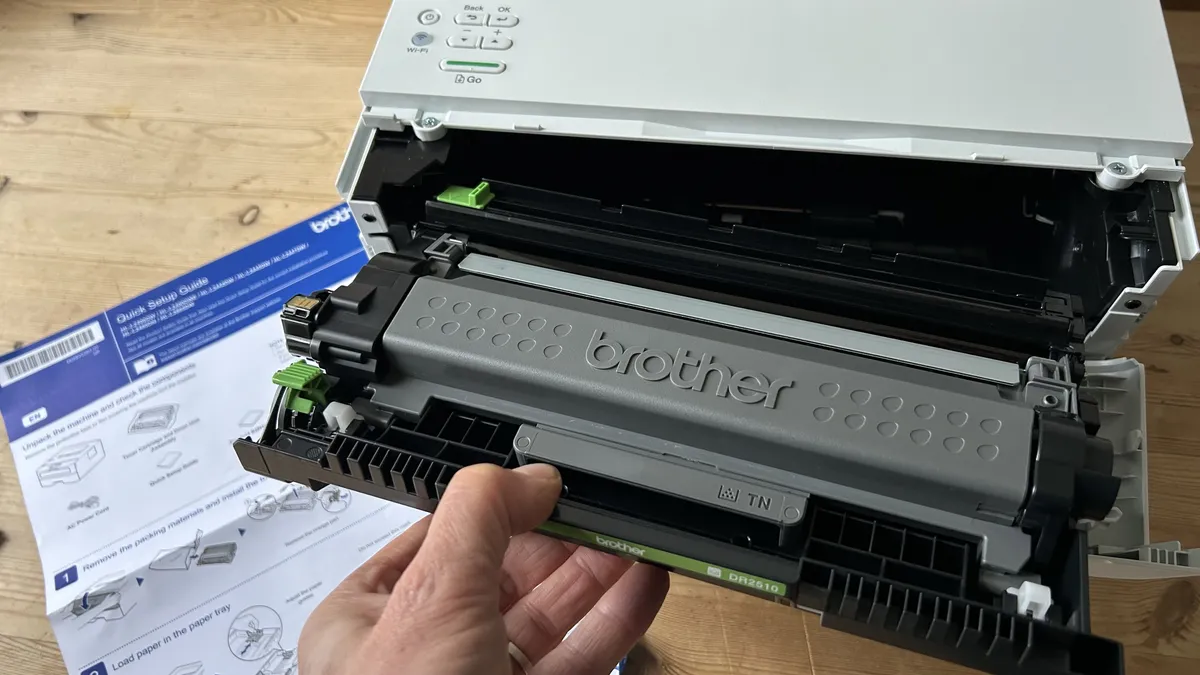


The Brother HL-L2865DW has been around a while now, and it's still one of the best cheap laser printers we've ever tested. If you don't need a unit that scans, copies, or faxes, this one is well worth checking out for home office or small business use.
Print quality proved consistently good for document printing with sharp, crisp lettering and detail. As ever for a mono laser printer was on clarity and consistency of text documents, which the Brother unit delivered time and again throughout our tests. And it did it surprisingly quietly, too.
What really stands out here is the speed - we clocked it printing at 34 pages per minute, which is ideal for work purposes. It even excels at speedy two-sided printing, although the paper weight limit for automatic double-sided printing is a pretty thin 105gsm.
At 250 sheets, paper tray capacity is fair-sized for a business-focused printer, but there is a the single-sheet front input for one-off print jobs, such as printing on envelopes (again, the Brother proved great in this regard).
For those that only need a cheap black-and-white laser printer, the Brother HL-L2865DW ticks all the boxes in our experience.
Editor's note: If you need a mono laser printer for higher-volume print runs, see our HP LaserJet Pro 4001dn review. It's slightly more expensive, but better equipped for busy home or small offices.
Read our full Brother HL-L2865DW review
Best cheap printer under $100 / £100


If you want one of the cheapest printers, the HP DeskJet 2855e (2820e in the UK) is worth checking out. It's priced around the $60 / £60 mark, and for casual home and student printing, there's not much to complain about here.
For that price, you're getting a 3-in-1 inkjet that performs all those basic tasks - printing, scanning, and copying - very well. It can't do much more than that, of course, but then, a lot of users won't need automatic document feeders or double-sided printing anyway.
Text and color documents and images are all handled well, and there's even support for photo paper. It's one of the best-reviewed cheap inkjet printers around for a reason.
That's not to say it's perfect. It's not an especially fast printer - in fact, it's decidedly slow - and you'll need to connect it to the 2.4 GHz band on your router, otherwise the wireless function won't work.
However, on pure cost alone, specifically for those who want an ultra-budget unit for occasional printing and not much more, it does the job well.
Read our full HP DeskJet 2855e review
Best cheap color laser printer
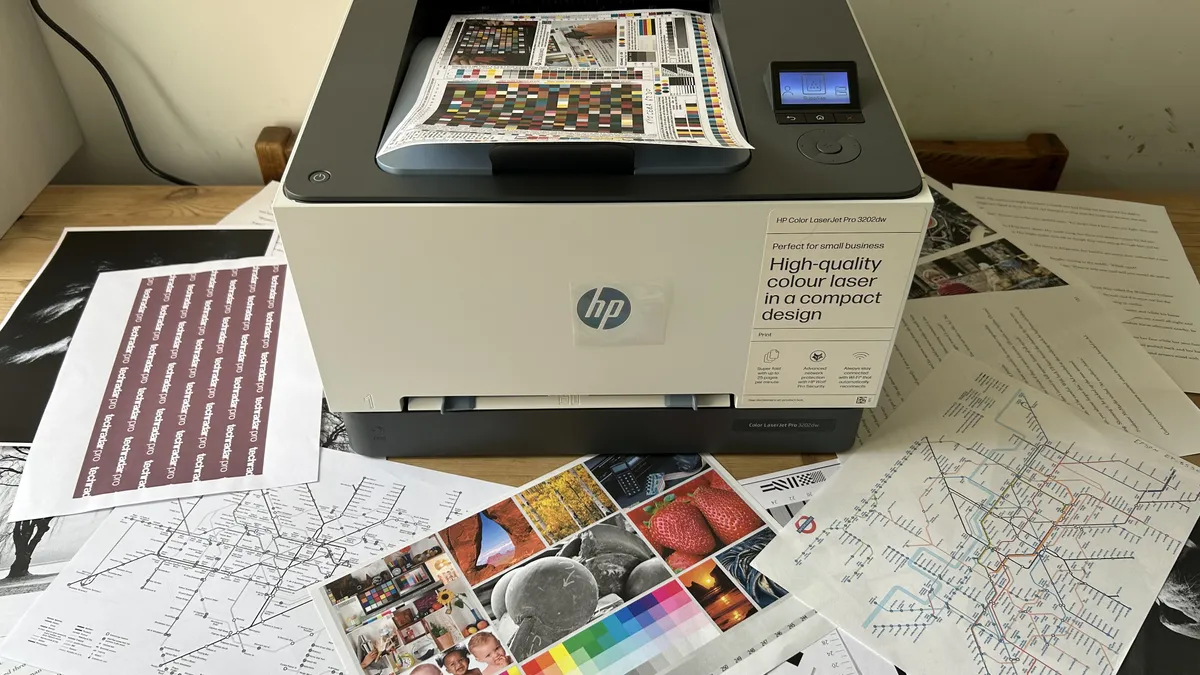


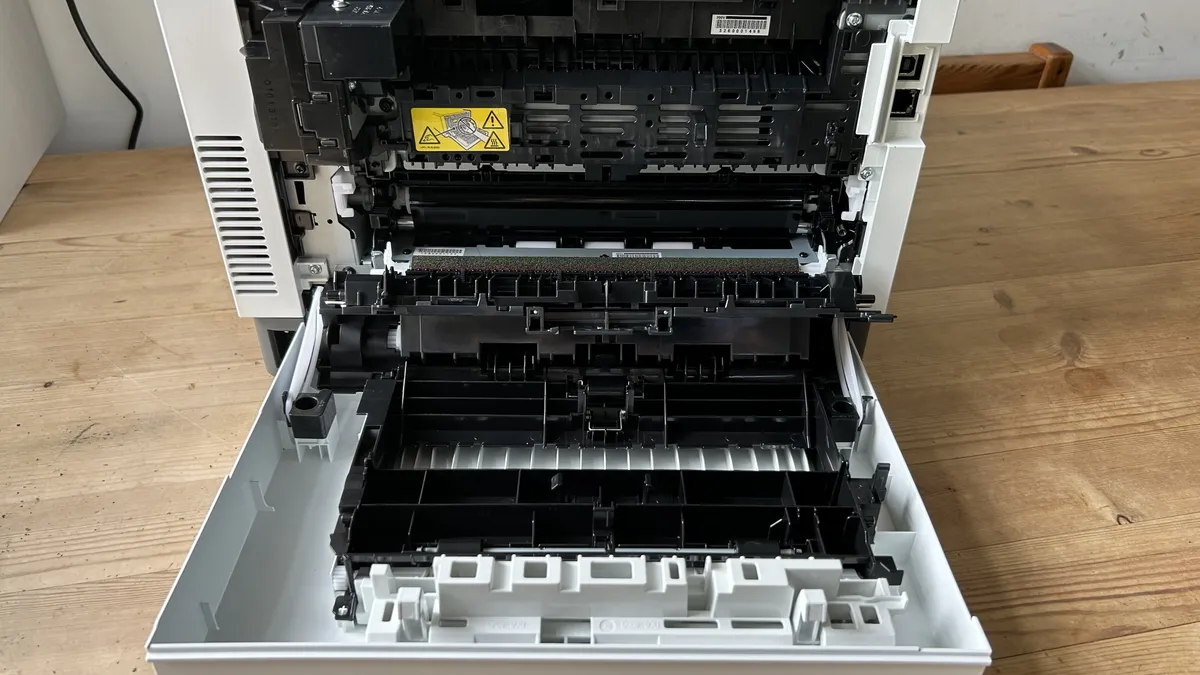


The HP Color LaserJet Pro 3201dw (3202dw in the UK) is an easy pick for cheap color laser printer. Throughout testing, this model proved quick in performance, with highly detailed text documents and vibrant color print-prints.
HP has designed this printer for home office and small business use, and the key specs - including print speed and quality - were pitch-perfect in our own tests.
Performance was faultless. Text remained finely detailed across all documents, in both large and small font sizes, while color documents looked punchy, with graphs and logos popping off the page.
It may not be the quickest laser printer ever, clocking in at a respectable 26 pages per minute in black-and-white and 15ppm in auto-two-sided mode, but it's fast enough for daily professional print runs.
For the price, this compact and cheap color laser printer is ideally suited to any business setup.
Read our full HP Color LaserJet Pro 3201dw review
Best cheap printer ink
You can find the best cheap printer ink from a wide variety of online retailers, offering replacement ink cartridges, toners, and bottled ink for all printer types.
Best cheap printer ink in the US
Why you can trust TechRadar We spend hours testing every product or service we review, so you can be sure you're buying the best. Find out more about how we test.
- Amazon: Cheap printer ink from $30
- B&H Photo: Ink cartridges from under $10
- Best Buy: Cartridges, toners, and bottled ink from $10
- Walmart: Cheap printer ink and toners
- Adorama: Bulk buy your ink for cheaper
- Canon: Official inks and toners
- HP: Official ink cartridge replacements
Best cheap printer ink in the UK
- Amazon: Discounts on official ink replacement
- Argos: Ink top-ups from under £5
- Staples: Cheap printer ink, toners, and refills
- HP: Official ink and toners refills and replacements
- Canon: Official ink and toner supples
Best cheap printers: FAQs
How to choose the best cheap printer for you?
When choosing which cheap printer is best for you, you'll have a few considerations to make.
Category
The three main categories of printer are inkjet, laser, and ink tank. Generally, inkjet printers are cheap to buy, but replacement ink cartridges can be expensive. They excel at photos and casual document printing. Laser printers are more expensive to buy, but toners are cheap. Popular with businesses, these units are ideal for printing crisp, clear documents. Ink tank printers are effectively inkjet printers with the ability to manually top up ink reservoir using bottled ink. This makes them a good choice when you need a cheap printer over the long-term. To help you decide, we've reviewed the best inkjet printers, best laser printers, and ink tank printers.
Features
The best cheap printers aren't necessarily no-frills and feature-free. You can find plenty of affordably-priced units that include an automatic document feeder (ADF) and auto-duplex mode, which lets you print double-sided. We've also tested many budget printers that let you print, scan, copy, and fax - although expect quality to vary at the cheapest end. For more on that, we reviewed the best all-in-one printers.
Wired/wireless
As standard, printers let you connect to a laptop or computer, but if you want to easily print from a mobile device (or don't have the ports to spare), look for a cheap printer that supports wireless printing over Wi-Fi and Bluetooth. For more of these, we tested the best wireless printers.
Price
You can find affordable printers, relative to their features, at a range of prices, so always scout for the best prices - generally, you'll pay more for faster print speeds, higher resolutions, and extras like scanning, copying, and faxing. When assessing budget, look at how much printer ink refills, cartridges, and toners will cost.
Have a preferred brand? We've tested the best Epson Printers, best Canon printers, and best Brother printers, and the best HP printers.
How we test the best cheap printers
Our team of expert reviewers have tested over 200 printers, including best printers for Mac. It doesn't matter about the budget - we conduct the same uniform tests across all models devised by our senior printer editor to identify each unit's strengths and weaknesses. This allows us to compare print speed and quality across text, color, and mixed documents, as well as photographs.
We use all supported paper types, testing for paper jams and all those other issues that drive users mad when using printers. As expected, we expect to see printers deliver quick results with no issues, and each one is scored accordingly.
Cost & value
To test the best cheap printers, we’ve looked at the prices of the printers and their ink cartridges. If the price of the printer’s low but the ink cartridge’s expensive, then users will end up spending more in the long run, depending on usage and printer efficiency.
Performance & quality
We analyzed the printers’ print quality by printing the same bunch of text documents across all the machines and checking how they perform when printing color and black and white documents. We assessed the quality, vibrancy, and overall fidelity of the color prints.
Design & build
We also considered the build quality, design, and dimensions of the printers and included both, compact and large printers in our list.
You can find out more in our guide to how we test printers at TechRadar Pro.
Get in touch
- Want to find out about commercial or marketing opportunities? Click here
- Out of date info, errors, complaints or broken links? Give us a nudge
- Got a suggestion for a product or service provider? Message us directly
- You've reached the end of the page. Jump back up to the top ^
