
 Become a TechRadar Insider





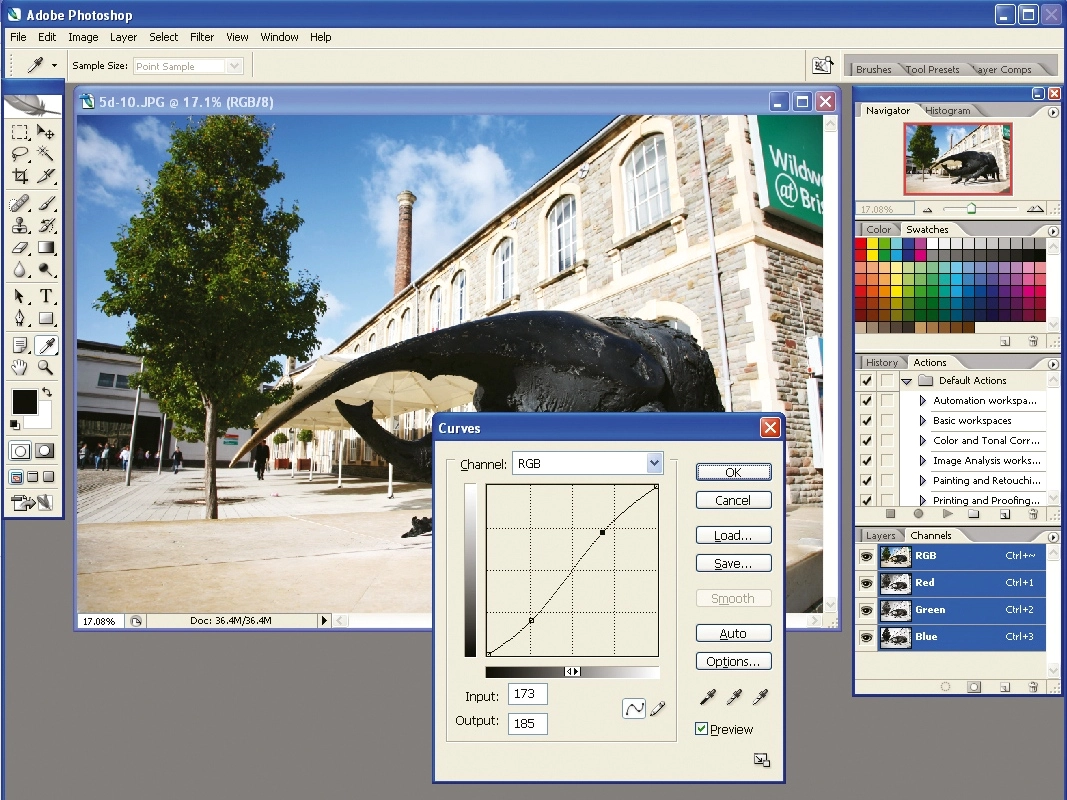
Adobe is to launch a free, web-based version of Photoshop within the next six months. The company says it's hoping to steal a march of software providers like Google as more productivity apps spring up online.
The free version of Photoshop will be vastly simplified, but Adobe says it wil still be more advanced than other image editing programs.
Google has been at the forefront of providing free web-based applications, and it's Google's strategy that has made Adobe act. It doesn't want to be challenged within its own specialist area and has chosen to act before companies such as Google launch rival products.

Bruce Chizen, Adobe's CEO, said : "This is new [for Adobe]. It's something we are sensitive to because we are watching folks like Google do it in different categories, and we want to make sure that we are there before they are, in areas of our franchises.
"We recognise there is a customer there - we recognise they are not going to pay us, necessarily, directly. But we could use ad revenue as a model. Google has demonstrated that it works pretty well for certain types of applications," Chizen said.
Last week, Adobe said it will make video-editing tools based on its Adobe Premiere suite available as a web app through PhotoBucket .
Adobe will offer similar services with several of its other flagship products. It certainly looks like web apps really will be a serious alternative to traditional desktop-based software within the near future.