


- Nvidia has released a full GeForce Now app for Linux
- It's out for Ubuntu 24.04 and later, but may run on other distros too
- This is still a beta release, so manage your expectations for now – but it's still good news for accessing a wider range of games on Linux
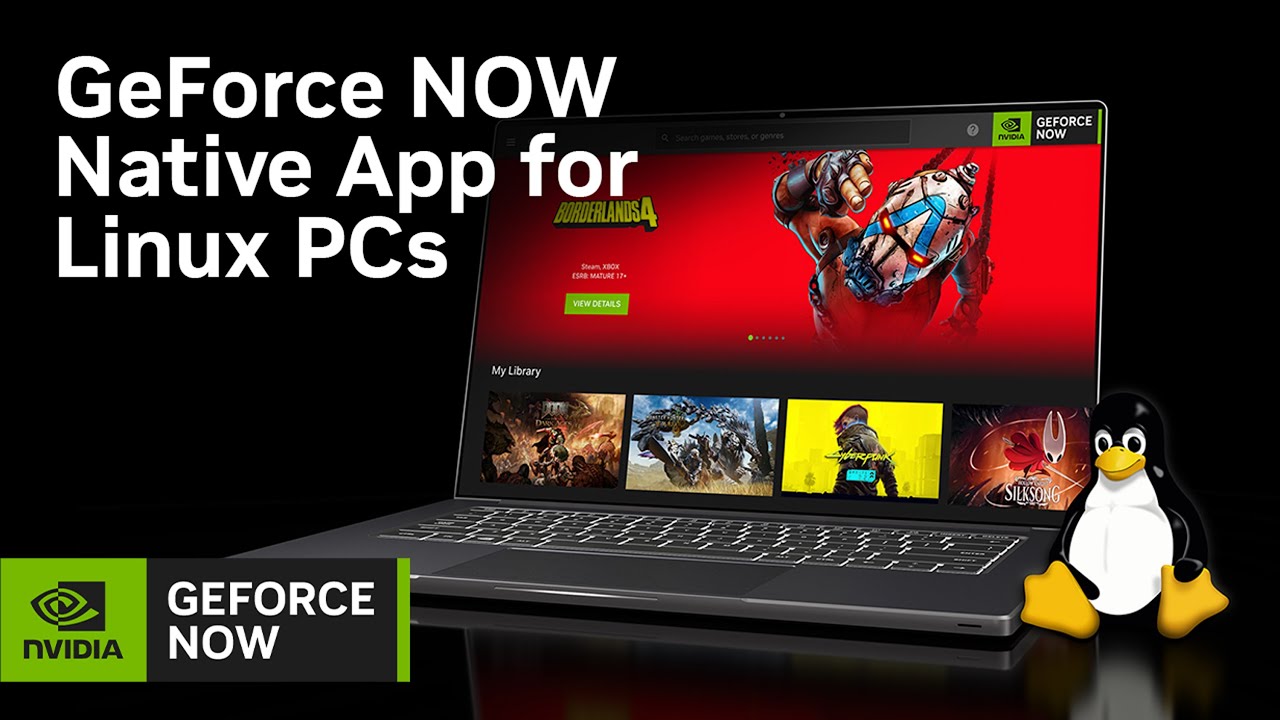
If you're a gamer on Linux, there's a new way to play a broader range of games, with the arrival of the official GeForce Now app on the platform.
Nvidia just revealed that there's now a full native Linux app for its game streaming service, albeit it's still in beta, so you might experience some wonkiness here and there.
Initial support is available for Ubuntu 24.04 and later, and the new desktop app boasts the full GeForce Now experience, including streaming games at up to 5K resolution (on the Ultimate tier) at 120 frames per second, or 360 frames per second with Full HD resolution.
It also means no compatibility worries on Linux with certain games (notably anti-cheat online efforts – such as Fortnite), and of course, no concerns about the hardware in your rig not being good enough for fluid frame rates. Of course, you're trading hardware specs for the quality of your internet connection; with slow broadband, you won't do very well with streaming games.
The other point to remember here is the supported library of games on GeForce Now, as the title you want to play obviously needs to be in Nvidia's offerings (and you need to own it, too).
Analysis: reasons to be cheerful
Linux gamers are just getting more and more reasons to be optimistic these days. SteamOS is forging ahead nicely, and an increasing number of games are now compatible with Linux as a result, with the Steam Machine (which should be arriving before long) likely to drive that progress further.
The GOG ('Good Old Games') gaming platform has been making positive comments hinting that there are big things inbound for Linux in 2026 for the service (a job advert that emerged this week underlines this, too). And the demise of Windows 10 appears to be pushing a sizeable number of new recruits to some Linux distros, as they decide against heading to Windows 11.
On top of that, cloud gaming is another way to make the most of a Linux PC, and GeForce Now is obviously a big player in that field – and we've been impressed with Nvidia's service in recent times.
With the official app now here for Linux, catering for desktop PCs and laptops, GeForce Now is obviously a more tempting prospect than what was previously offered by Nvidia, which was handheld-focused (Steam Deck) and limited as a result.
While it's for Ubuntu only to begin with, as noted, it's possible other distros can run this app, though in those scenarios it's likely to be even more erratic than beta software already is. Still, it might be worth a whirl for the keen, and you can bet people will be trying this out on alternative distros.

➡️ Read our full guide to the best laptops
1. Best overall:
Apple MacBook Air 13-inch M4
2. Best budget:
Asus Chromebook CM14
3. Best Windows 11 laptop
Microsoft Surface Laptop 13-inch
4. Best gaming:
Razer Blade 16
5. Best for pros
MacBook Pro 16-inch (M4 Pro)
Follow TechRadar on Google News and add us as a preferred source to get our expert news, reviews, and opinion in your feeds. Make sure to click the Follow button!
And of course, you can also follow TechRadar on YouTube and TikTok for news, reviews, unboxings in video form, and get regular updates from us on WhatsApp too.