





Presented by

5 reasons why Windows 11 Pro is so much better than Windows 10

Windows 11 Pro no longer feels like the newer alternative to Windows 10 so much as the OS version which Microsoft actually wants people to use going forward.
Windows 10 reached end of support in October 2025, so for most people it is no longer receiving free security updates, feature updates, or standard technical support from Microsoft.
For anyone buying a new laptop, running a small business, or simply deciding whether it is finally time to move on, Windows 11 Pro has a much stronger case than Windows 10 ever did in its later years.
Better built-in security, more useful professional tools, and a smoother day-to-day experience all help, but the broader point is straightforward: Windows 11 is the platform Microsoft is actively moving forward.
To help you make sense of what Windows 11 Pro offers, and to persuade any Windows 10 holdouts, we're taking a look at five advantages that will help you in personal and professional contexts.
Please note: All of the information is correct as of March 2026. Microsoft regularly updates its products, so some steps or features may change.
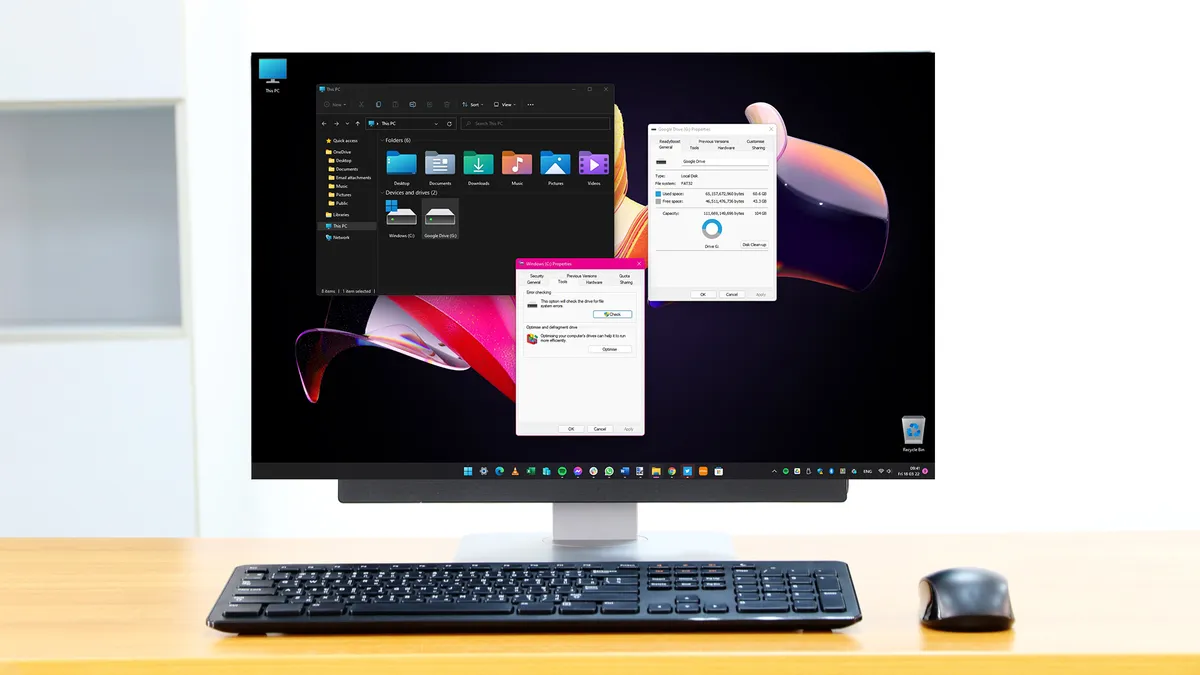
Windows 10 isn't supported anymore
Choosing Windows 11 Pro over Windows 10 is partly about avoiding a dead end.
Microsoft’s attention has, understandably, moved on: new Windows features, servicing work, and current lifecycle support now sit with Windows 11, while Windows 10 has shifted into legacy territory for most mainstream users.
Software support makes a difference beyond the technical small print - if you are setting up a laptop for the next few years, using cloud apps every day, or simply want a machine that still feels part of the current Windows ecosystem, Windows 11 Pro is the safer place to be.
Windows 10 support ended in October 2025 for mainstream users, and while there are exceptions such as paid Extended Security Updates or specialist long-term servicing editions, those are workarounds rather than the normal path forward.
11 Pro's security baseline is stronger
Windows 11 Pro starts from a more modern security footing than Windows 10.
Microsoft made TPM 2.0 and Secure Boot part of the Windows 11 hardware requirements, which helps protect the system earlier in the startup process and gives newer PCs a stronger foundation before you even get to the desktop.
In 2021, those requirements often felt restrictive. In 2026, they look much more like the price of entry for a current, better-defended PC.
Windows 11 also builds on that hardware base with protections that are easier to manage from the Windows Security app.
Features like memory integrity, Smart App Control, and Microsoft’s vulnerable driver blocklist are all part of a broader push to lock down the operating system in a more visible, joined-up way.
The result is a system that feels more aligned with how PC security works now. Windows 10 is not instantly unsafe, but Windows 11 Pro does more of the hardening work for you on supported hardware.
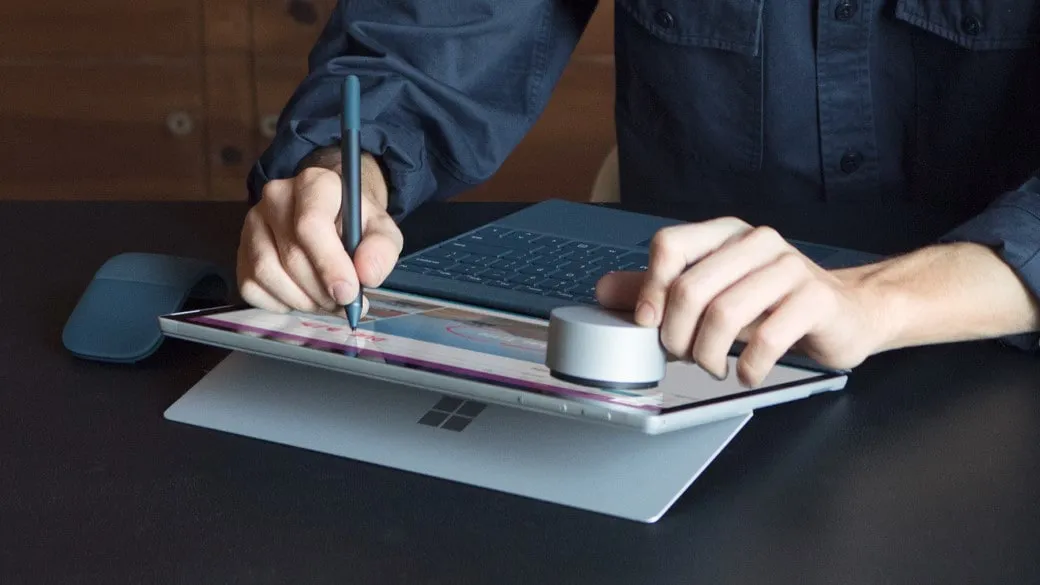
11 Pro gives you genuinely useful features
Windows 11 Pro earns its keep with features that have obvious value outside a large company IT department.
BitLocker is the clearest example. Microsoft describes it as a built-in encryption feature that protects data by encrypting the entire drive, which is exactly the kind of safeguard that matters if a laptop is lost, stolen, or sold on.
The same applies to several of Pro’s other extras. Remote Desktop host support, Group Policy controls, BitLocker To Go, and Hyper-V all give you more authority over how a PC behaves and how securely it handles work.
The important distinction is that these tools solve real problems: Encrypting a drive protects files if the hardware goes missing, remote access can save a trip back to the office or spare room, and so on.
Whether you're a sole trader, hybrid worker, or anyone using your Windows PC for work, these features will make a difference.
Windows 11 Pro is better for testing apps
Windows 11 Pro gives you more room to experiment without putting your main setup at risk.
To start, Hyper-V lets you create virtual machines inside Windows, so you can try another operating system, run older software, or test a new setup without touching your everyday installation.
Windows Sandbox is just as useful, and arguably easier to appreciate, opening a lightweight, isolated desktop where you can try an unfamiliar app, inspect a file you do not fully trust yet, or poke around in a tool.
Most people will not live in Hyper-V Manager every day, but that's not really the point: These are the kinds of features that become valuable the moment you need them.
Windows 10 could still handle plenty of serious work, but Windows 11 Pro gives you more flexibility once your needs stretch beyond the basics.
Day-to-day productivity is better
Windows 11 Pro makes a stronger case in the small moments than Windows 10 ever really did in its later years.
Snap Layouts are a good example: They make it easier to arrange apps into clean, repeatable layouts, whether you are working across a laptop screen, a large monitor, or both.
File Explorer tabs help in a similarly unflashy way. Instead of opening a trail of separate File Explorer windows just to move between folders, you can keep multiple locations inside one window and switch between them more neatly.
Of course, there are many examples in Windows 11 Pro, but these two give a flavour of the ways the OS can help you right out of the box.
None of this is as dramatic as a major security feature or a Pro-only admin tool, but it does make the operating system feel easier to live with every day, especially on newer laptops and multi-monitor setups.