





Sponsored by

How to choose your perfect bookkeeping software

Choosing the right bookkeeping software is all about making your life as a business owner simpler. Transactions occur on a daily basis for many businesses, with invoices being paid and expenses coming out of your accounts.
Keeping tabs on all your finances needn't be a daunting task, though, despite the perceived workload, because good bookkeeping software makes it easy to log income and expenditure from anywhere.
But it can seem overwhelming with so many different bookkeeping software options available, especially with some software vendors referring to their products under different names, like accounting suites.
Not to mention that many vendors actually bundle this together with other packages you might need as a business.
In this guide, we break down the most commonly used bookkeeping software features to help you understand what you need to consider when choosing the perfect bookkeeping software.
What is bookkeeping software?
Bookkeeping software traces its name back to the days when business owners would physically write down their transactions in books, but the concept remains the same.
All your finances should be easy to find and decipher, and stored in one central location.
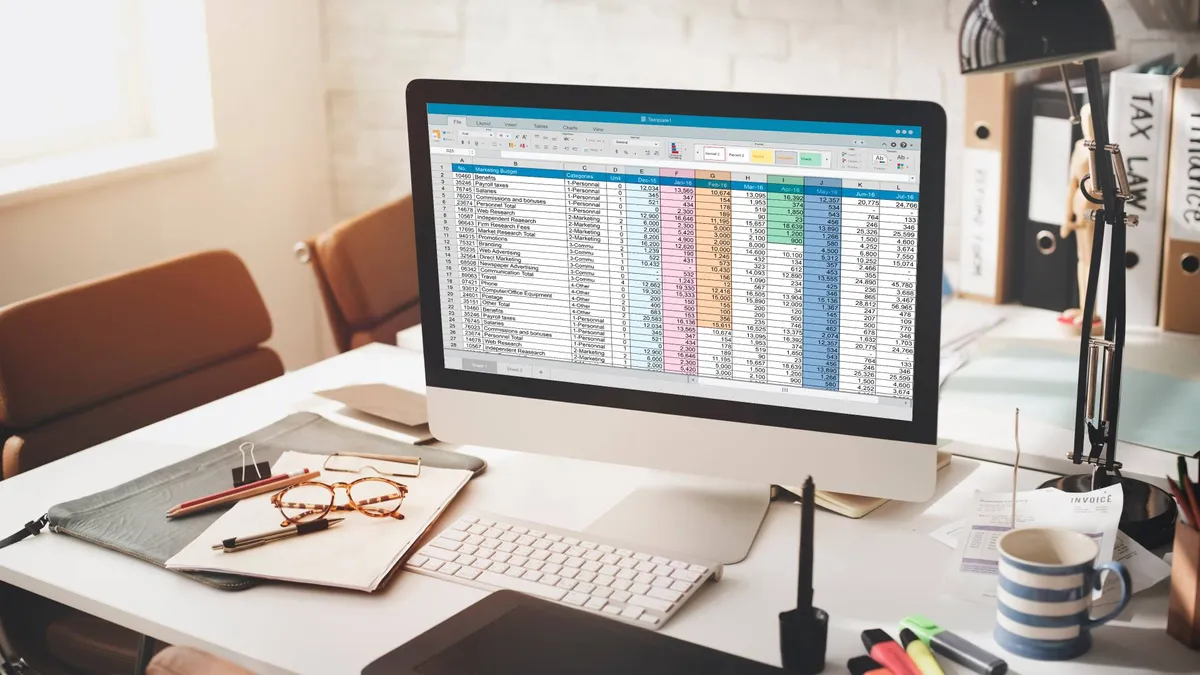
Later on, as the world went digital, spreadsheet software became the go-to option, but that presents its own challenges, like the lack of access everywhere (largely solved by the cloud) and a lack of compliance.
Bookkeeping software tackles these issues, serving as your primary location to track income and expenses, categorise transactions, store receipts, invoices, and other proof, monitor cash flow, and generate financial reports.
Why choosing the right bookkeeping software matters
Choosing the right bookkeeping software is one of the most important things you can do as a business owner because you'll use it for much more than just logging income and expenses once it's set up correctly.
Some examples include preparing for tax deadlines, submitting HMRC-compliant reports, and showing your profit and loss data in an easy-to-read format.
But more than that, many software companies integrate bookkeeping with other core areas of your business, giving you greater all-around visibility.
What are the key features to look for
Bank feeds and automation
This is exactly what we're talking about – it's gone from being a luxury to a must-have for most businesses. By connecting to your bank, the software will be able to automatically input expenses and income into its database, which means the chances of you making a potentially costly typo are significantly reduced.
Besides saving hours of manual entry, the best bookkeeping software will also be able to categorise your payments automatically.
Sometimes by default, and other times after you've told it which vendors fall into which categories. Still, if you've got limited resources, live bank feeds are one of the easiest ways to tackle efficiency.
Income and expense tracking tools
It's no good having all of this data without being able to interact with it. Businesses will value having clear transaction lists with categories, filters and search tools, so if they ever need to refer back to a piece of data or spot trends, they can do so with ease.
Another tool we think is a must is support for notes or attachments. Your books are already in the cloud with most software, so your receipts and invoices should be too.
If you're ever questioned over a particular transaction, there's no need to hunt down that piece of evidence at the back of a dusty filing cabinet.
Receipt capture
Chances are, if you're invoicing someone, then you're already at the computer, or you've got the relevant apps open. But when you're buying products or services for your business, you could be running personal errands at the same time.
Being able to log receipts from a mobile app or later on at your computer reduces the friction involved with expense tracking, making it a less tedious task.
Good bookkeeping software will be able to detect costs and vendors, matching them to categories, while automatically keeping that receipt as an attachment too.
VAT and tax tracking
VAT-registered businesses aren't the only ones with big tax requirements – even sole traders are being faced with Making Tax Digital (MTD) requirements, which involve reporting back to HMRC more frequently with company finances.
Besides looking for compliance, we think a live dashboard with all of your tax liability details is also high on the agenda. It'll indicate how much money you need to put aside to pay your tax bill, so there's no nasty surprises at the end of the year.
Reporting and insights
Building on this are other dashboards and reports, like profit and loss reports, cash flow summaries, and expense breakdowns.
Good bookkeeping software will present your data to you in a glanceable format, so you can quickly check if anything looks untoward.
Integrations

We've already alluded to bank integrations, but company finances are the backbone of your business and hold the key to much slicker business operations if you connect them with the right apps.
Some obvious choices include invoicing software and payment gateways – after all, these are two of the main tools you'll be interacting with to generate cash. You may also wish to integrate payroll software to see the impact that workers are having on your cash flow.
Security backups
All of your financial data resides within the bookkeeping software, so you'll need to keep it secure.
Check that the software maker encrypts your data, and this includes in transit (when it's being sent to servers for storage) and at rest (when it's unused at said servers).
Remember that HMRC can always ask you for previous data if an inconsistency is flagged, so you might have years' worth of highly sensitive information.
How much does bookkeeping software cost?
Bookkeeping software is essential for every type of business, small and large, so features will vary widely and so will prices. You'll be able to find stripped-back or ad-supported free options and paid plans that offer more than you might need.
It's also worth not looking at bookkeeping software in isolation – consider pairing it with other financial tools like invoicing software and payment processing apps. Consider the total cost of all the tools you need, because sometimes paying less for more products can work out more expensive.
Summary
Choosing the right bookkeeping software is important from two perspectives – firstly, it's about making sure you're staying compliant, but for your day-to-day operations, it's about saving as much time as you can to focus on generating revenue.
Consider which of the popular features outlined above are important to you, and then consider what other software you might want to pair with your bookkeeping software to maximise the bang for buck.
