
 Become a TechRadar Insider





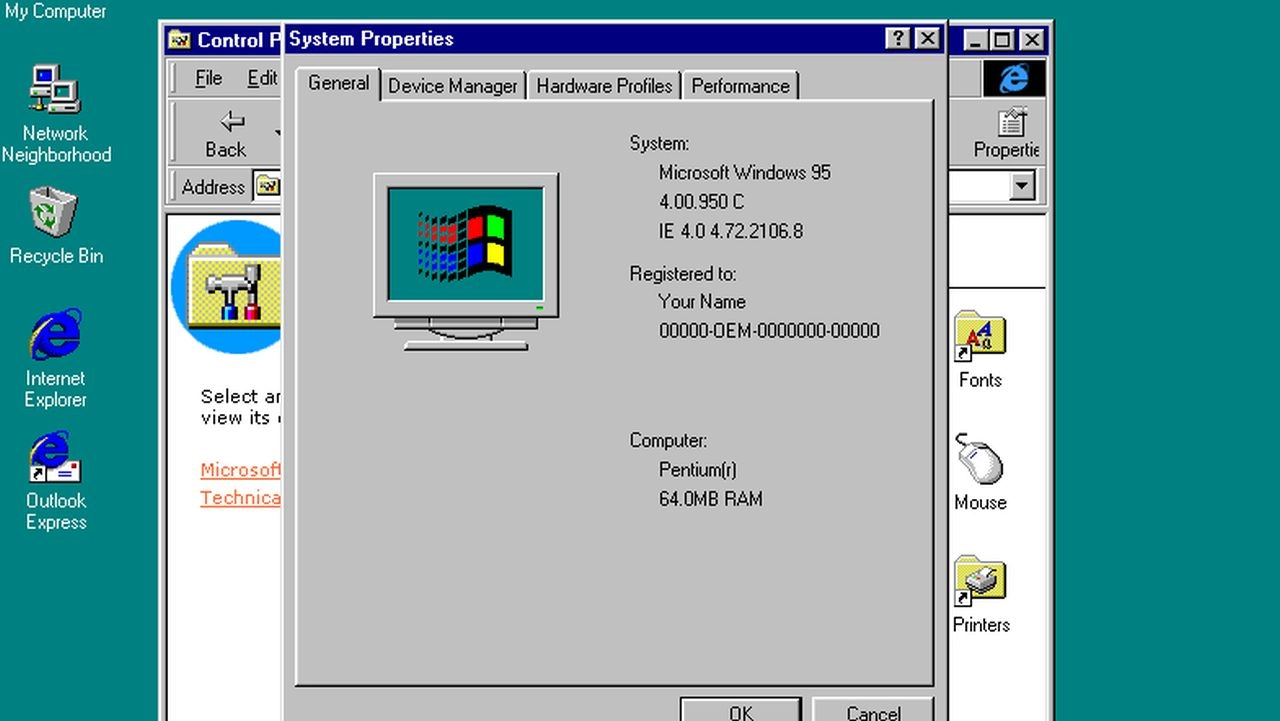
Windows 95 is twenty today. It's hard to imagine it now, but the launch was greeted with the sort of hype that only Apple generates today: the Empire State Building lit in Windows colours, midnight queues outside PC shops, wall-to-wall news coverage and that Rolling Stones riff.
To some, the arrival of Windows 95 heralded a brave new world of personal computing; to others, it was the beginning of a long period of stagnation for the PC platform.
There's no doubt that if you were running Windows 3.1 or 3.11, Windows 95 was like a visitor from the planet Groovy. No, really. It looked great, and provided you treated the system requirements - a 386 with 4MB of RAM and 120MB of disk space - with the contempt they deserved then it ran great too.

Heavily targeted towards home users as well as the more traditional corporate users, it was the first stand-alone Windows (MS-DOS was part of it rather than a separate OS). It had an exciting new interface that's still visible in Windows 7, and it even had Microsoft's first go at a Web browser - albeit one that was initially tucked away on the optional-extra Plus pack.
The beginning of the big boots
Critics, however, would argue that Windows 95 was when Microsoft started throwing its weight around.
They argue that by bundling MS-DOS inside Windows, Microsoft killed the market for MS-DOS rivals; the arrival of Internet Explorer would become the Netscape-crushing browser war; and the US Department of Justice found that it used the "Windows Tax" - that is, offering manufacturers discounted prices if they promised to limit the number of non-Windows PCs they sold - to stifle competition.
In 1998 consumer advocate Ralph Nader wrote a devastating critique that accused Microsoft of "suffocating" the PC industry and argued that "the victims of Microsoft's monopolistic activities aren't just the companies that go belly-up; they are the consumers who pay high prices to use mediocre and unreliable products."
It's bleakly amusing to note that when the (then) Microsoft-owned Slate magazine responded to Nader, it argued that "in the browser wars, Microsoft faces a formidable array of opponents--Sun and Oracle, to name just two--and, after two years, it still lags behind Netscape even though IE generally gets better reviews than Navigator."
A force for good
Let's concentrate on the product itself, though, because when you do that Windows 95 was clearly a force for good too. It was a vast improvement over its predecessors. It revolutionised PC gaming. It made using computers - computers that we could actually afford to build or buy - much easier than before.
You may mock its primitive graphics (its press-Start-to-stop interface, its increasingly demented product names - Windows 95 OEM Service Release 2, anyone? - and its postie-crippling pile of installation floppies) but twenty years ago, Windows 95 was as cool as computing got.
Microsoft may never be as cool again as it was back then and while Android and iOS now dominate the OS landscape, Windows 95 was the milestone that saw Microsoft become a true technology giant.
