


Presented by

5 hidden features to boost your productivity in Windows 11 Pro

Windows 11 Pro is often sold on the big-ticket stuff: stronger security, better management tools, and features aimed at business PCs, not home laptops - all of which is true, but it can also make Pro sound more specialist than it really is.
In practice, some of its most useful extras are the quieter ones: the features that sit in the background, get overlooked during setup, and end up saving time once your working day gets busy.
What makes these tools worth a closer look is that they solve practical problems - some help protect sensitive files when they leave your laptop. Others give you more control over how and when your PC updates, or make it easier to get a second machine up and running without wasting half a day on setup.
For freelancers, hybrid workers, and small businesses in particular, those small time-savers can add up quickly - let's take a look at five you should know about.
Please note: All of the information is correct as of March 2026. Microsoft regularly updates its products, so some steps or features may change.
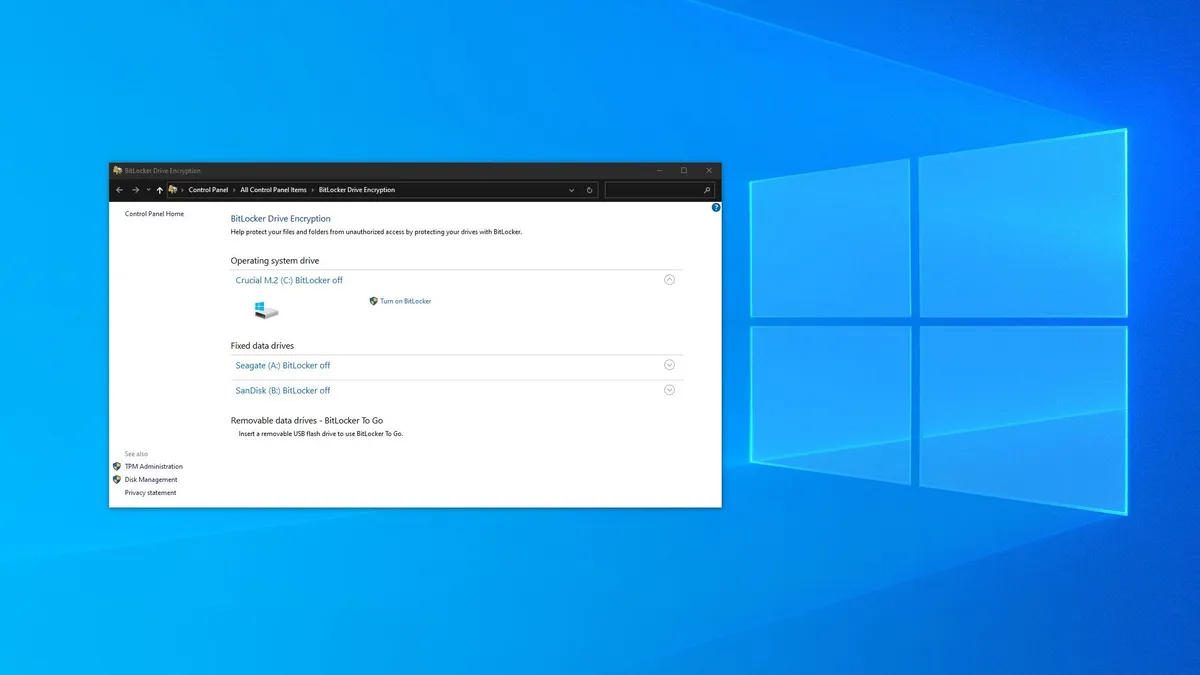
BitLocker To Go
Full-disk encryption tends to get most of the attention, but BitLocker To Go is arguably the more useful feature for plenty of business users.
The tool protects removable storage such as USB sticks and external drives, which makes a real difference if you regularly move client documents, media files, presentations, or backups between machines.
When those drives go missing, the problem is not just the hardware itself, but whatever was sitting on it.
In this, Windows 11 Pro has a quiet advantage. BitLocker To Go encrypts removable storage, so a lost drive does not automatically become a data leak.
BitLocker also feels more grounded than some of Pro’s more technical extras.
Plenty of freelancers and small firms still move files around physically, especially when internet speeds or client habits get in the way of a clean cloud workflow, making this a useful feature .
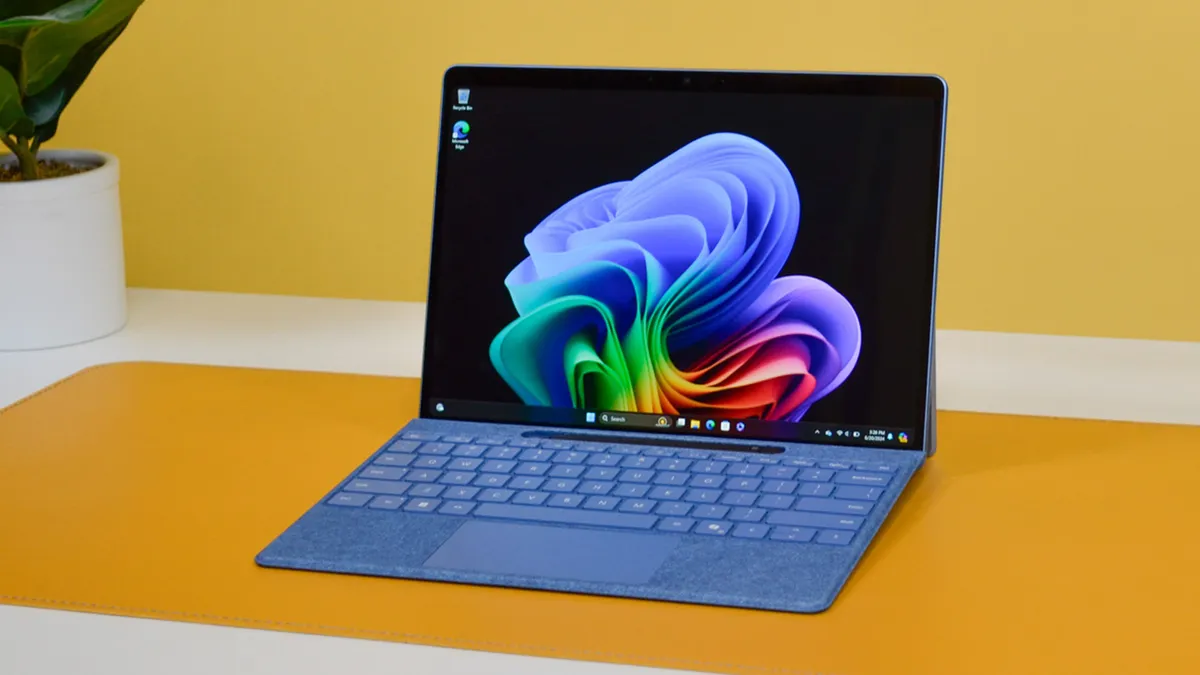
Remote Desktop
Remote Desktop is one of those Windows 11 Pro features which can quietly make your setup feel more flexible.
Rather than trying to mirror the same apps, files, and browser tabs across multiple devices, you can treat one machine as the centre of your working life and connect back to it when needed.
The appeal is partly practical, partly psychological. Your main PC stays arranged the way you like it, with the right software installed and the right folders in place.
Instead of rebuilding that environment every time you move to another device, you are simply returning to it, which can save an awful lot of time.
It also helps justify a more powerful desktop or primary laptop. A machine that stays at home or in the office does not stop being useful when you step away from it, because Windows 11 Pro lets it keep acting as your work hub.
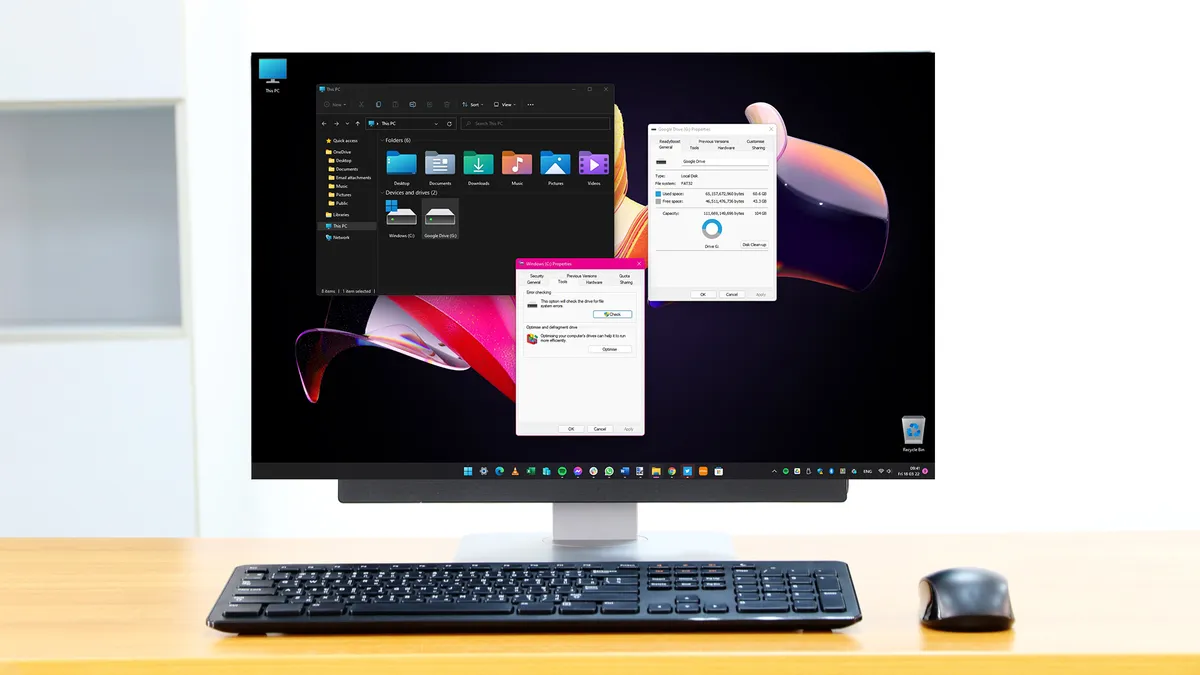
Windows Update for Business controls
Windows updates are easy to ignore when everything is running smoothly... right up until a restart prompt lands at the worst possible moment.
One of the more useful advantages in Windows 11 Pro is the extra control it offers over how updates are handled, which matters more on a work machine than it does on a casual home PC.
With Windows Update for Business, you can be more deliberate about when updates land, when restarts happen, and how much disruption you are willing to accept during a working week.
There is also a peace-of-mind benefit here. A laptop or desktop feels easier to trust when it behaves predictably, and, as we know from experience, that makes a difference when most of your work runs through a single machine.

Dev Drive
Dev Drive is the most specialized feature in this list, but it still earns its place because of how many business users now do at least some technical work on their main machine.
Developers are the obvious audience here, but it can also suit anyone dealing with large code repositories, package libraries, or test environments.
Windows 11 Pro lets you set up a dedicated volume for that sort of activity, which helps separate active development work from the rest of your system.
Keeping those environments more self-contained is useful in its own right, even before you get into performance gains.
For the right reader, this is the sort of feature that makes Pro feel more thoughtfully equipped for serious work.
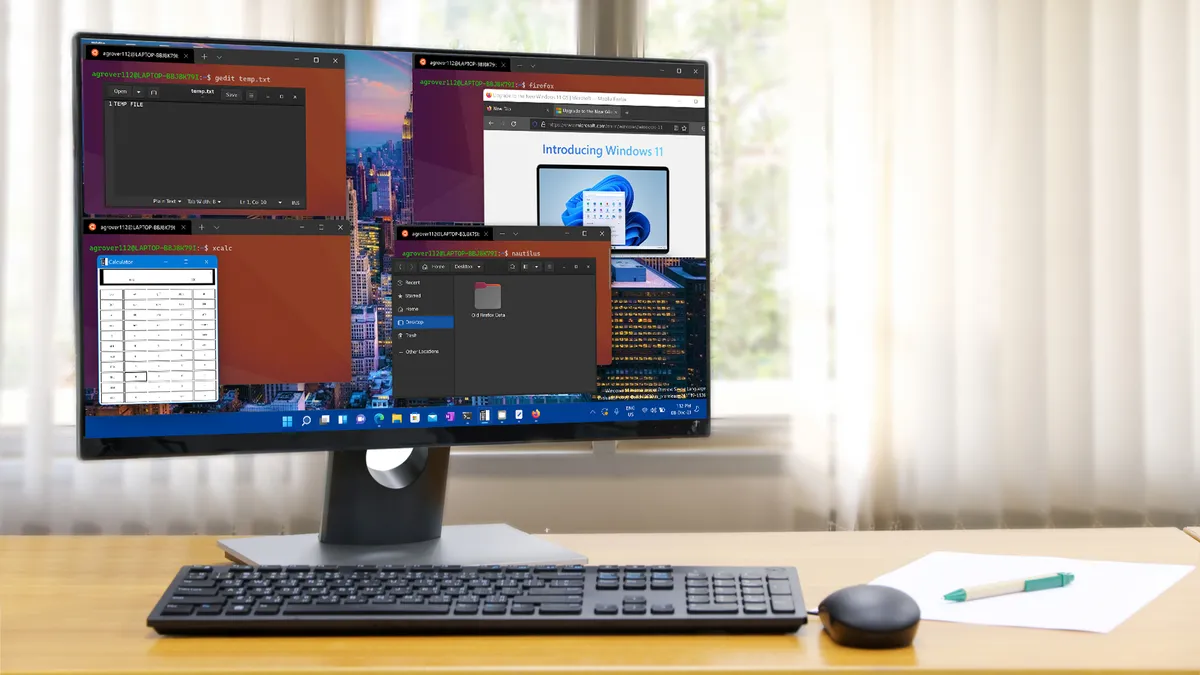
Provisioning packages
Setting up one new laptop is manageable. Setting up a second, third, or fourth starts to feel like a waste of time.
Enter Windows 11's provisioning packages.
Instead of clicking through the same setup steps over and over, Windows 11 Pro gives you a way to apply a bundle of settings, configurations, and customizations in one go.
While it's not an everyday tool in the same way as Remote Desktop or encrypted storage, it is exactly the kind of hidden Pro feature that can save a surprising amount of hassle when the need does come up.