
 Become a TechRadar Insider





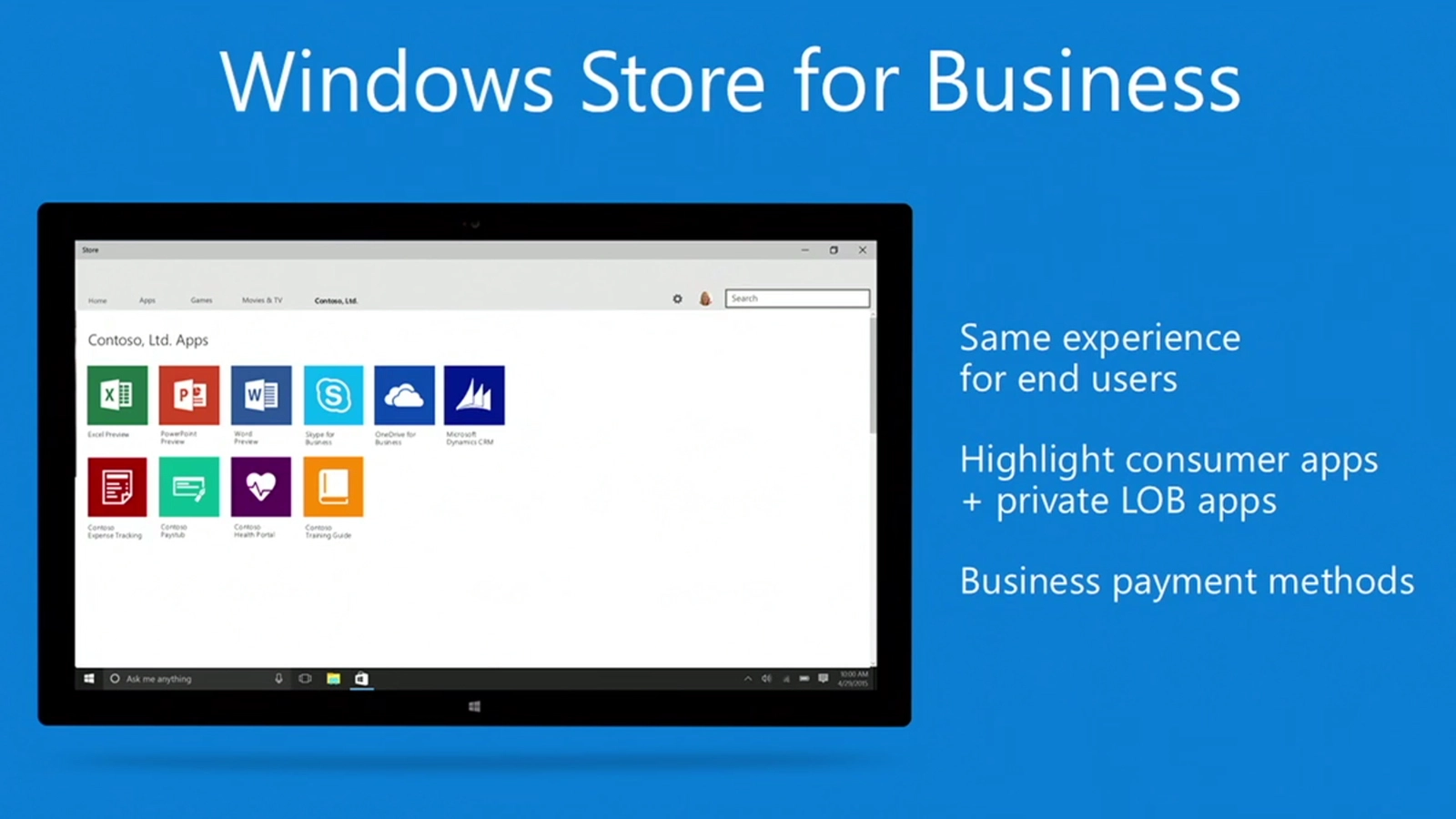
Good news for IT professionals who were excited by the news back in April that Microsoft was launching a dedicated Windows Store front for Business – as of today, the Windows Store for Business is open in 21 markets around the world.
Now, IT managers in Australia, Belgium, Brazil, Canada, Finland, France, Germany, India, Indonesia, Ireland, Italy, Japan, Mexico, Netherlands, Poland, Russia, Spain, Sweden, Switzerland, the UK and the US can sign up their business via the Store's official website.
Doing so will allow business decision makers to "acquire, manage and distribute Windows Store apps" easily across an entire organisation.

Easy distribution
The key advantage here for IT managers is the ability to easily curate, purchase and distribute applications to businesses of any size, including the ability to purchase multiple licenses of a single app in one transaction.
There are also three separate distribution methods, giving IT managers versatility in delivering the apps. They can directly assign apps to individuals or teams; use a private store page for employees to find and download on demand, or use a third-party management solution.
Companies with unique security needs may also want to take advantage of the new offline licensing mode, that allows apps to be installed on unconnected devices, without using Microsoft's online licensing system.
To sign up for the new Windows Store for Business, IT managers can point their browsers at the official store.