


Sponsored by

5 mistakes everybody makes when it comes to invoicing software – and here's how to avoid them

For most businesses and sole traders, invoicing software is an important part of how they get paid. Unlike employees who get their salary from the company they work for, many business owners make money from third parties or clients.
An invoice is a bit like a receipt, whereby it should break down an itemised bill of products or services and show a clear total. The difference is that a receipt is proof of purchase, whereas an invoice shows a client how much they owe you.
From there, payments should also be easy because paying an invoice is still largely a manual task. Think about digitising or automating with links or QR codes to reduce client friction and ensure you get paid on time.
Because invoicing is one of the earliest stages of getting paid, any delays here can have serious consequences later on down the line, complicating cashflow and potentially causing invoices to span two tax years.
Here are five common mistakes that businesses make when handling invoices, and how good invoicing software can help.
Missing payment terms from your invoice
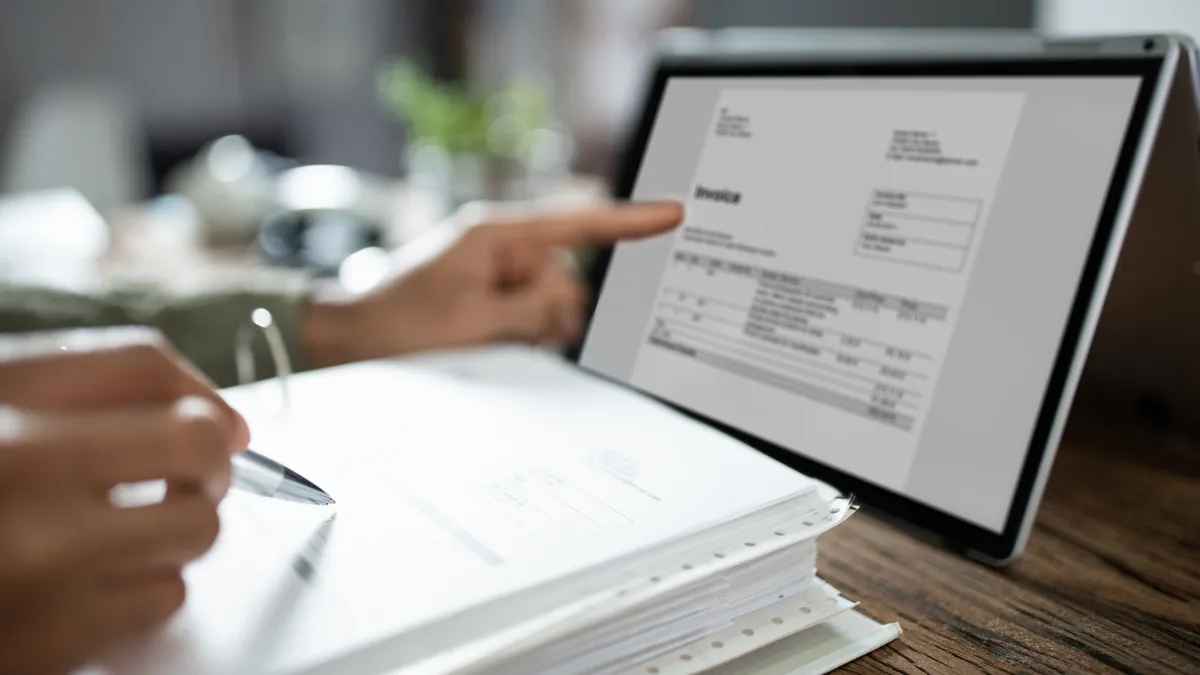
Setting out expectations on an invoice is a must – you might have already agreed these verbally or in writing with your client, but sharing them again on your invoice isn't just about reminding your client when and how they should pay.
You'll also rely on this evidence if they fail to pay on time, which can be a common occurrence, even if just by mistake.
If your client is long-standing, they might even have forgotten the terms you've agreed to. But a late payment might have knock-on consequences for your business, causing you to miss your own payments and incur interest or fees.
Always include bank details/payment instructions and a payment deadline for your clients. The easiest way to do this is to find software that allows you to customise and reuse a template, so you don't have to enter these details every time.
Invoicing software is even more powerful if you can have multiple templates for different clients.
Not automating reminders
This tool follows on from the above – we've already mentioned that missed or late payments can be common, even if not intended or malicious.
However, it can be awkward and embarrassing to contact a client and ask them for cash. Chances are you'll probably spend longer than needed writing and rewriting an email, or you may not even send it at all, taking you beyond the deadline and into 'late payment' territory.
Look for invoicing software that identifies if you've been paid – this might be directly through the software, via an integration with your bank, or it may require you to manually tick off an invoice as paid.
Either way, if the deadline is approaching, your software should be able to send a generic payment reminder to your client, making the whole ordeal far less awkward.
Using generic, off-brand invoices
Sending an invoice is widely considered a boring yet necessary administrative task, so whether it's included in other financial software like SMB accounting software or you've subscribed separately, many business owners want to make invoicing as easy, quick, and painless as possible.
However, this doesn't give the best impression to your customers. Generic invoices either look like you haven't made an effort, or they might make payees think the invoice isn't even from you, all of which leads to lower trust.
Most invoicing software should allow you to change things like branding, colours, font, and logos, but be aware that these could be paid features. Or free versions may exist, but they will include watermarking, branding, or logos from your software vendor.
Our biggest tip is to take time to set this up properly from the start, because then you can reuse templates thereafter, knowing that they reflect you as a brand.
Dismissing integrations with other software
However regularly you get paid via invoices, tracking payments manually can be a real chore. Many banks have mobile-first interfaces, while invoicing is still something that's largely done on the big screen.
Having to jump between devices and apps makes monitoring more of a task, and therefore, you're less likely to want to do it.
By missing a received payment, you might trigger your invoicing software to send an automated reminder even though the client has paid.
Manual entries also increase the chances that you could make a mistake, which could come at the cost of an HMRC fine or penalty.
The best invoicing software will link with other financial tools to give you a fuller picture. Consider linking it to your accounting software to give you better visibility across profit and loss, revenue trends, and your tax liability. Also look for bank integration to automatically check off paid invoices so you don't have to.
Not offering multiple payment methods
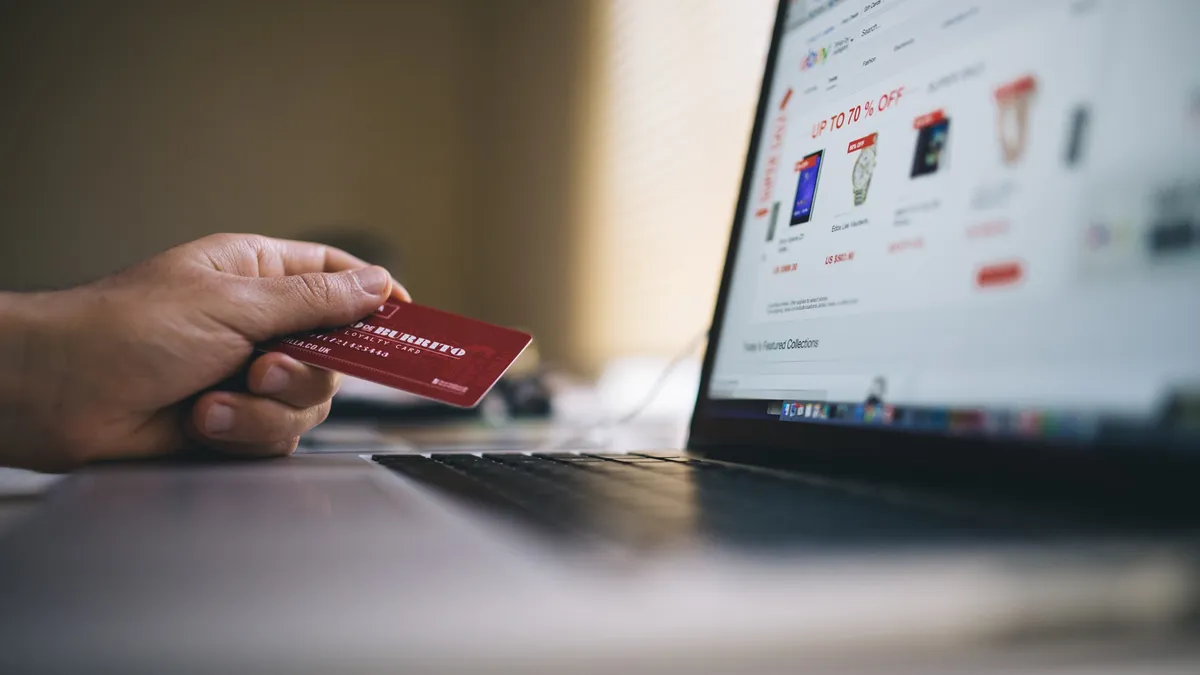
It's easy to focus on one or two payment methods, but there are so many other options out there.
Popular payment methods include cash, bank transfers, card payments, direct debit, mobile wallet payments, and open bank payments.
Don't focus on your preferred way to receive money, because you can delay customers from sharing their money with you. Instead, make it as easy as you possibly can for them to pay by offering the broadest selection of payment methods.
It's not uncommon for invoicing platforms to take payments for you, but these can be limited and generally revolve around card payments.
We suggest looking for further integrations with additional payment gateways to give your clients more options.
Summary
We see invoicing not just as a way to make sure you get paid, but also as a communication tool for your company.
You'll communicate explicit details like payment details and terms, as well as an underlying sense of your brand's professionalism.
A good invoice will assert your brand's authenticity, and it'll also make it as easy as possible for your client to pay. So when considering invoicing software, look at it from the angle of both the sender and receiver.
