
 Become a TechRadar Insider





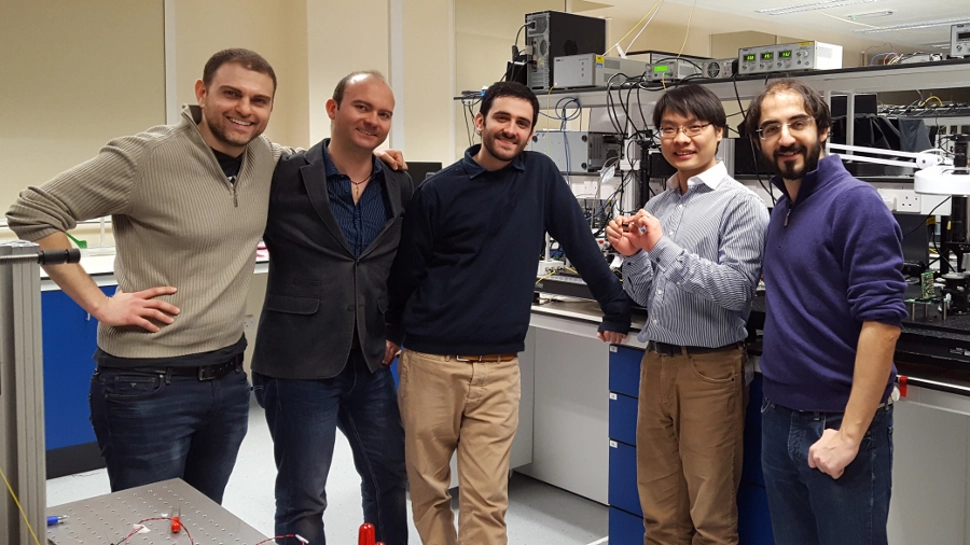
We’re heading for an explosive quantum computing revolution, or so we keep being told, but how soon will it come? Clearly, we are slowly learning more and more about how these sort of super-powerful systems can be realised – and the latest piece of research in the field concerns a fusion of traditional machine learning and quantum computing.
To what end? Essentially, this is about trying to characterise quantum systems and verify the operation of quantum processors more effectively – and more cost-efficiently – using quantum simulators and powerful machine learning routines.
In other words, it’s about pushing forward faster with developing quantum computing and making it a reality, which to put it mildly, is a very tricky business with a lot of challenges to overcome.

Scientists from the University of Bristol’s Quantum Engineering Technology Labs (pictured above) are behind the work, and have successfully demonstrated a quantum-enhanced machine learning tech which can be used with a quantum processor to learn about the evolution of other quantum systems.
Such analysis and characterisation of quantum systems is not something that a classical computer can achieve – the hardware is simply too limited to deal with the task at hand.
- No machine learning required: this is the best PC to buy
Collaborative effort
The crew from Bristol University are working in collaboration with researchers from Microsoft’s Quantum Architectures and Computation Group, and others from the Eindhoven University of Technology.
Specifically, the scientists have used a reprogrammable two-qubit silicon quantum photonic processor – and this has been characterised using ‘Bayesian inference’-powered machine learning.
Dr Nathan Wiebe from Microsoft Research commented: “Machine learning will play a key role in the efficient characterisation, verification and validation of future quantum devices such as quantum computers, and also in the understanding and controlling of complex quantum system, e.g. chemical molecules.”
Put simply, this is another significant step down the road to the realisation of powerful quantum computers. Speaking of which, earlier this month, IBM announced that it’s planning to create the first commercially-minded universal quantum computer.
- Give your home network a boost with one of these wireless routers